AI Home Design for Every Room and Yard
Upload one photo and see your living room, kitchen, house exterior or backyard redesigned in the style you want. Your walls, windows and layout stay put, so the design you see is your real home, finished.
No credit card required Results in under a minute 1 design free
- design styles
- 35design styles
- room and space types
- 40room and space types
- AI design tools
- 21AI design tools
- max download quality
- 4Kmax download quality
One AI Home Design Studio for Every Space
Interior, exterior, garden and staging tools, each tuned for that kind of space, plus precise edits when you only want to change one thing.
AI Interior Design
Living rooms, bedrooms, kitchens and baths redesigned on your own photo.
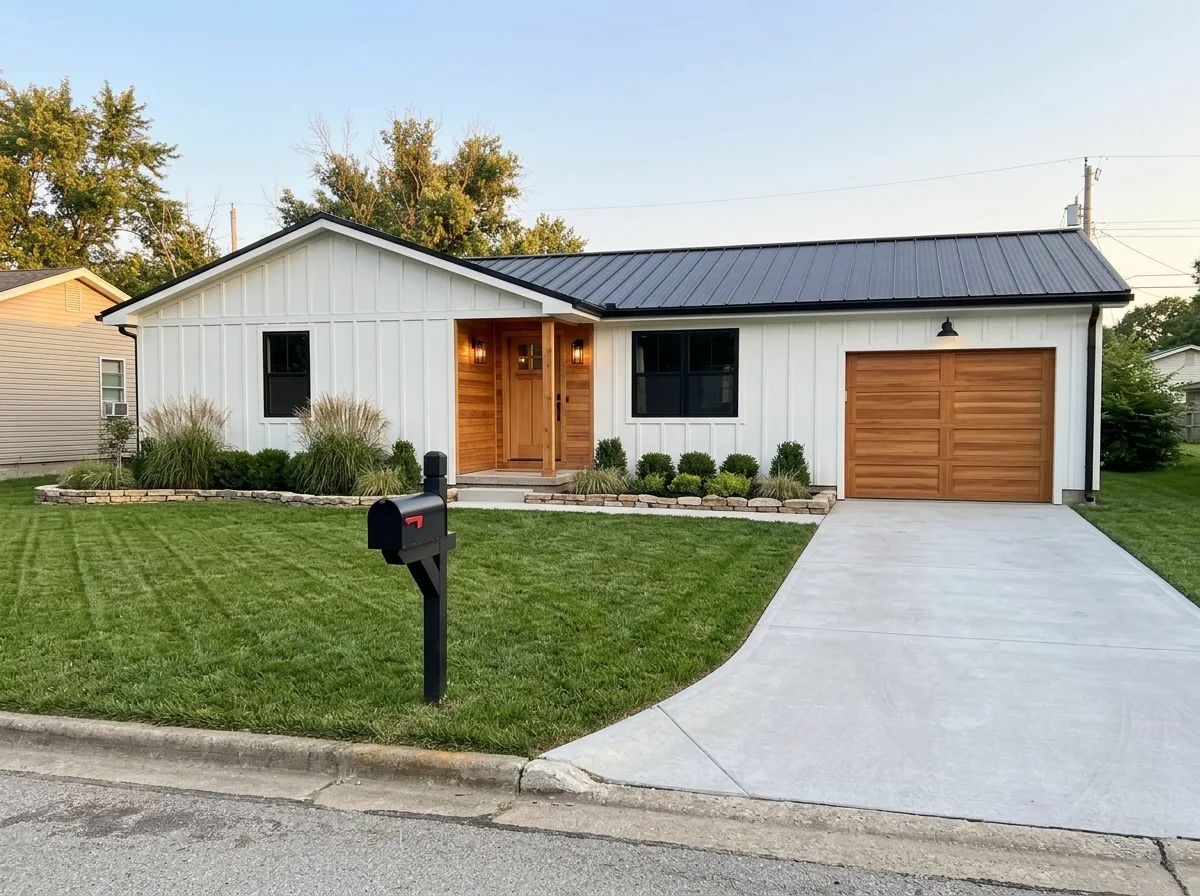
Exterior Design
New siding, roof and paint on your facade.
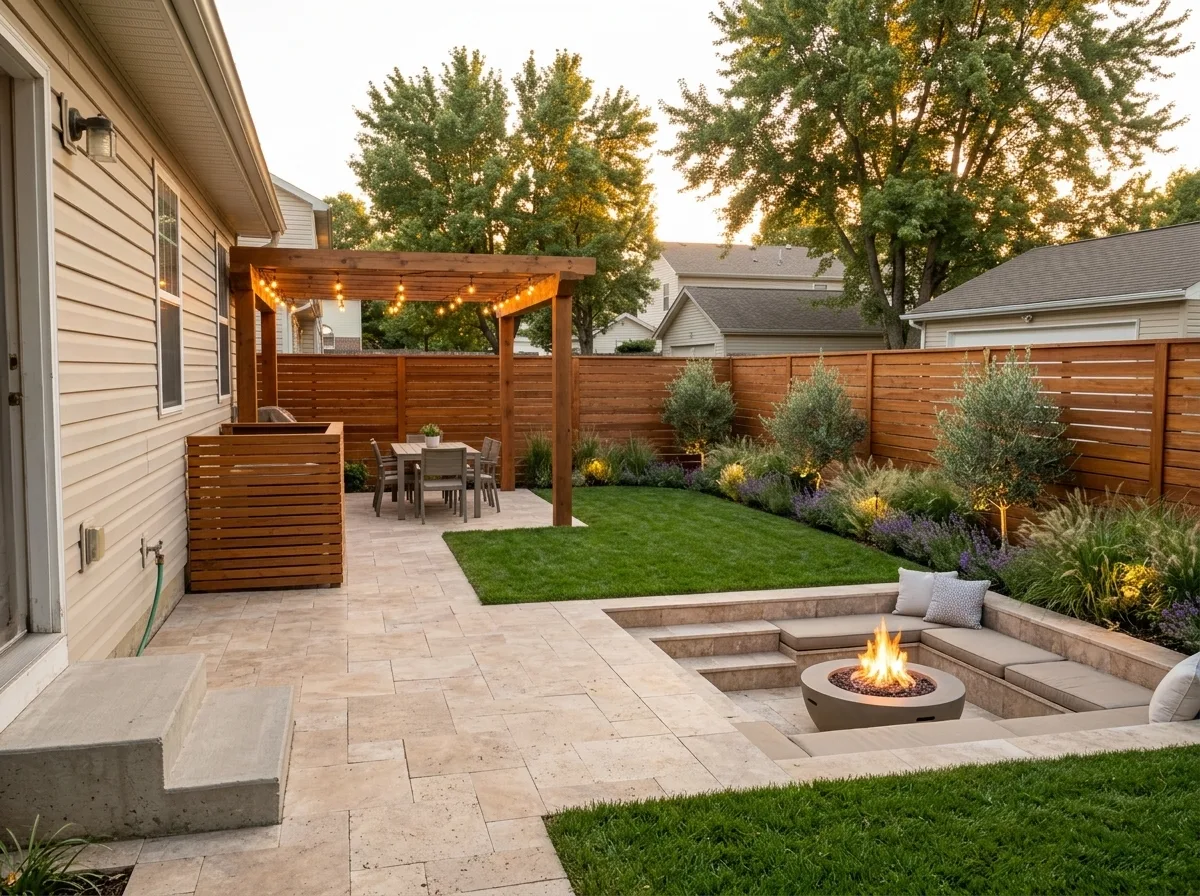
Garden Design
Patios, pergolas and planting plans.
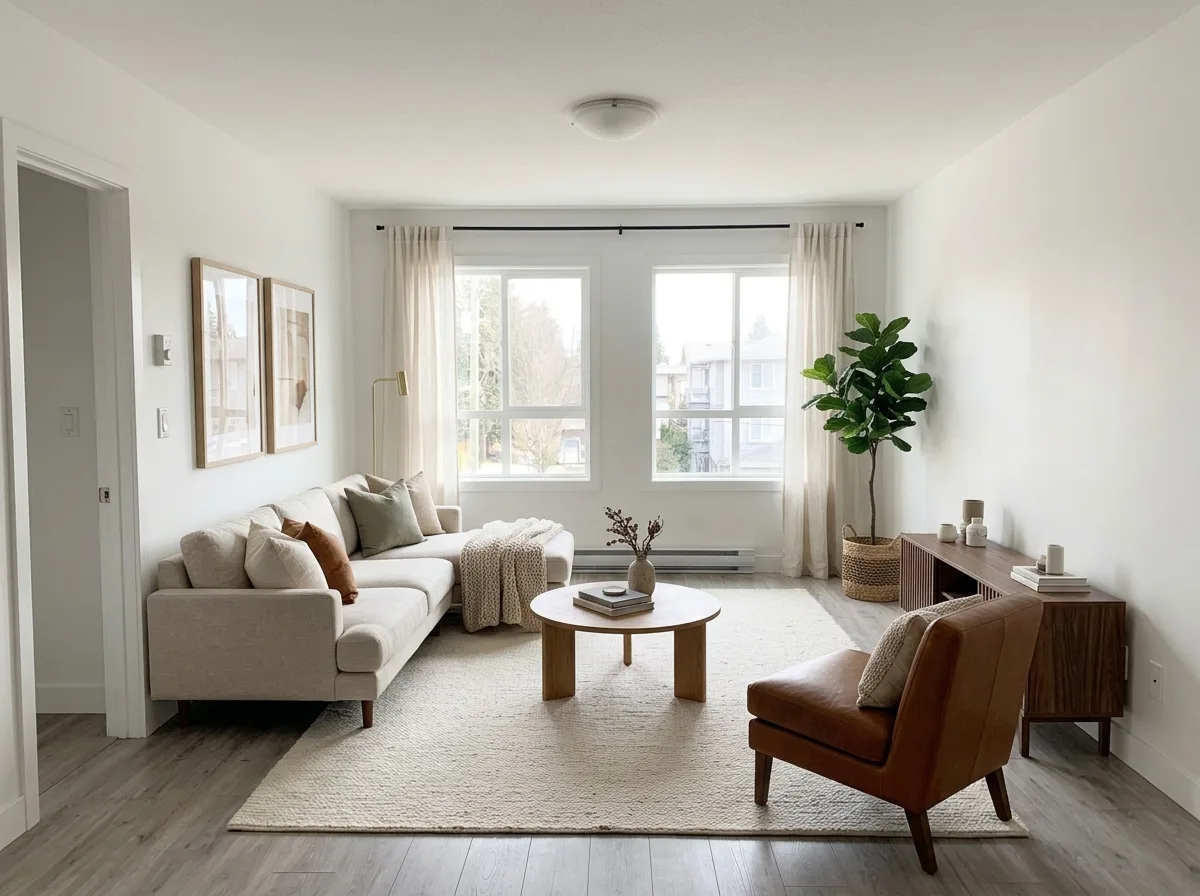
Virtual Staging
Furnish empty rooms for listing photos.
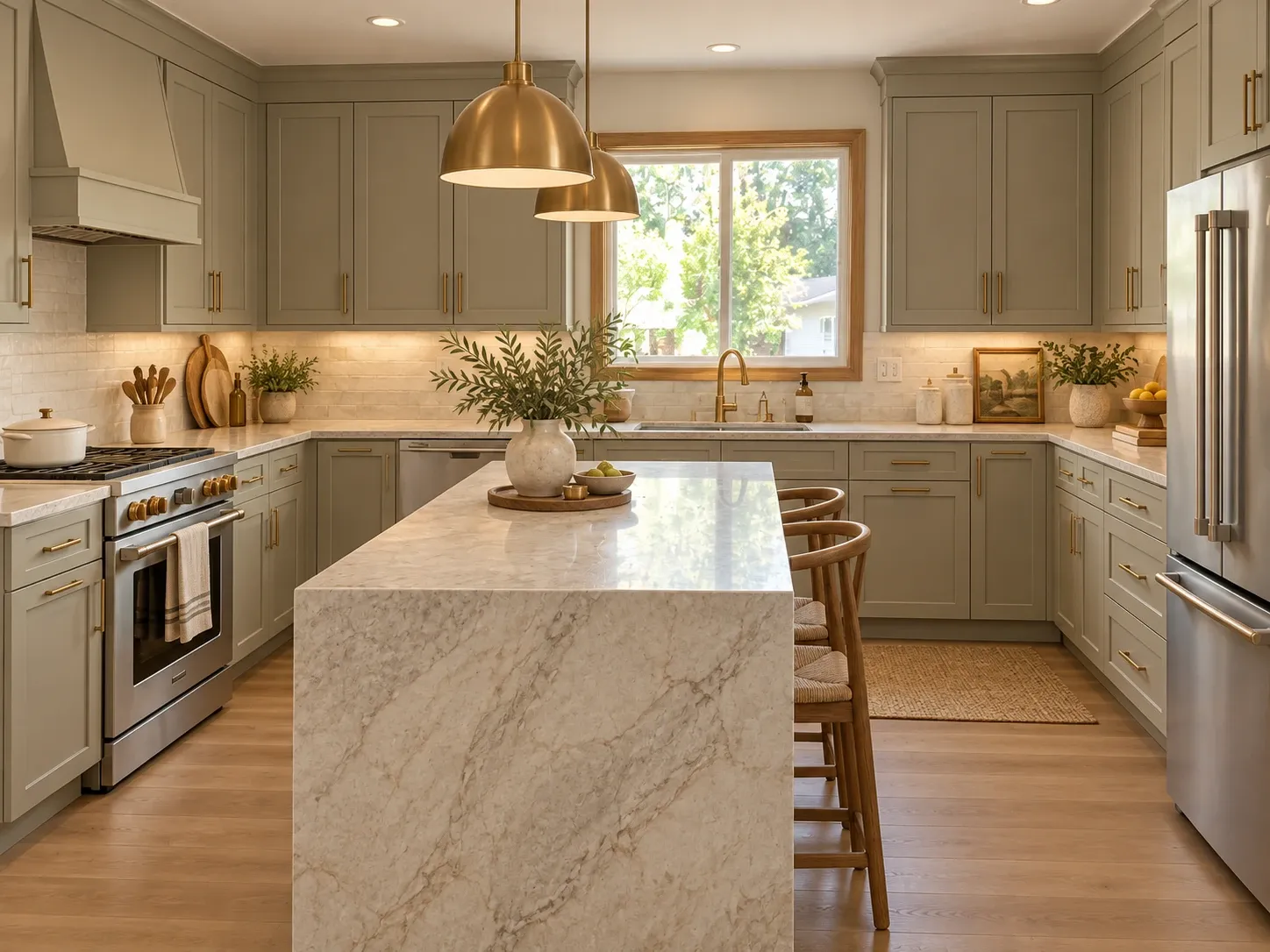
Edit an AreaNew
Paint a spot, describe the change, keep the rest.
See Your Home Redesigned Before You Spend a Dollar
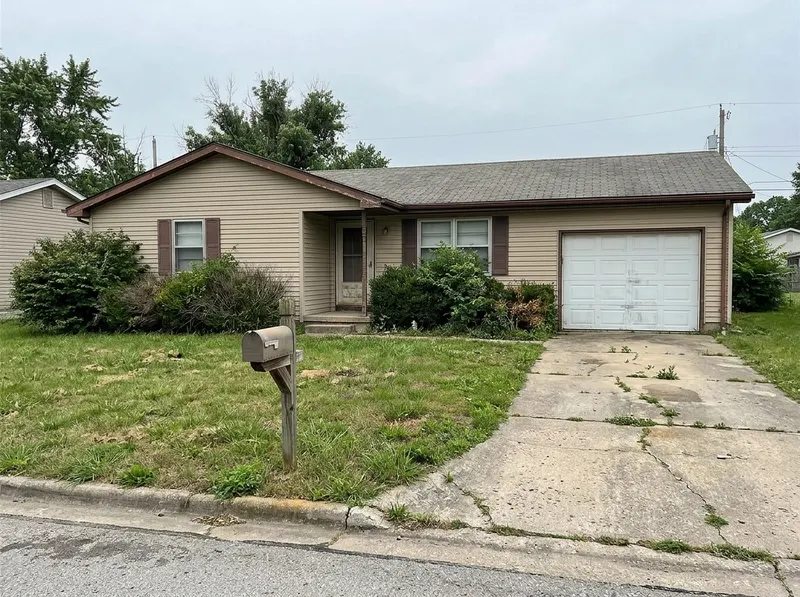
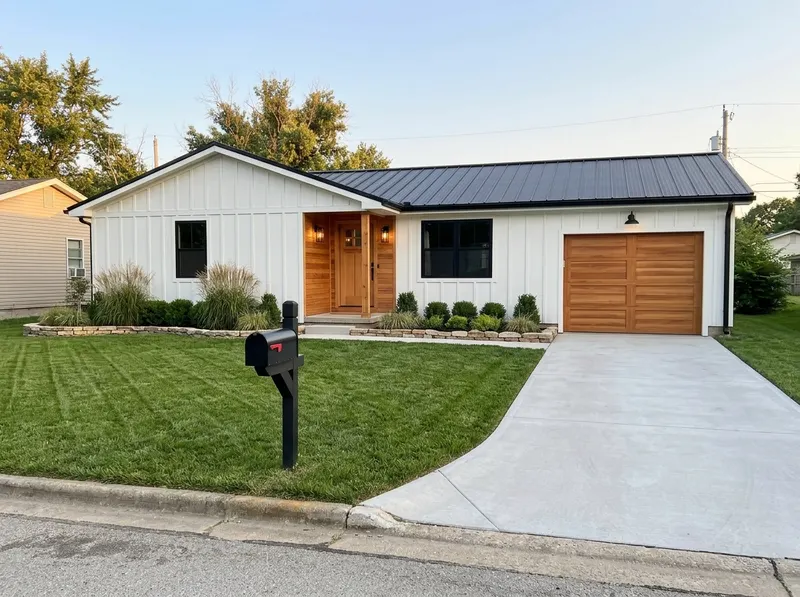
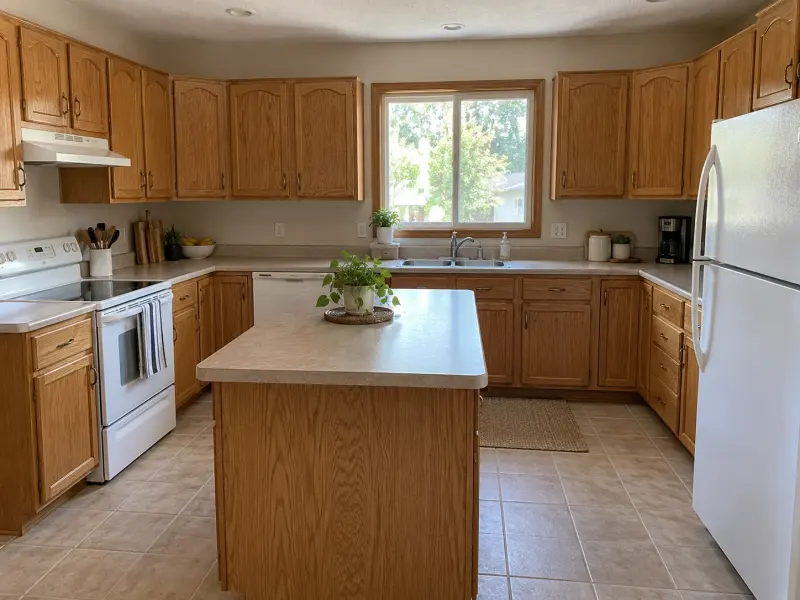
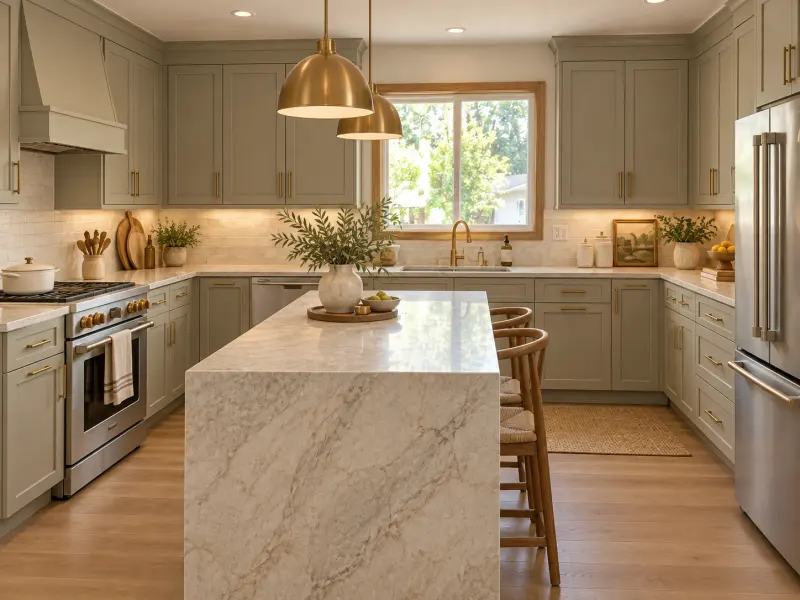
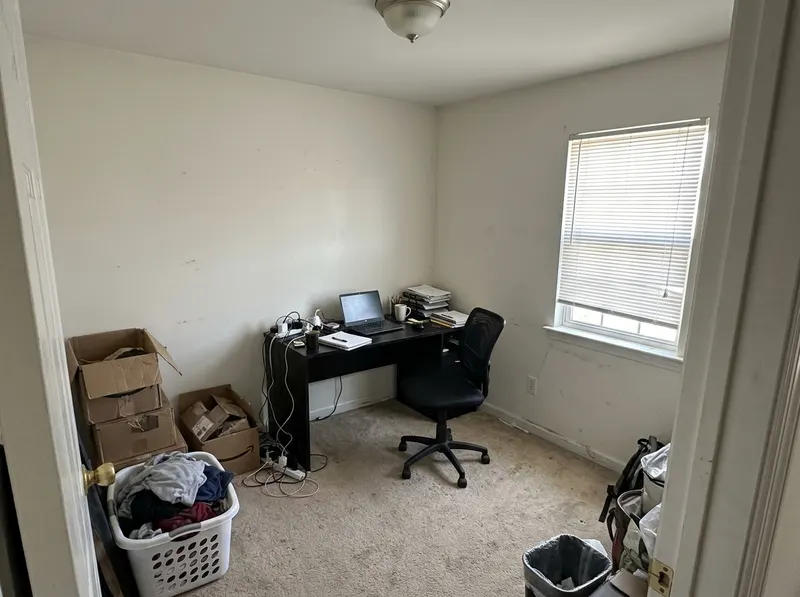
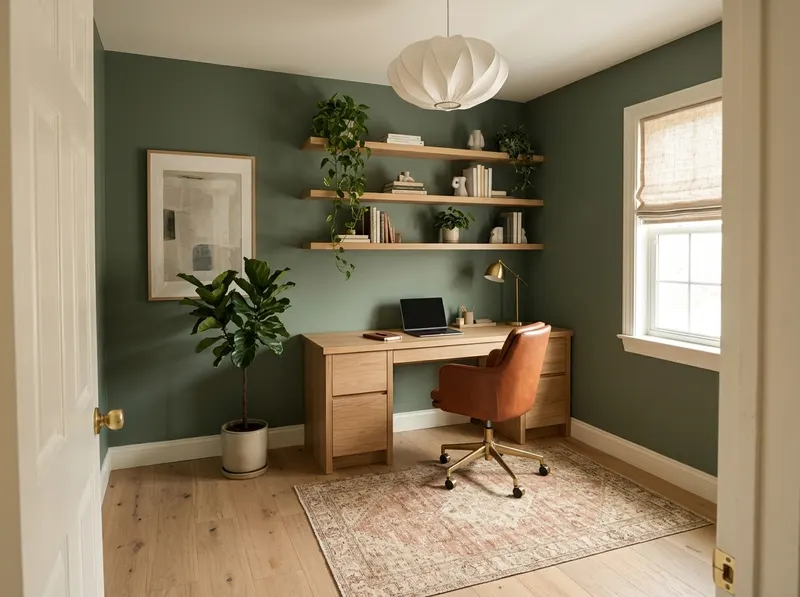
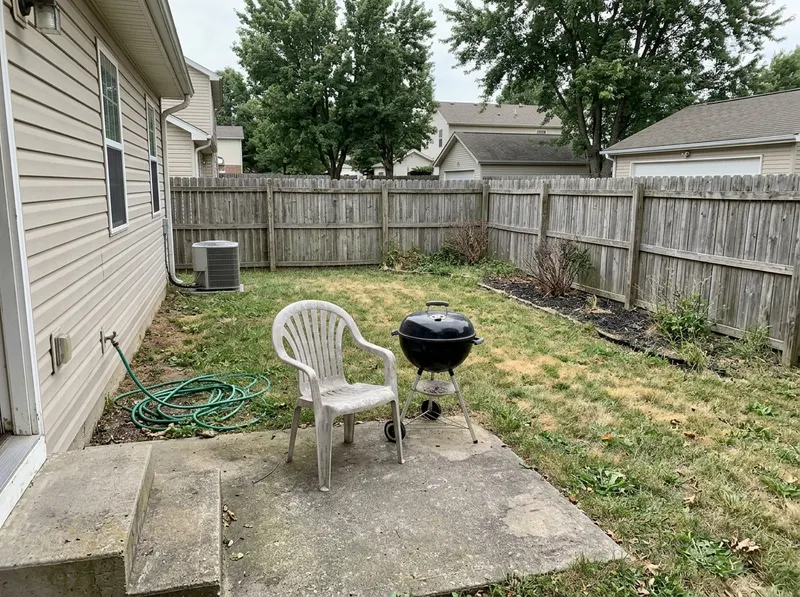
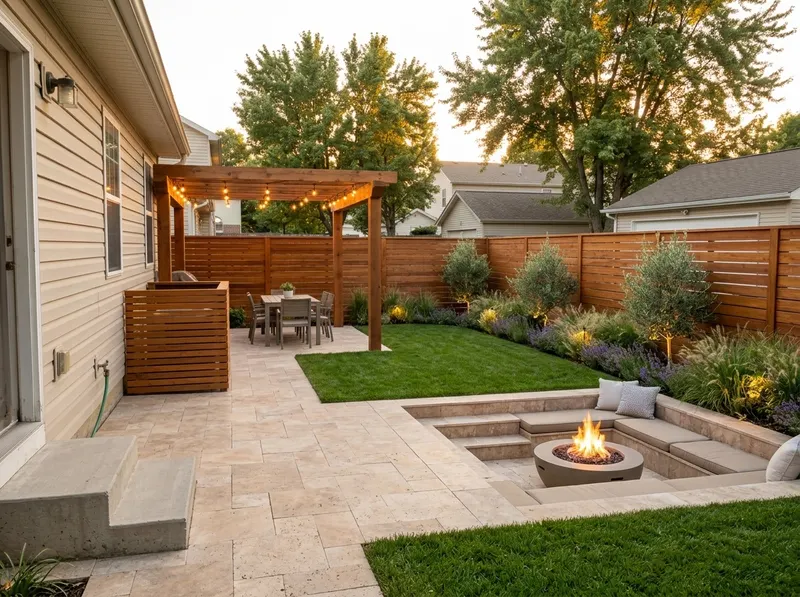
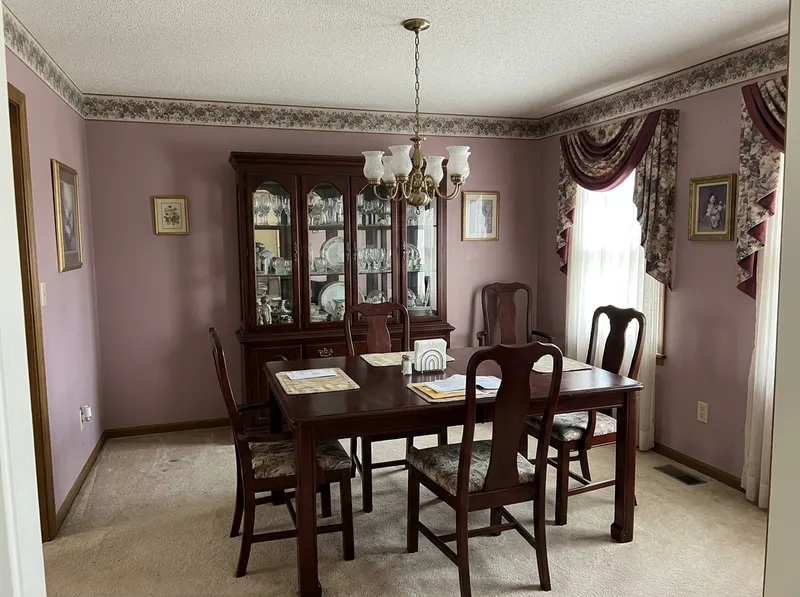
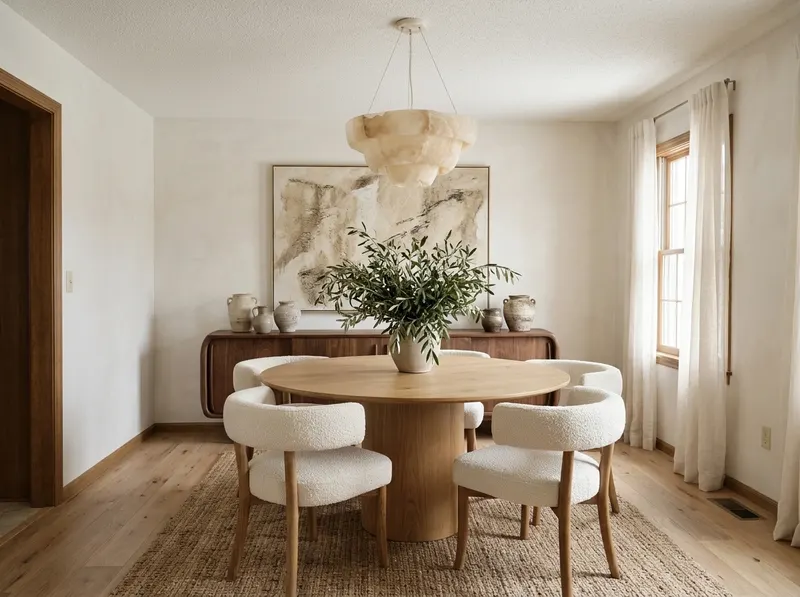
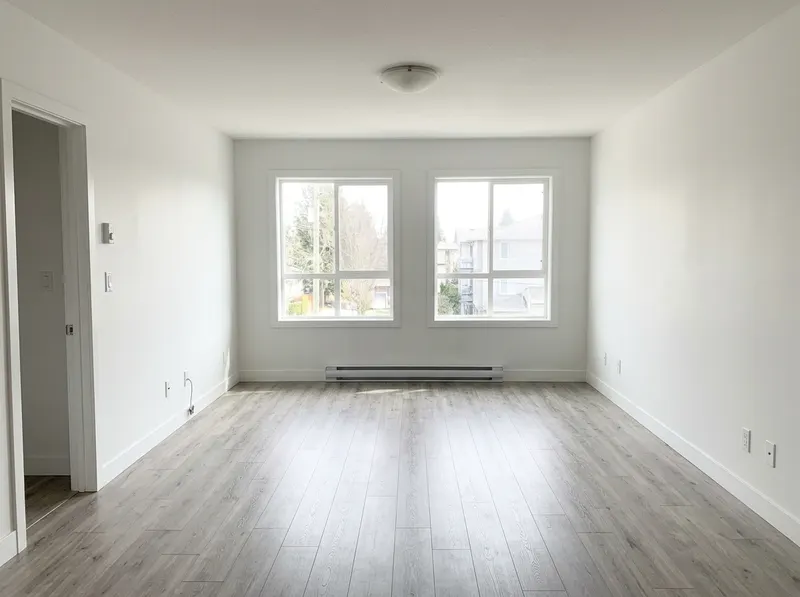
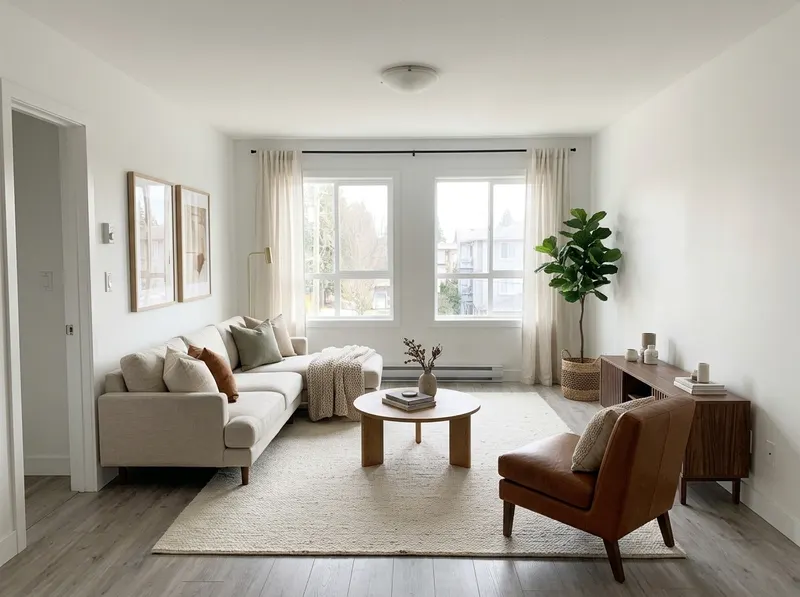
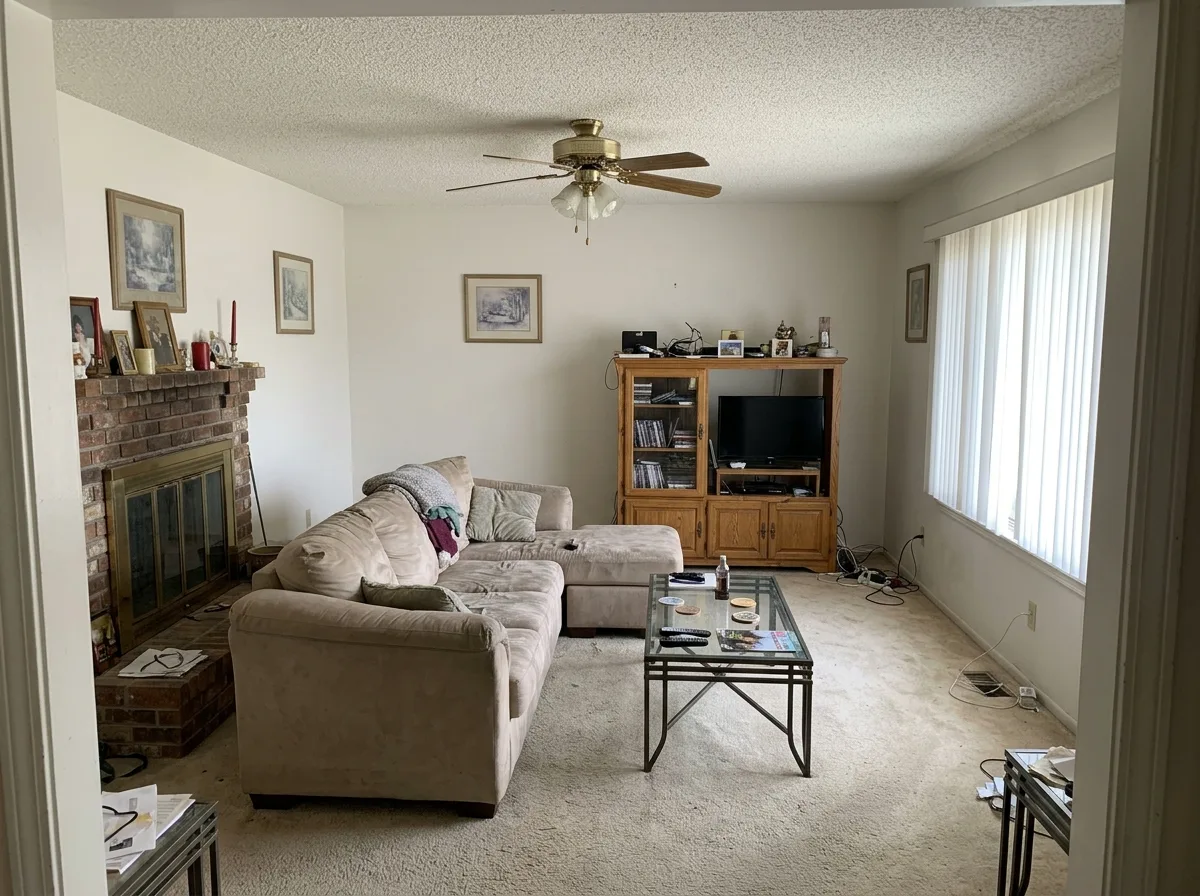
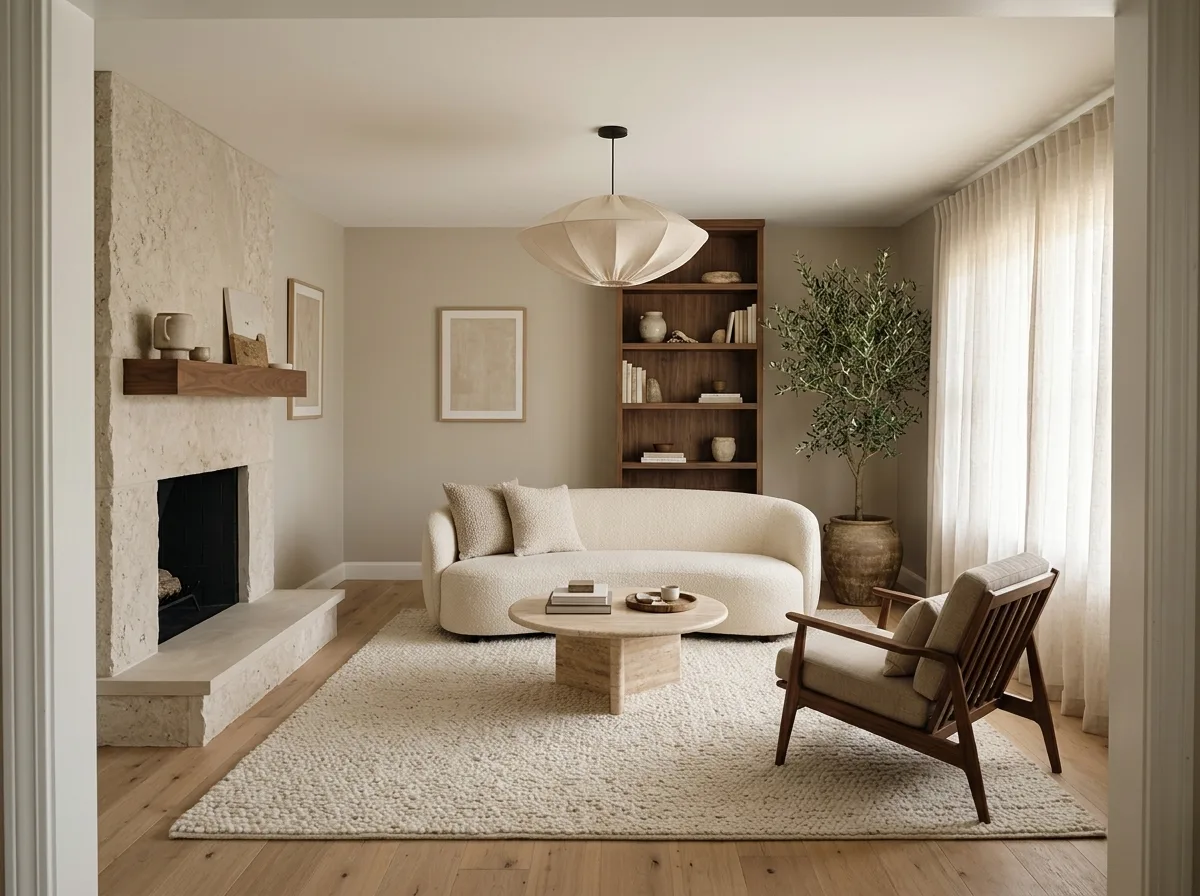
Each example is the same photo before and after AI home design. The camera, walls and windows stay where they are; the design changes.
Upload a living room, bedroom, kitchen or bath, pick one of 35 styles and get a photorealistic redesign of the same room, from the same angle.
Try new siding, roof color, garage doors, trim and landscaping on a photo of your own facade before you call a contractor.
Turn a bare lawn into a patio, pergola, fire pit or planting plan, designed around the house, steps and trees already there.
Furnish an empty listing photo in any style without touching the floor, walls or windows. Label it as virtually staged and post it.
Boxes, cables and laundry disappear and the room is redesigned around the same window and door, so you see what the space could be.
AI Home Design Before and After
Pick a space and drag the slider to compare the original photo with the AI redesign.
Dated living room to warm modern
Blinds, carpet and the brick fireplace give way to oak floors, limestone and a curved boucle sofa. The doorway, windows and ceiling stay exactly where they are.
These are AI examples made from sample photos. Your own photo works the same way.
What Is AI Home Design?
AI home design is a way to see a new version of your home before you buy, build or paint anything. You upload a photo of a real space, such as a living room, a kitchen, the front of your house or your backyard, and an image model redesigns it in the style you choose. The result is a photorealistic picture of the same room, from the same angle, with new furniture, finishes, colors and lighting.
Unlike a generic image generator, Homes Design AI is built for real homes. It keeps the architecture of your photo, including walls, windows, doors, ceiling height and camera angle, and changes only what you ask for. That is what makes an AI home design useful for real decisions: you can compare paint colors, flooring, cabinets, siding or a whole new style on your own space instead of on someone else's showroom.
- Redesign interiors, exteriors, gardens and empty rooms
- Keep your layout, or change one area and leave the rest
- Try 35 styles, from modern and Japandi to coastal and farmhouse
- Download in up to 4K for listings and client presentations
Planning a new build instead? Try the AI house design generator, or start with a single AI room design.
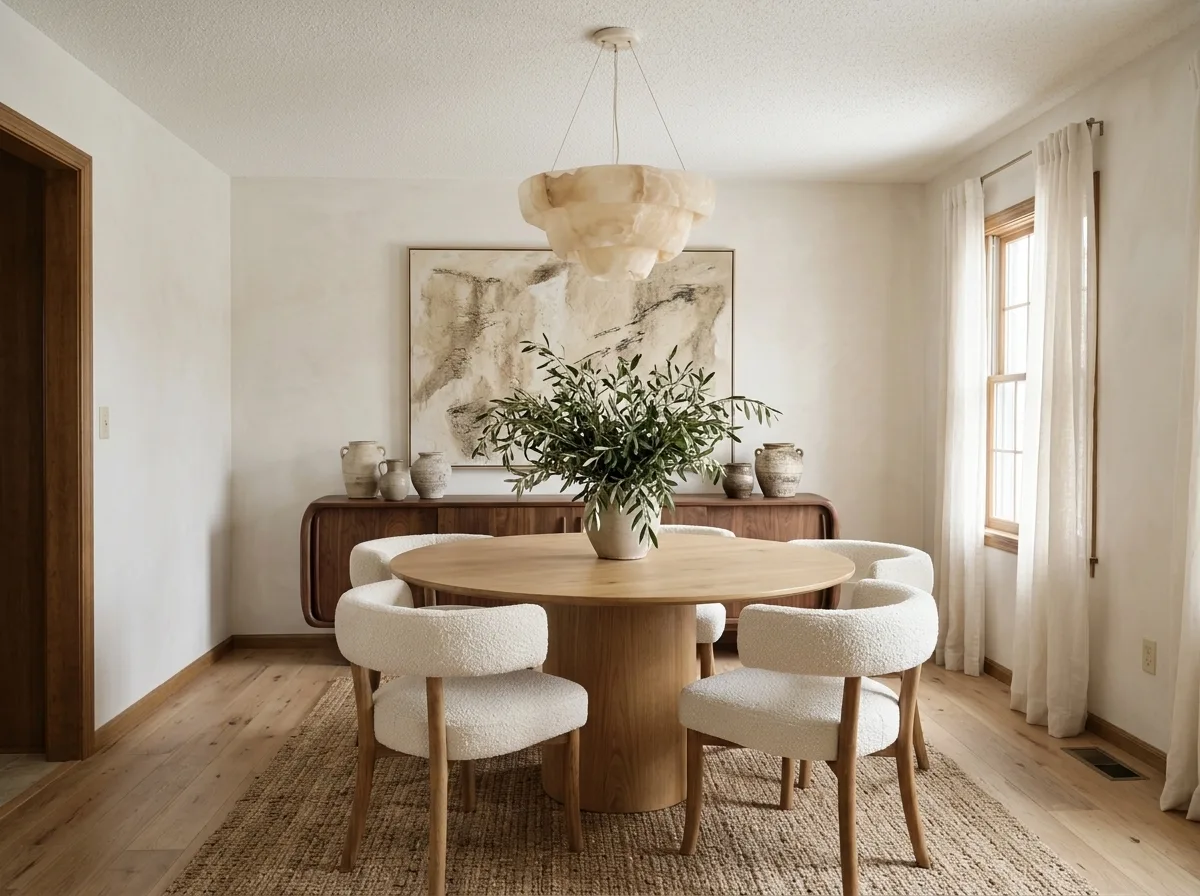
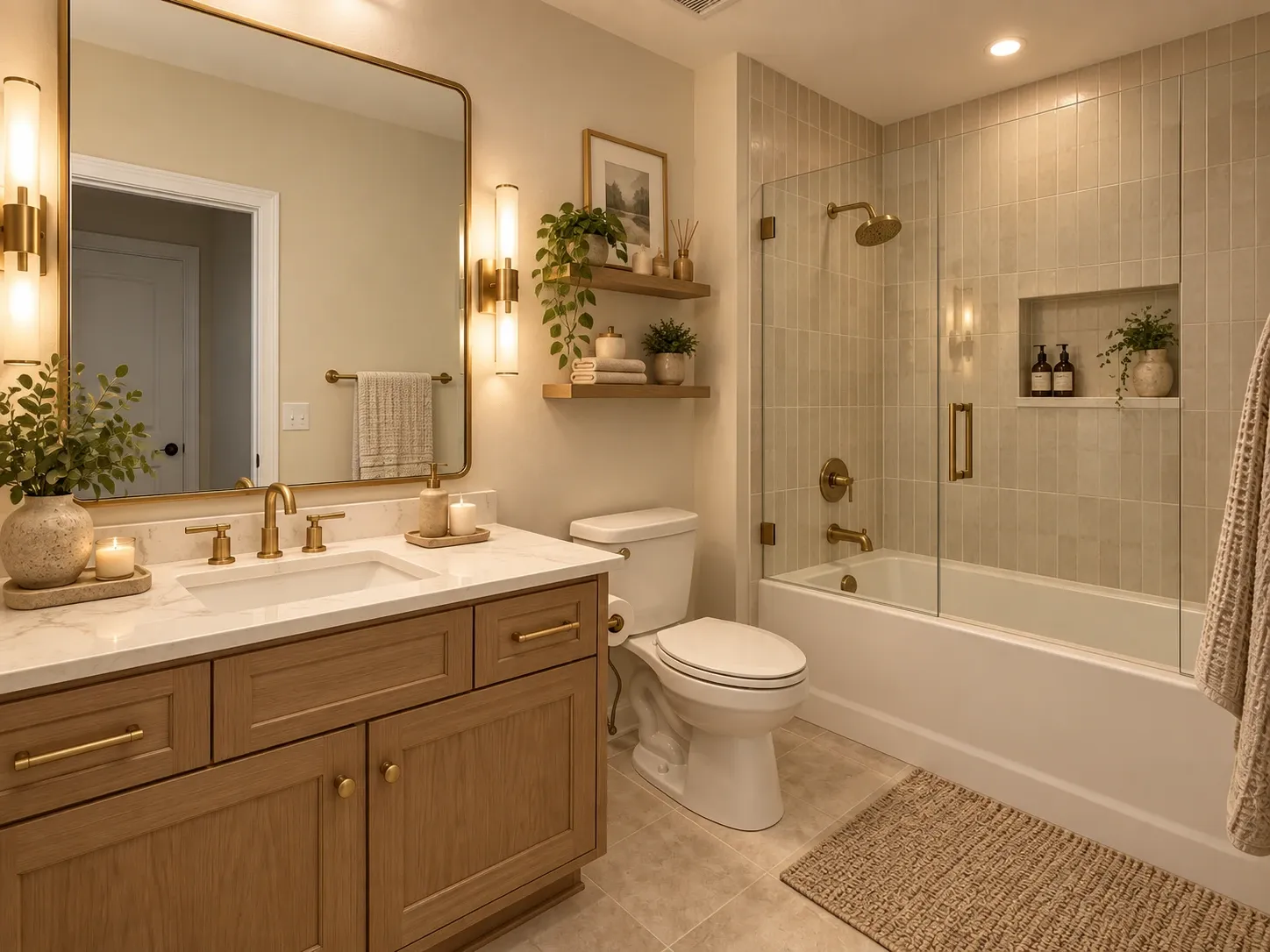
More Than a Filter: a Real Design Studio
Redesign the whole room, or change one thing and keep the rest. Every tool works on your own photo.
Keeps your real layout
Walls, windows, doors and camera angle stay put, so every AI home design is a design for your space, not a stock room.
Edit one area
Paint over a spot, describe the change and keep everything else: a new sofa, a kitchen island or a different rug.
AI design assistant
Describe the room you want in plain words and get a precise design prompt, or ask for a free AI review of any result.
Declutter and empty rooms
Tidy a messy photo or clear the room completely, then stage it in any style for a listing.
Sky, sketch and style transfer
Swap a gray sky for blue or twilight, turn a sketch into a render, or copy the look of an inspiration photo.
Up to 4K downloads
Draft, Standard, HD and Ultra 4K quality, with commercial use on Pro and Studio and team seats on Studio.
Interior Design Styles to Try With AI
35 styles in the studio, from modern and Japandi to coastal and farmhouse. Start with a style guide, or see all 12 guides.
 ModernClean lines, honest materials, zero fussView
 ContemporaryCurrent, curved and softly sophisticatedView
 MinimalistLess stuff, more space, deeper calmView
 ScandinavianLight, wood and everyday comfortView
 JapandiJapanese calm meets Scandinavian warmthView
 LuxuryRich materials, tailored comfort, layered lightView
 IndustrialRaw brick, steel and loft characterView
 BohoLayered, global and freely collectedView
 Mid-Century ModernPostwar optimism in teak, walnut and colorView
 Modern FarmhouseRustic warmth with crisp, clean contrastView
 CoastalBreezy, sun-washed rooms inspired by the shoreView
 Art DecoGeometric glamour from the Jazz AgeView
How to Use AI Home Design in 3 Steps
From a phone photo to a finished design in about a minute.
- 01
Upload photo
Upload a photo of your room, house or outdoor space.
- 02
Choose style
Select a design style or describe what you want.
- 03
Generate design
Get a photorealistic AI home design in under a minute, then refine it or download it.
AI Home Design for Homeowners and Pros
The same AI design studio, used in different ways.
Homeowners and renters
Test paint, furniture and layouts on your real room before buying anything or booking a contractor.
Real estate agents
Stage empty listings and show buyers what a dated room could become, with clear virtual staging labels.
Interior designers
Produce quick mood concepts from a client's photo during the first meeting, then refine the direction together.
Renovators and builders
Show clients cabinet, flooring and facade options on their own house so decisions happen faster.
AI Home Design Pricing
Start with 1 design free, then pick the plan that fits your projects.
Basic
For personal projects
$9/month
Billed monthly, cancel anytime
- 200 credits per month
- ≈ 50 designs in 2K
- Watermark-free downloads
- All rooms and styles
- Personal use
- Most popular
Pro
For homeowners and professionals
$19/month
Billed monthly, cancel anytime
- 480 credits per month
- ≈ 120 designs in 2K
- Watermark-free 4K HD downloads
- All tools, rooms and styles
- Commercial use
- Priority generation
Studio
For agencies and real estate teams
$39/month
Billed monthly, cancel anytime
- 1,000 credits per month
- ≈ 250 designs in 2K
- Watermark-free 4K HD and Ultra quality
- Team of up to 5 people sharing credits
- All tools, rooms and styles
- Commercial use
- Priority support
Need a custom plan?
Contact us for team, agency or real estate volume pricing.
Talk to us
You upload a photo, pick a room type and a style or describe what you want, and an image model re-renders the photo. Homes Design AI tells the model which parts of the photo to keep, such as walls, windows and perspective, and which to change, such as furniture, materials and colors. A design takes under a minute.
AI home design uses image models to redesign a photo of your real space. You upload a room, house exterior or yard, choose a style, and the AI re-renders furniture, finishes, colors and lighting while keeping the room's structure, so you can preview ideas before spending money.
You can start free: every new account gets one free AI home design in standard quality, shown as a watermarked preview. Paid plans add monthly credits, watermark-free downloads in up to 4K and commercial use.
A bright, sharp photo taken straight on from a corner or doorway, in landscape orientation, with as much of the room in frame as possible. Clear away clutter and avoid heavy filters. For exteriors, shoot the whole facade in daylight.
Yes. The generator is built to preserve the architecture in your photo, including walls, windows, doors and camera angle, and to change what you ask for: furniture, materials, colors, decor and lighting.
Living rooms, bedrooms, kitchens, bathrooms, dining rooms, home offices, house exteriors, gardens, patios and empty rooms for virtual staging. Each has its own tool page with tips for that space.
Yes. On Pro and Studio plans you can use your generated images for commercial projects such as property listings and client presentations. Virtually staged listing photos should be labeled as virtually staged.
Your uploads and results are private to your account. We don't publish them or show them in public galleries, and you can delete them at any time.
Yes. The exterior tools change siding, roof, paint colors, doors, window trim and landscaping on a photo of your house, and the garden tools redesign backyards, front yards, patios and pools. Shoot the whole facade or yard in daylight for the best result.
Yes. Homes Design AI runs in the browser, so you can take a photo with your phone, upload it and see the redesign on the same device. No app download is needed.
No. AI designs are visual concepts. Use them to choose a direction, then confirm measurements, structural changes and code requirements with a contractor or designer before building.
See your home redesigned in under a minute
Upload a photo of any room, house or yard and try your first AI home design free.
No credit card required · Results in under a minute · 1 design free