Skip to content
homesdesignai
Interior Design AI

AI Interior Design That Starts From Your Own Room

Turn a photo of any interior into a designer-style concept with a coherent palette, named materials, and layered lighting. Compare styles side by side, refine details with text, and share concepts with clients, buyers, or the people you live with.

Your photos stay private to your account.

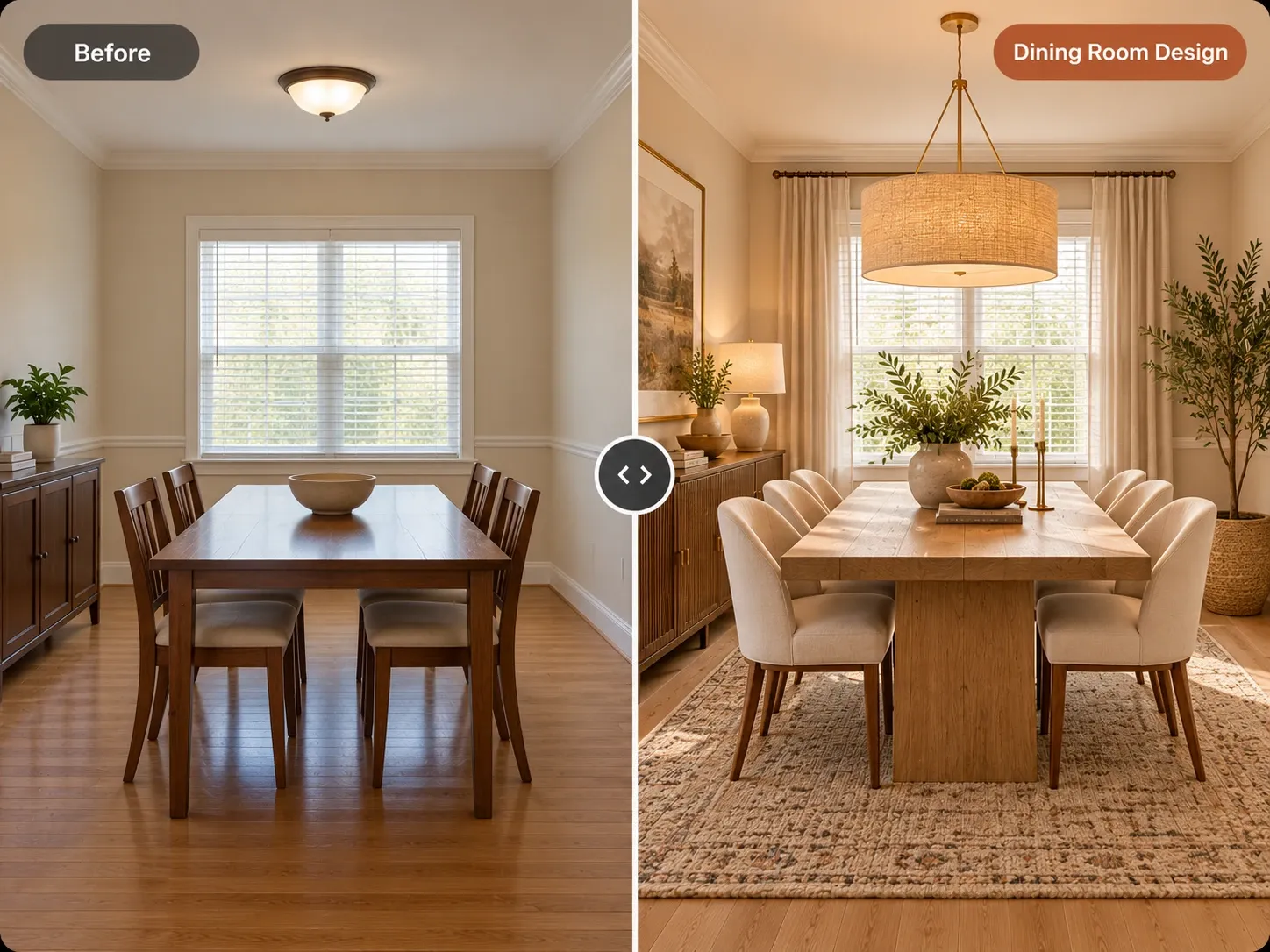
Before and after: plain dining room redesigned with a wood pedestal table, upholstered chairs and a linen drum pendant

AI Interior Design examples

Inspiration in different styles to guide your own design.

Popular styles for this space

View all styles

What you can do with AI Interior Design

How it works

Three steps from photo to finished concept.

  1. 1

    Photograph the interior

    Capture the room straight on or from a corner in natural light, keeping architectural features like windows, beams, and fireplaces clearly in frame.

  2. 2

    Set the design direction

    Choose the room type and a style, then add notes on materials, palette, or mood, for example 'limewashed walls, walnut, aged brass, moody evening light.'

  3. 3

    Review and iterate on concepts

    Generate a concept, compare it with the original, and adjust one variable at a time, like the wall color or the sofa fabric, until the direction is clear.

AI Interior Design guide

What AI interior design actually does

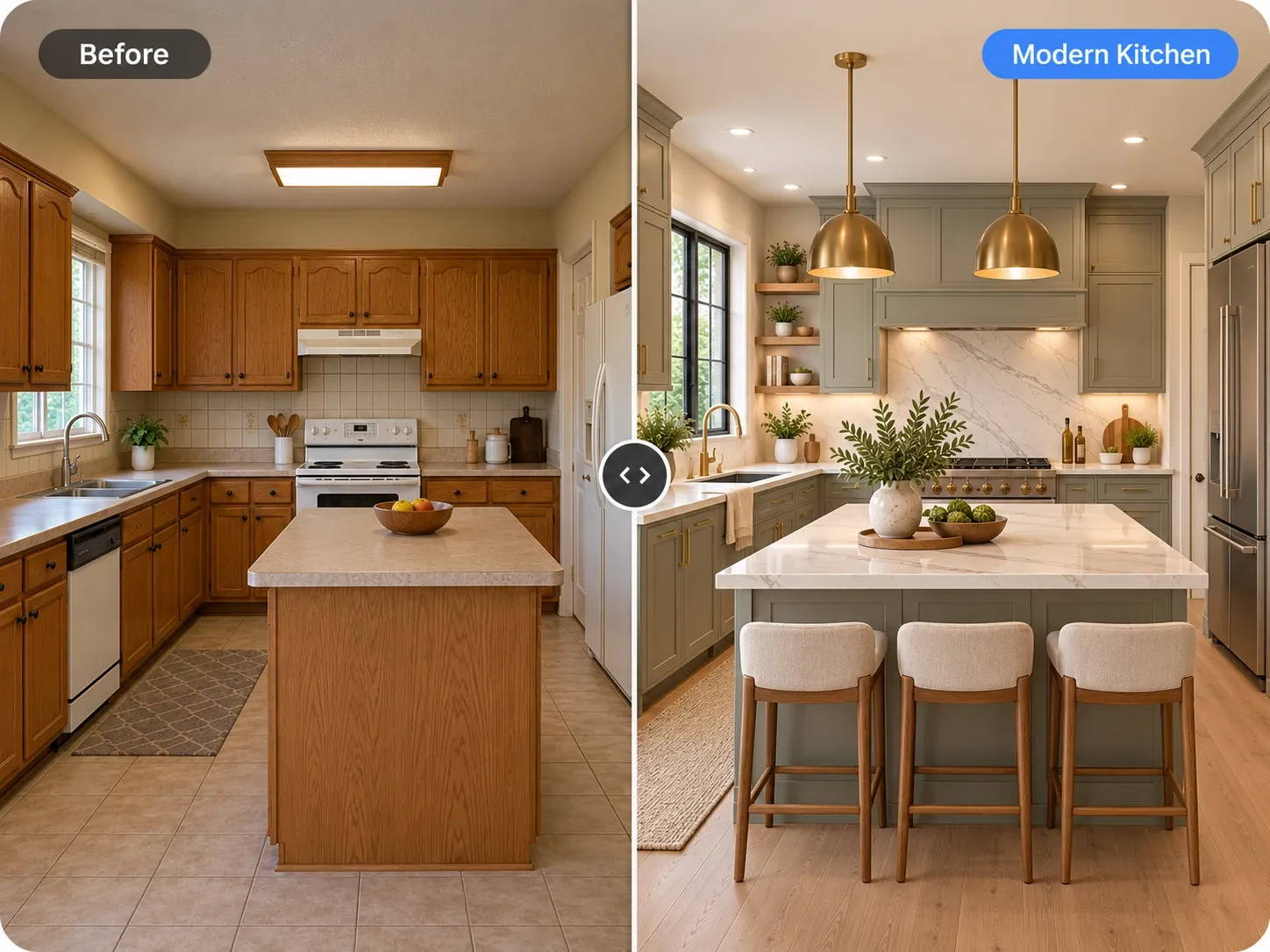
Interior design is a set of decisions about layout, materials, color, and light that work together. An AI interior design tool doesn't replace that thinking, but it shortens the slowest part: getting from an idea to an image. You upload a photo, the model keeps the architecture of the room, and it renders a complete scheme on top of it, from flooring and wall finish to upholstery, rugs, and fixtures.

Because the image is grounded in your room, it's easier to judge than a mood board. You can see whether a dark ceiling makes a low room feel cramped, whether travertine looks too cool next to honey oak floors, or whether a curved sofa fits the flow between the door and the window. The output is a concept to evaluate, not a specification to build from.
Getting designer-quality results

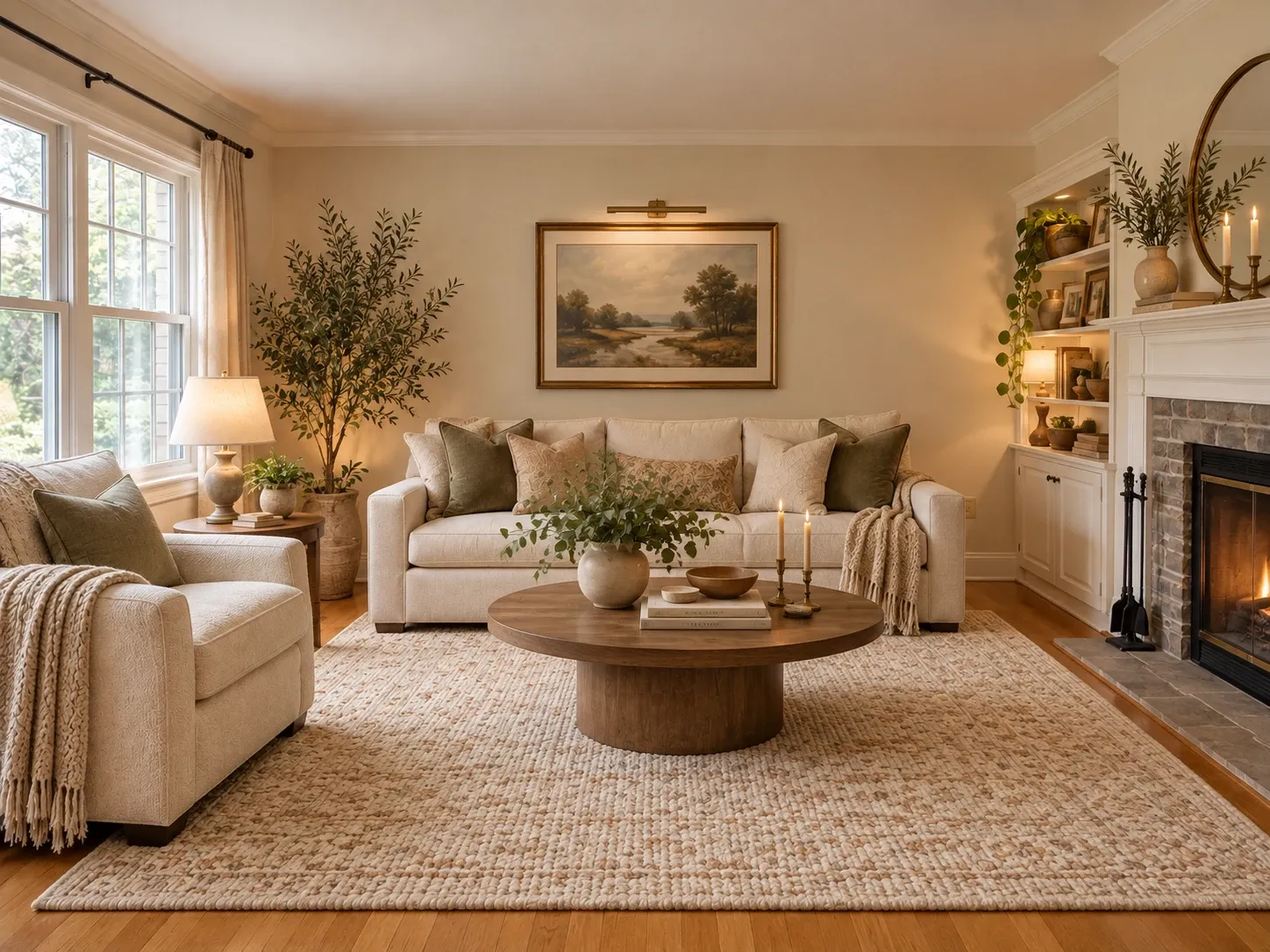
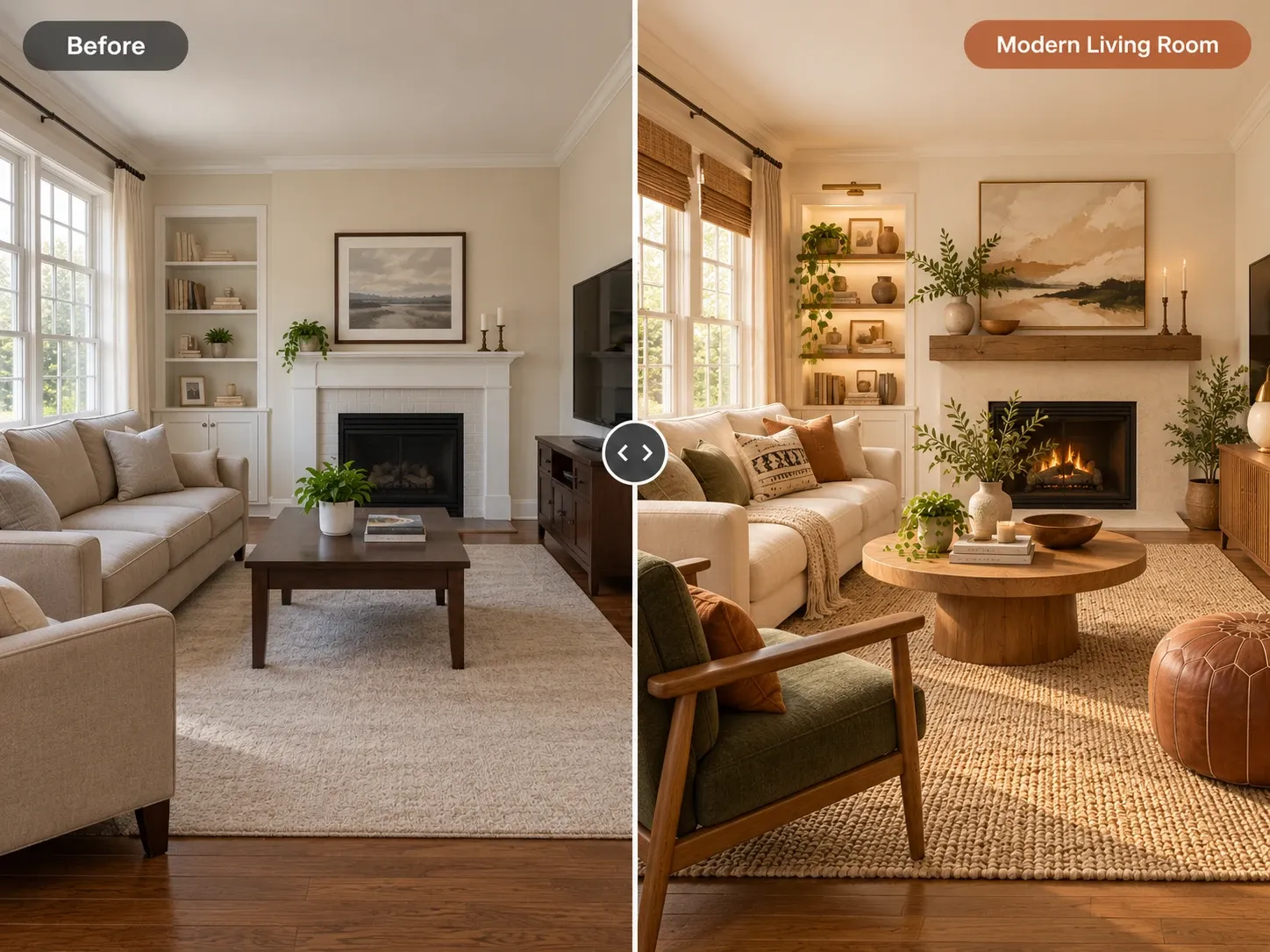
Designers think in materials and proportions, and the AI responds well when you do the same. Instead of naming a style alone, add two or three specific materials and a color anchor. 'Japandi, white oak, cream boucle, charcoal accents' gives the model a tighter brief than 'Japandi' and produces a concept that feels intentional.

Keep the 60-30-10 rule in mind when reviewing results: roughly 60 percent dominant color on walls and large surfaces, 30 percent secondary color in upholstery or cabinetry, and 10 percent accent in pillows, art, or hardware. Concepts that follow that balance tend to feel calm, and ones that don't are easy to correct with a follow-up instruction.

  • Name a main wood tone: white oak, walnut, or ash
  • Pick one statement material, like travertine or limewash
  • Limit the palette to three colors plus one metal finish
  • Ask for light at three heights: ceiling, eye level, and low
  • Specify a rug big enough for the front sofa legs
  • Change one thing per generation to compare fairly

For homeowners, designers, and real estate pros

Homeowners use AI interior design to settle debates. When two people in a household picture different things, a pair of concepts on the actual room makes the conversation concrete. It also helps you spend in the right order, putting money into the sofa or flooring that anchors the look before smaller decor.

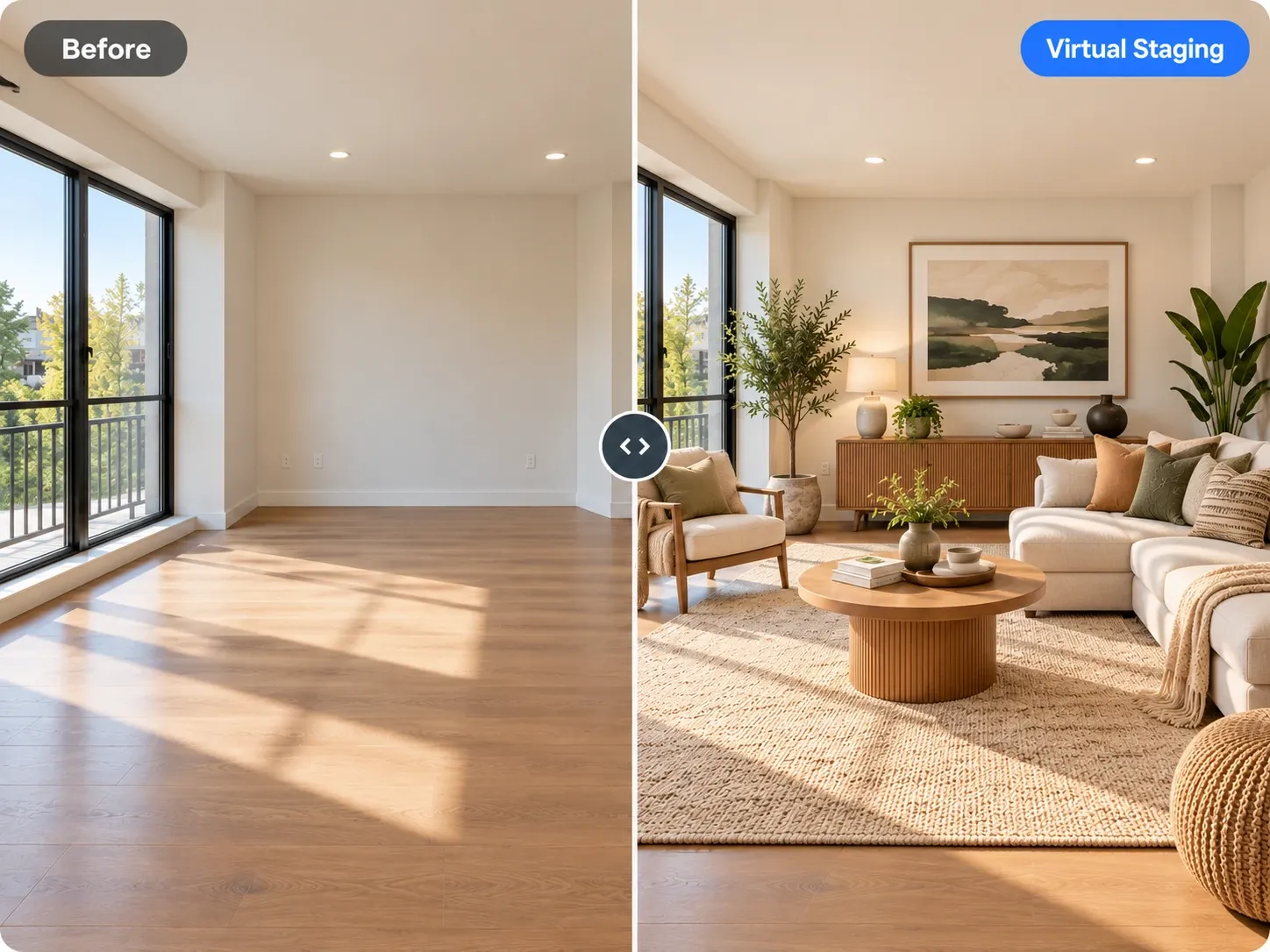
Interior designers use it in early discovery to test directions with clients before investing hours in detailed boards and sourcing. Real estate agents and stagers use it to show how a dated interior could feel with current finishes. If a listing is empty, the virtual staging tool is a better fit, and when someone just wants a quick redo of one room, the AI room design tool gets there faster.

Limits worth knowing

The AI renders believable products, but they aren't specific catalog items, so you'll still source furniture and finishes yourself. Scale is approximate: a coffee table in the image might be shorter or longer than any real one you find. Always measure, and keep standard clearances, such as 36 inches around a dining table for pulled-out chairs.

Material appearance also depends on real light. Brushed brass reads warmer under 2700K bulbs than in daylight, and marble varies from slab to slab. Use the concept to decide the direction, then confirm it with physical samples in the room. Any work that touches structure, plumbing, or wiring needs a qualified professional and, often, a permit.

Frequently asked questions

Can AI really do interior design?

AI can generate realistic design concepts for a room you already have, including furniture, finishes, palette, and lighting. It doesn't take measurements, manage a budget, or source products, which is where a human designer still adds the most. Many people use both: AI for early direction, then a designer or their own research to execute it.

Is there a free AI interior design option?

Yes, you can start free after creating an account and test the tool on your own interior photos. If you want to generate regularly, paid plans give you a monthly set of credits, and every concept you create uses credits from that balance.

Can I use the concepts with my clients?

Yes. On paid plans, you can use your generated images for personal and commercial projects such as listings and client presentations. Many designers label them as concept renderings so clients understand that final products, finishes, and dimensions will be confirmed later in the project.

How accurate are the materials and colors?

They're close enough to judge a direction, not exact enough to order from. Screens, lighting, and the model's interpretation all shift color slightly. Use the concept to choose between options like warm white versus greige walls, then confirm the final pick with physical paint swatches and material samples in your room.

Which interior design styles can I try?

You can choose from styles including modern, contemporary, minimalist, Scandinavian, Japandi, luxury, industrial, boho, mid-century modern, modern farmhouse, coastal, and art deco. You can also describe a blend in the text field, such as 'Japandi with a few mid-century pieces,' to get something more personal.

Are my interior photos kept private?

Your uploads are private to your account; we don't publish them. That matters if you're working with client homes or properties that aren't on the market yet. You decide which concepts to download and share with anyone else.

Try AI Interior Design on your own photo

Upload a photo, pick a style and compare redesigns side by side.

Related AI tools

View all tools

Ideas to try

More ideas