Skip to content
homesdesignai
Room arrangement ideas

AI Furniture Placement to Rearrange Your Room From a Photo

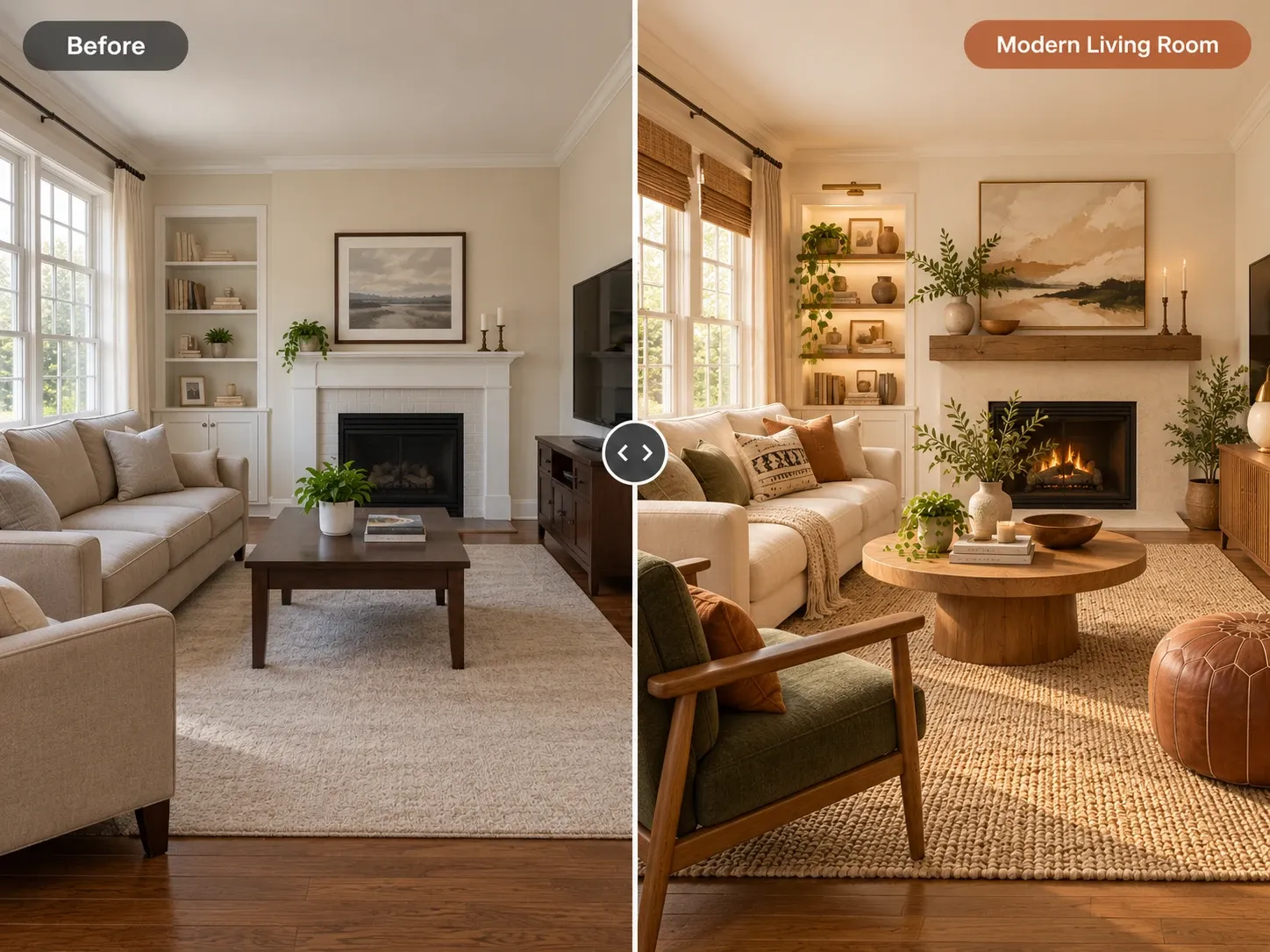
Not sure where the sofa should go? Upload a photo of your room and the AI suggests alternative furniture arrangements in the same space. Use the concepts to pick a layout, then confirm it with the spacing rules below.

Your photos stay private to your account.

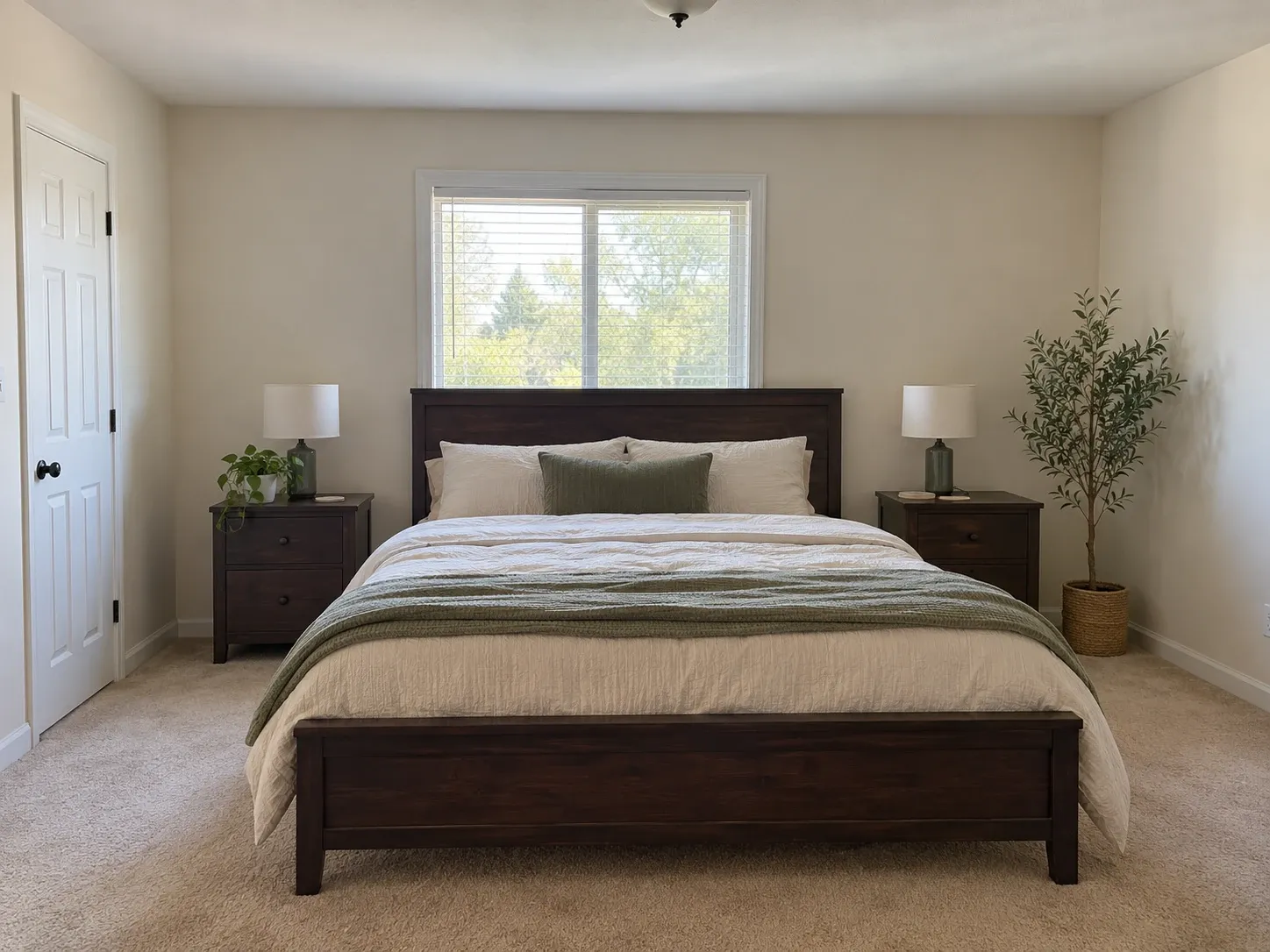
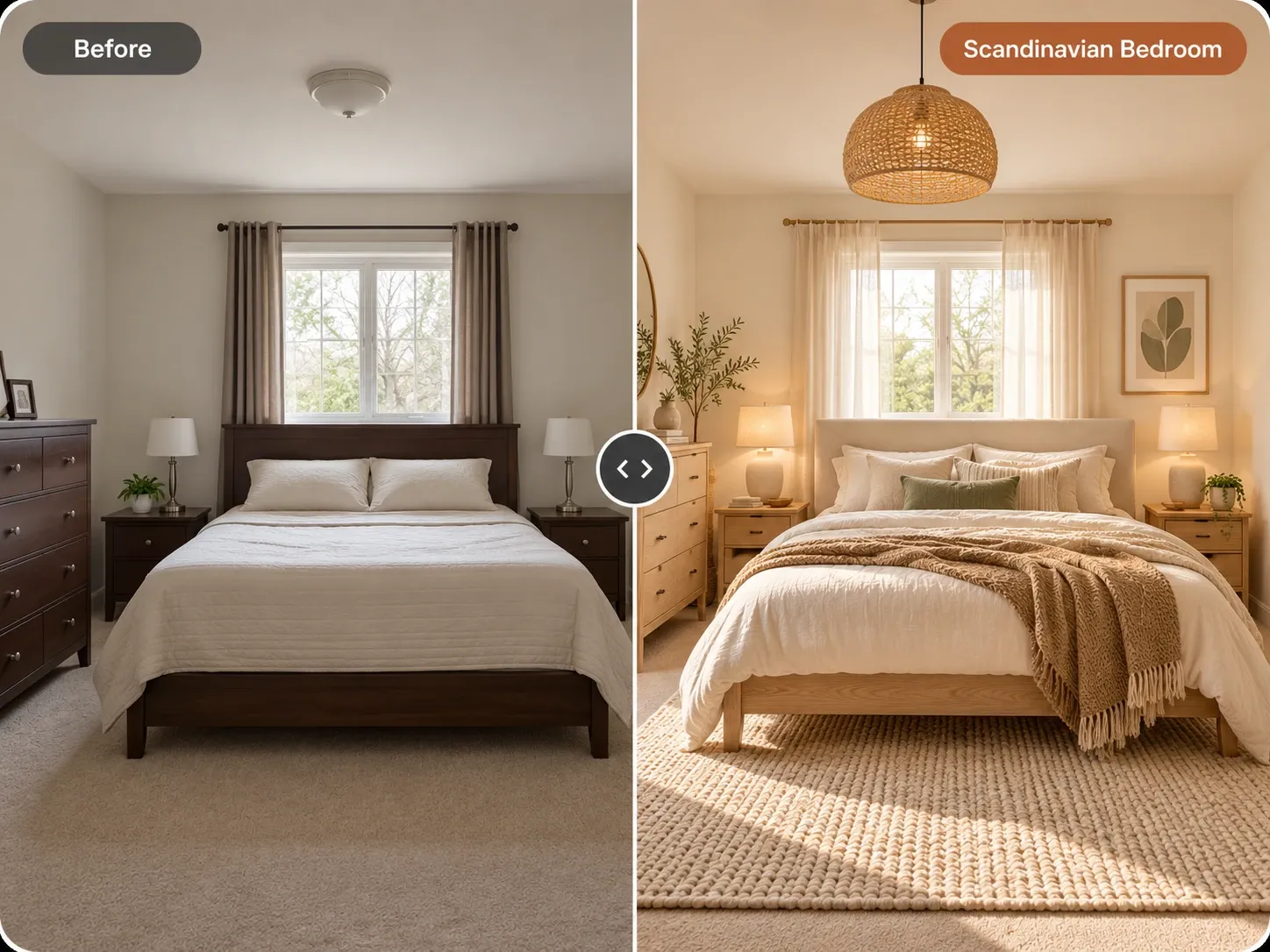
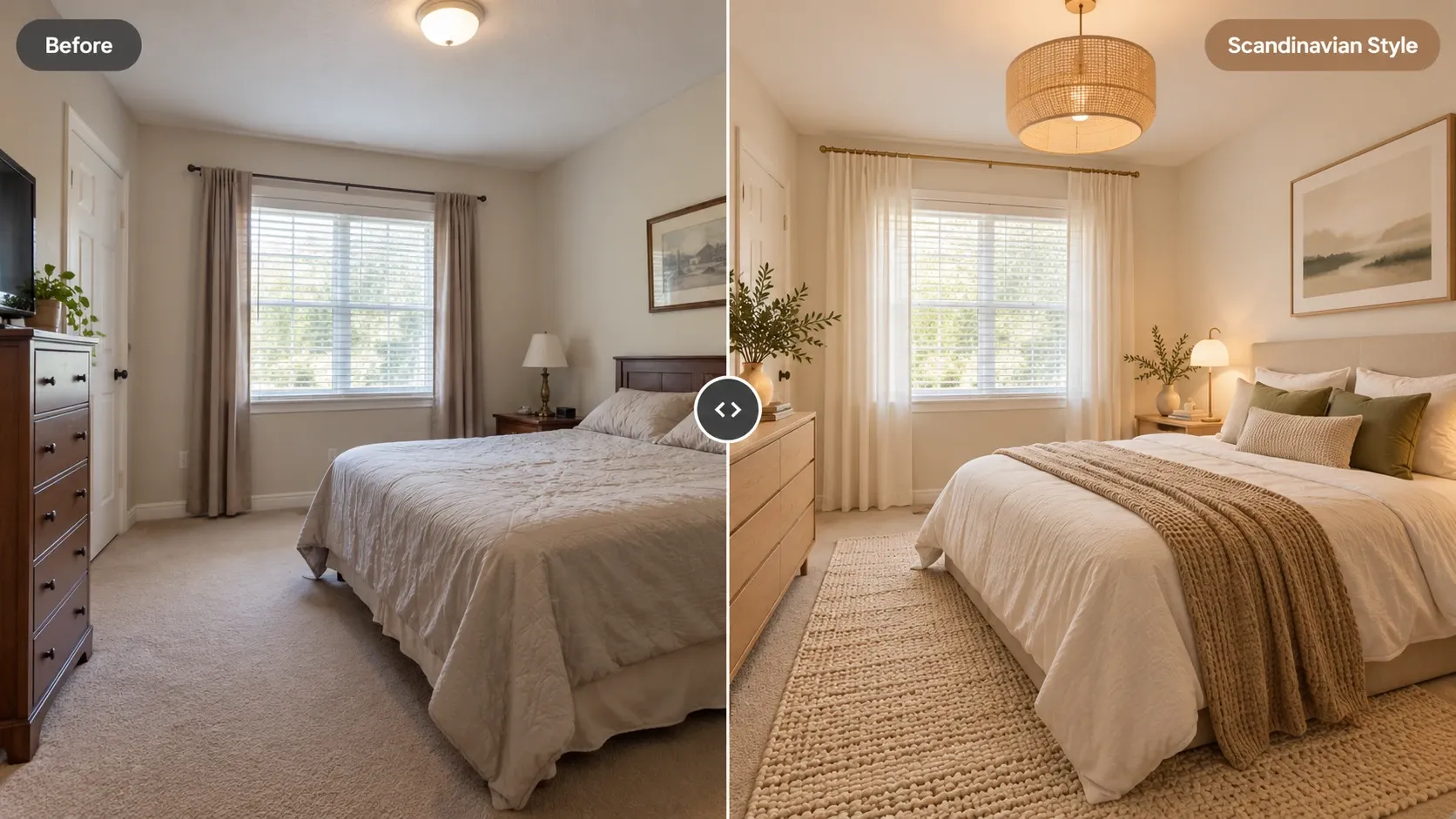
Before and after: bedroom with dark wood furniture redesigned in Scandinavian style with oak, cream bedding and a woven pendant

AI Furniture Placement examples

Inspiration in different styles to guide your own design.

Popular styles for this space

View all styles

What you can do with AI Furniture Placement

How it works

Three steps from photo to finished concept.

  1. 1

    Photograph the room

    Stand in a corner and capture as much floor as you can, including doorways and windows. Clear loose clutter so the main pieces are easy to read.

  2. 2

    Describe what to change

    Choose the room type and add an instruction like 'rearrange the furniture, sofa facing the fireplace, keep a clear path to the balcony door'.

  3. 3

    Compare, then measure

    Review the arrangements, pick one or two favorites, then check walkways and clearances in the real room with a tape measure before moving anything.

AI Furniture Placement guide

What AI furniture placement can and cannot do

The tool is a visual idea generator. It reads your photo's walls, windows, doors and floor area, then renders the room with furniture in different positions, sometimes with similar pieces and sometimes with new ones. It is useful for breaking out of the one layout you have lived with for years, because it shows options you might not have considered, in your actual room.

It is not a measured floor planner. The AI does not know your room's exact dimensions or the size of your sofa, so a concept can look comfortable on screen and still be a few inches too tight in reality. Treat each arrangement as a starting point, then validate it with the rules below. Painter's tape on the floor is a quick way to test a footprint.
Layout rules to check any arrangement

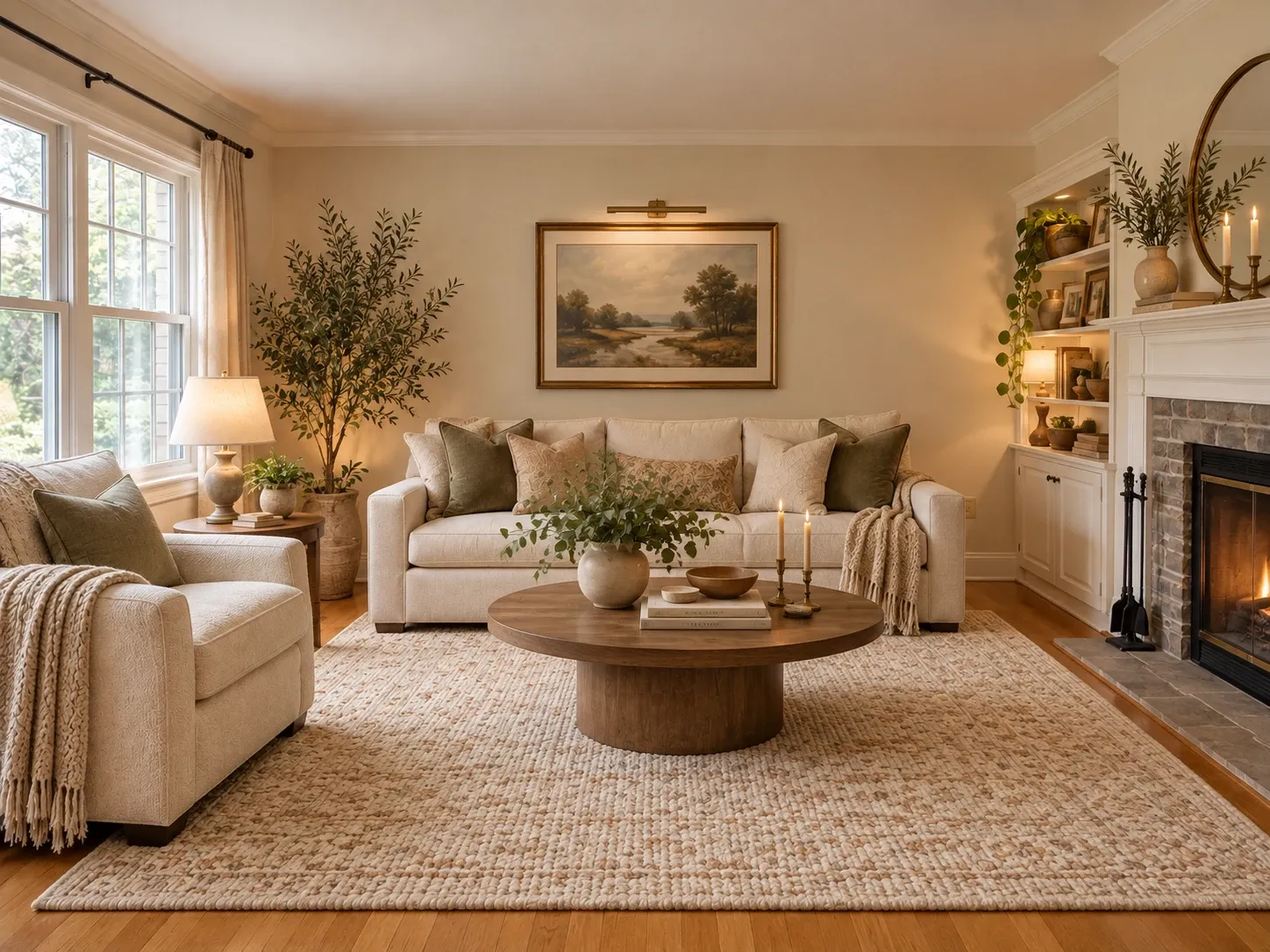
Interior designers rely on a short list of spacing guidelines, and they make AI concepts much easier to judge. Main walkways need 30 to 36 inches of clear width, while paths through a seating area can be slightly tighter. The coffee table should sit 16 to 18 inches from the sofa, close enough to reach a drink and far enough to leave room for legs.

Rugs should hold either all the furniture legs or at least the front legs of every seat, which usually means an 8 by 10 foot rug in an average living room rather than a 5 by 7. For a TV, a common guideline is a viewing distance of about 1.5 to 2.5 times the screen diagonal, so a 55-inch screen works from roughly 7 to 11 feet away.

  • Main walkways: 30 to 36 inches clear
  • Sofa to coffee table: 16 to 18 inches
  • Seats in a conversation group: within about 8 feet
  • Dining chairs: 36 inches from table edge to wall
  • Beside the bed: at least 24 inches to get in and out
  • TV distance: about 1.5 to 2.5 times the screen diagonal

Rearranging a bedroom or a small room

In a bedroom, the bed usually goes on the longest uninterrupted wall, visible from the door but not directly in line with it. Avoid placing the headboard under a window when you can, since it complicates curtains and invites drafts. Leave room for nightstands on both sides of a queen or king, and keep a clear path from the bed to the door and closet.

Small rooms benefit from fewer, better-placed pieces. Try floating a sofa away from the wall with a slim console behind it, choose leggy furniture that shows floor beneath, and use one large rug instead of several small ones. Ask the AI for a version with one less piece of furniture and compare. Often the emptier layout is the more comfortable one. Our small living room ideas go further.

Photo tips for better arrangement ideas

A corner shot that shows two or three walls and most of the floor gives the model the clearest read of the room's footprint. Include doorways, radiators and floor vents, because they limit where furniture can go and you want the AI to see them. Shoot at chest height with the lights on, and take a second photo from the opposite corner if the room is long.

Once you have a layout you like, the room might also be ready for new finishes. Run the same photo through the AI living room design tool, or pick a style such as Scandinavian or Japandi, to see the new arrangement with a fresh palette before deciding what to buy.

Frequently asked questions

Can AI rearrange my room for free?

Yes, you can start free once you create an account and try new arrangements on a photo of your own room. Paid plans add monthly credits, which helps if you want to test many layouts or rearrange several rooms during a move.

Does the AI measure my room or make a floor plan?

No. It generates arrangement concepts from your photo, not measured floor plans or exact dimensions. It shows what a different layout could look like. Check walkways, rug sizes and clearances yourself with a tape measure, using the spacing guidelines on this page as a checklist.

Can it rearrange my existing furniture instead of adding new pieces?

Yes. Add an instruction like 'rearrange the existing furniture, keep the grey sofa and wooden coffee table'. The AI aims to keep similar pieces in new positions, though details may vary slightly. Generate a few versions and choose the one that best matches what you own.

What is the best way to arrange furniture in a living room?

Start with the focal point, such as a fireplace, window or TV, and face the main seating toward it. Keep walkways 30 to 36 inches wide, set the coffee table 16 to 18 inches from the sofa and choose a rug large enough for at least the front legs of every seat.

Can I use the generated layouts for clients or a listing?

Yes, you can use your generated images for personal and commercial projects such as listings and client presentations. Organizers, stagers and designers can use them to show a client two or three arrangement options before anyone moves furniture.

Does it work on a phone, and is my room photo private?

Yes. The tool runs in your phone's browser, so you can photograph the room and try arrangements while standing in it. Your uploads are private to your account; we don't publish them, and you decide which layouts to download or share.

Try AI Furniture Placement on your own photo

Upload a photo, pick a style and compare redesigns side by side.

Related AI tools

View all tools

Ideas to try

More ideas