Skip to content
homesdesignai
Whole-Home Generator

AI Home Design Generator for Your Whole House

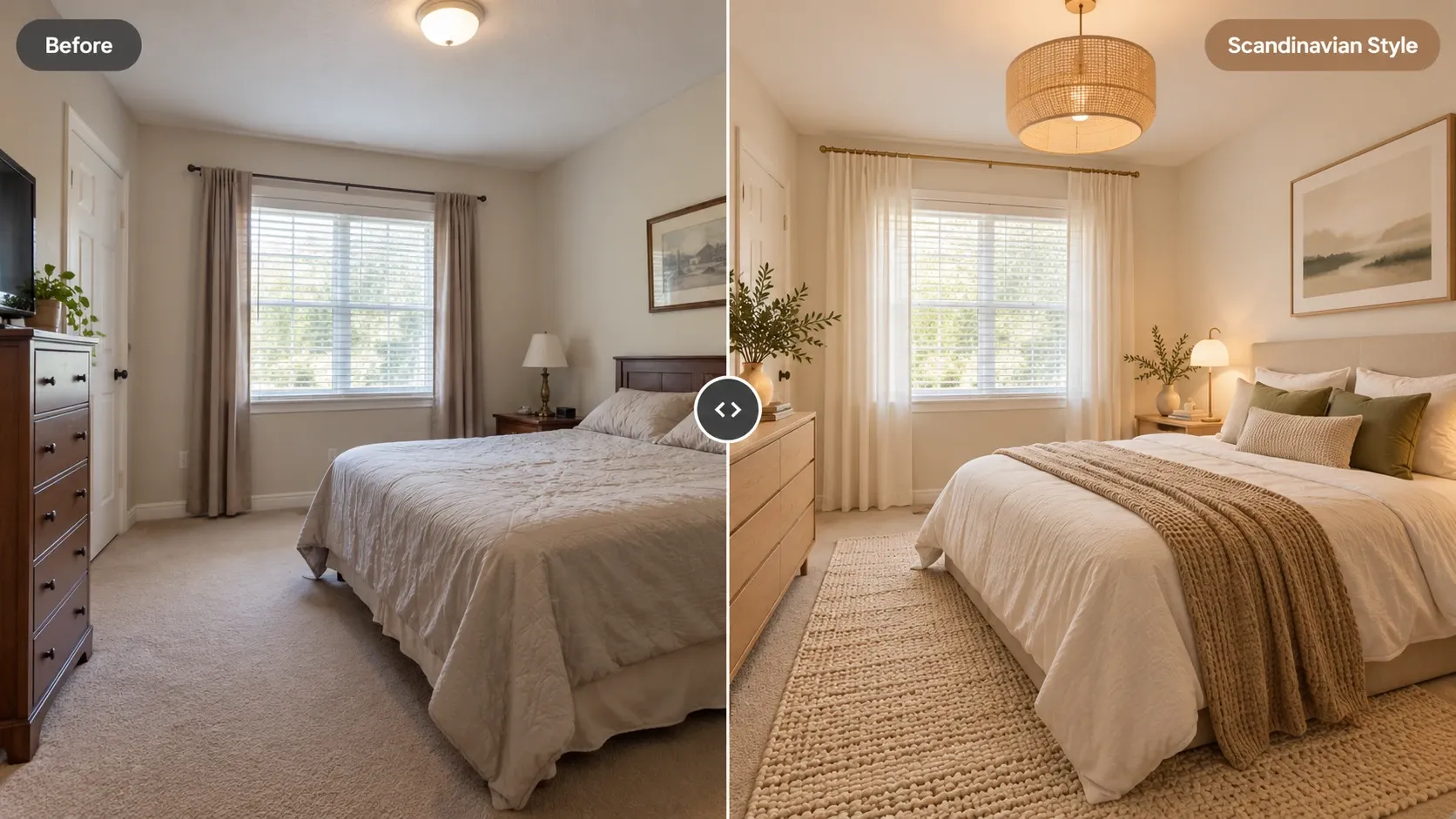
Design your entire home in one place. Upload photos of each room, the front of the house, and the backyard, apply one style across all of them, and see how the whole property could look before you commit to anything.

Your photos stay private to your account.

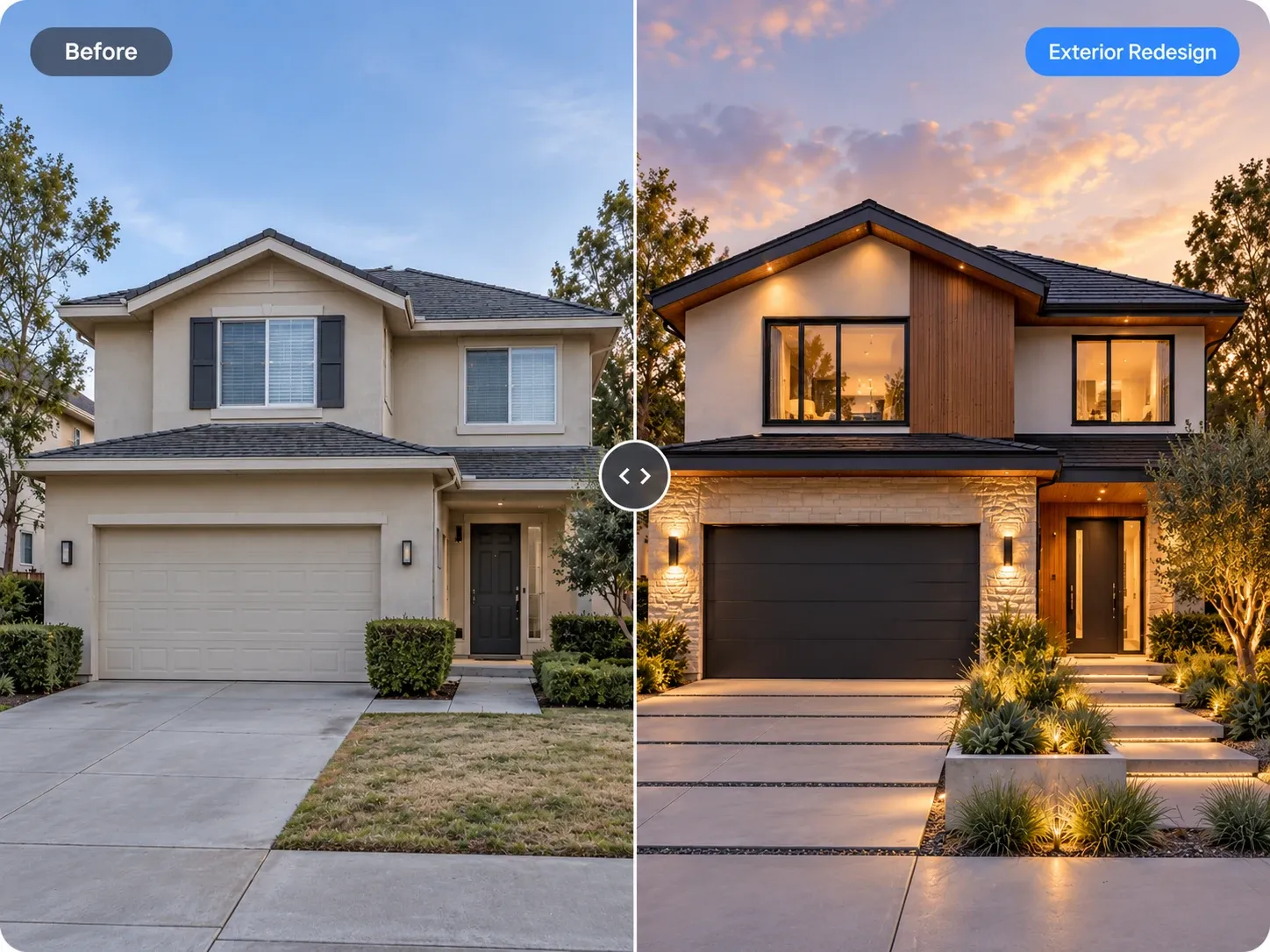
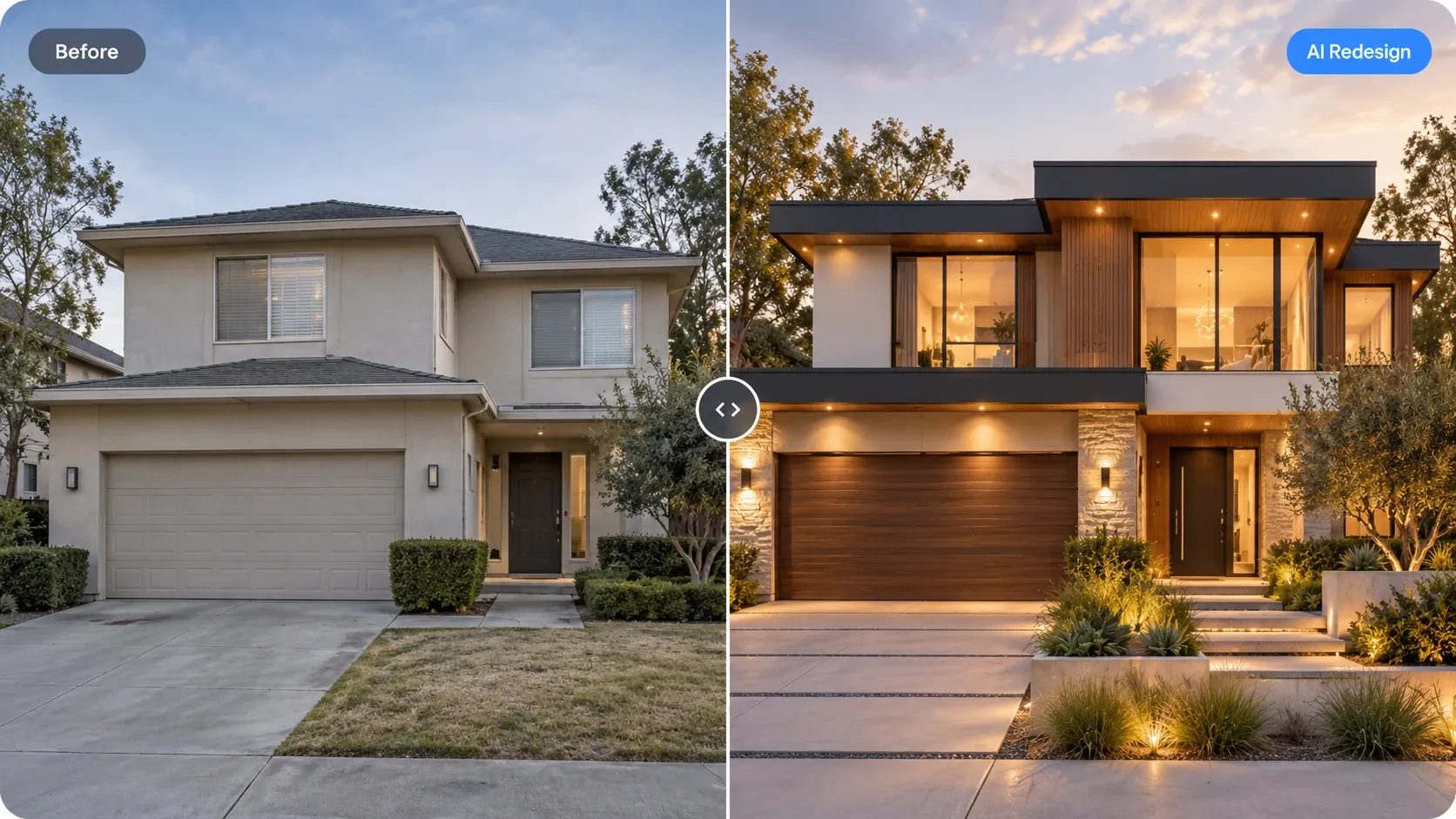
Before and after: beige stucco two-story house redesigned with a modern flat-roof facade, wood cladding, stone and warm lighting

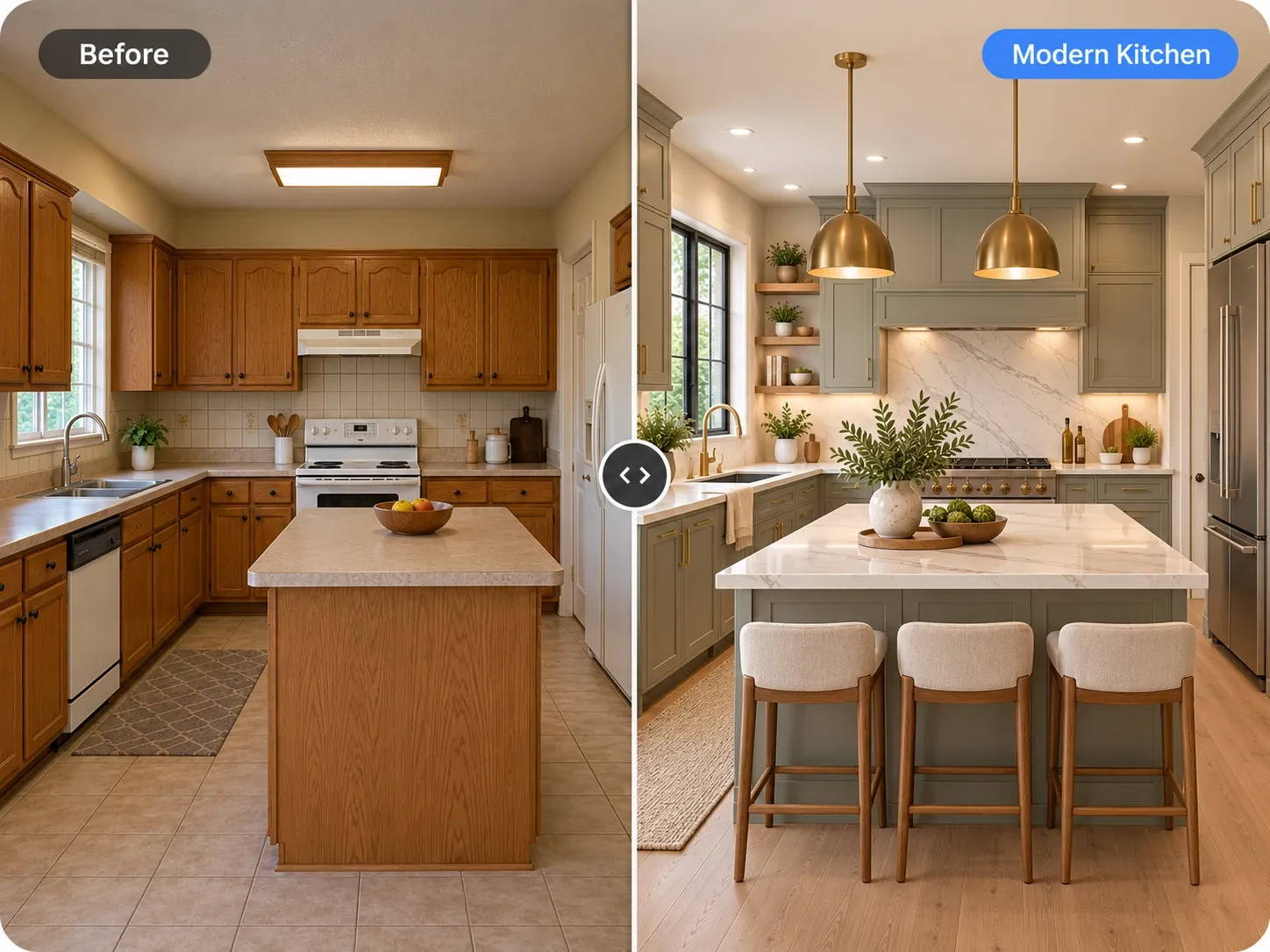
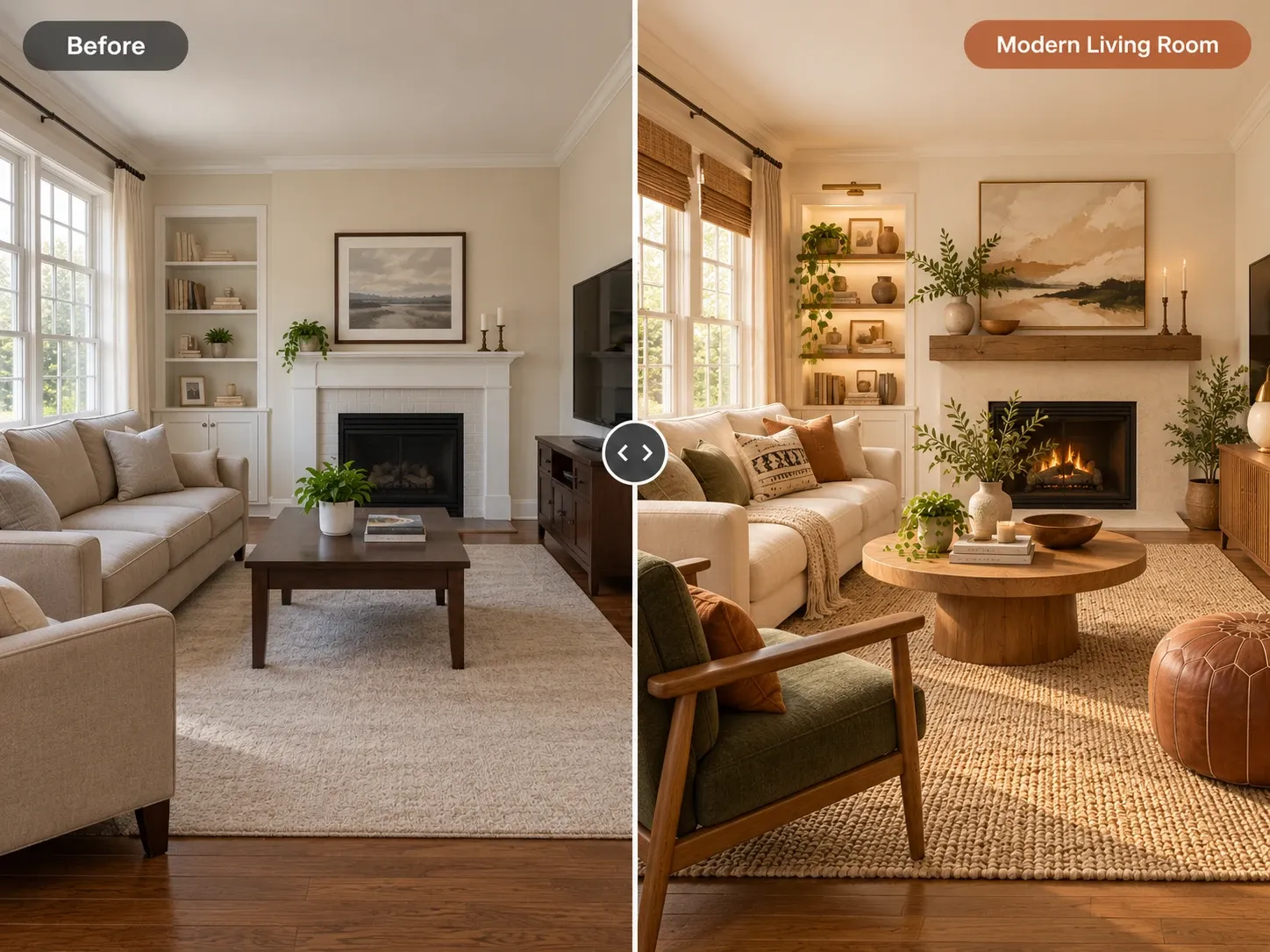
AI Home Design Generator examples

Inspiration in different styles to guide your own design.

Popular styles for this space

View all styles

What you can do with AI Home Design Generator

How it works

Three steps from photo to finished concept.

  1. 1

    Photograph each space

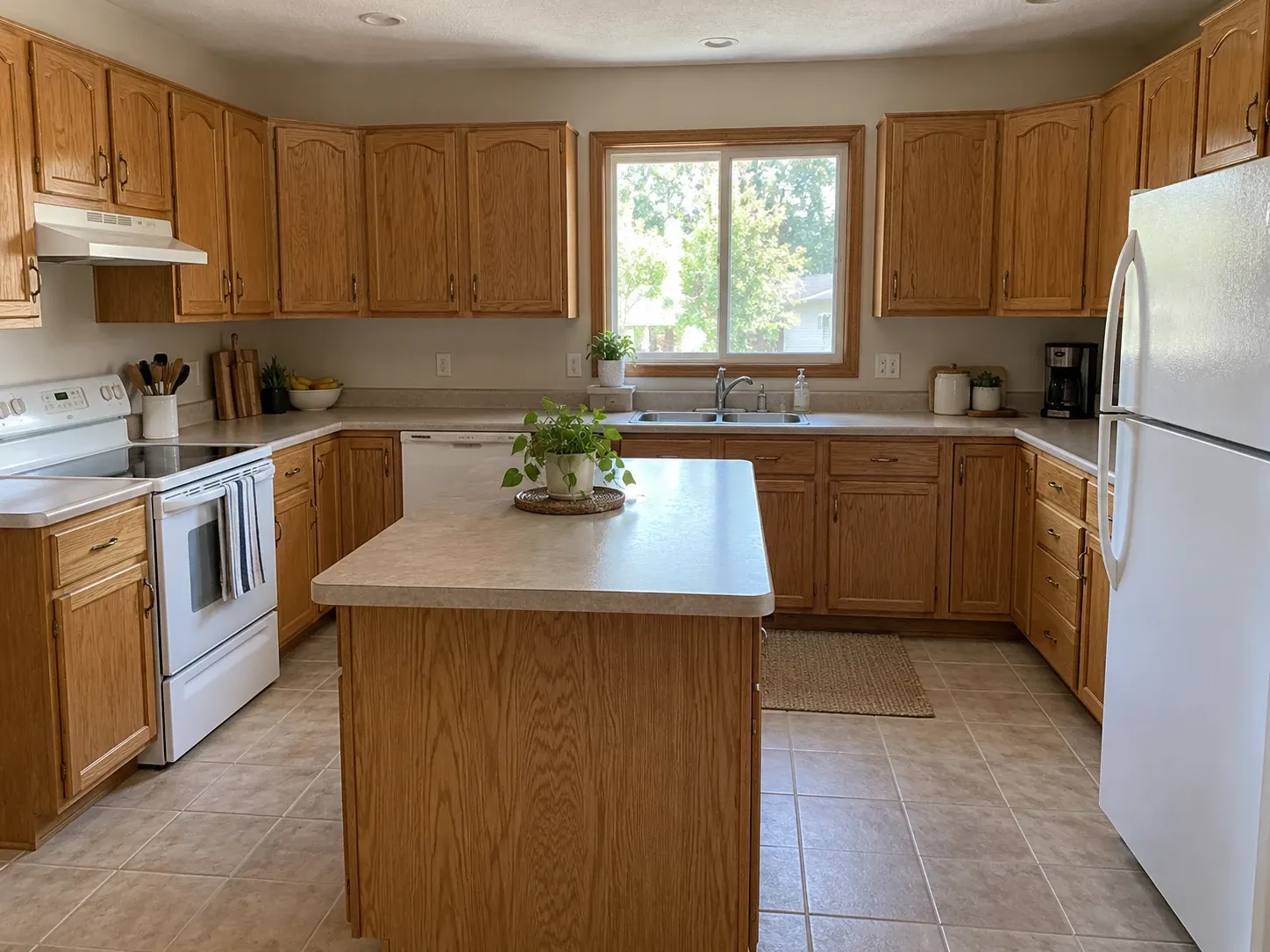
    Walk through the house and take a daylight photo of every room you want to change, plus the front facade and the yard if they're part of the plan.

  2. 2

    Choose a house-wide style

    Pick one style for the whole home, select the right room type for each photo, and paste the same material and color notes into every generation.

  3. 3

    Generate room by room

    Create a redesign for each space, review them together, and regenerate any room that drifts from the rest until the house reads as one design.

AI Home Design Generator guide

How a whole-home generator differs from a single-room tool

Most room tools treat each photo as its own project. That works for a quick bedroom refresh, but a house is experienced as a sequence: you see the front door, then the entry, then the living room and kitchen beyond it. If each space follows a different idea, the home feels disjointed even when every room looks good on its own.

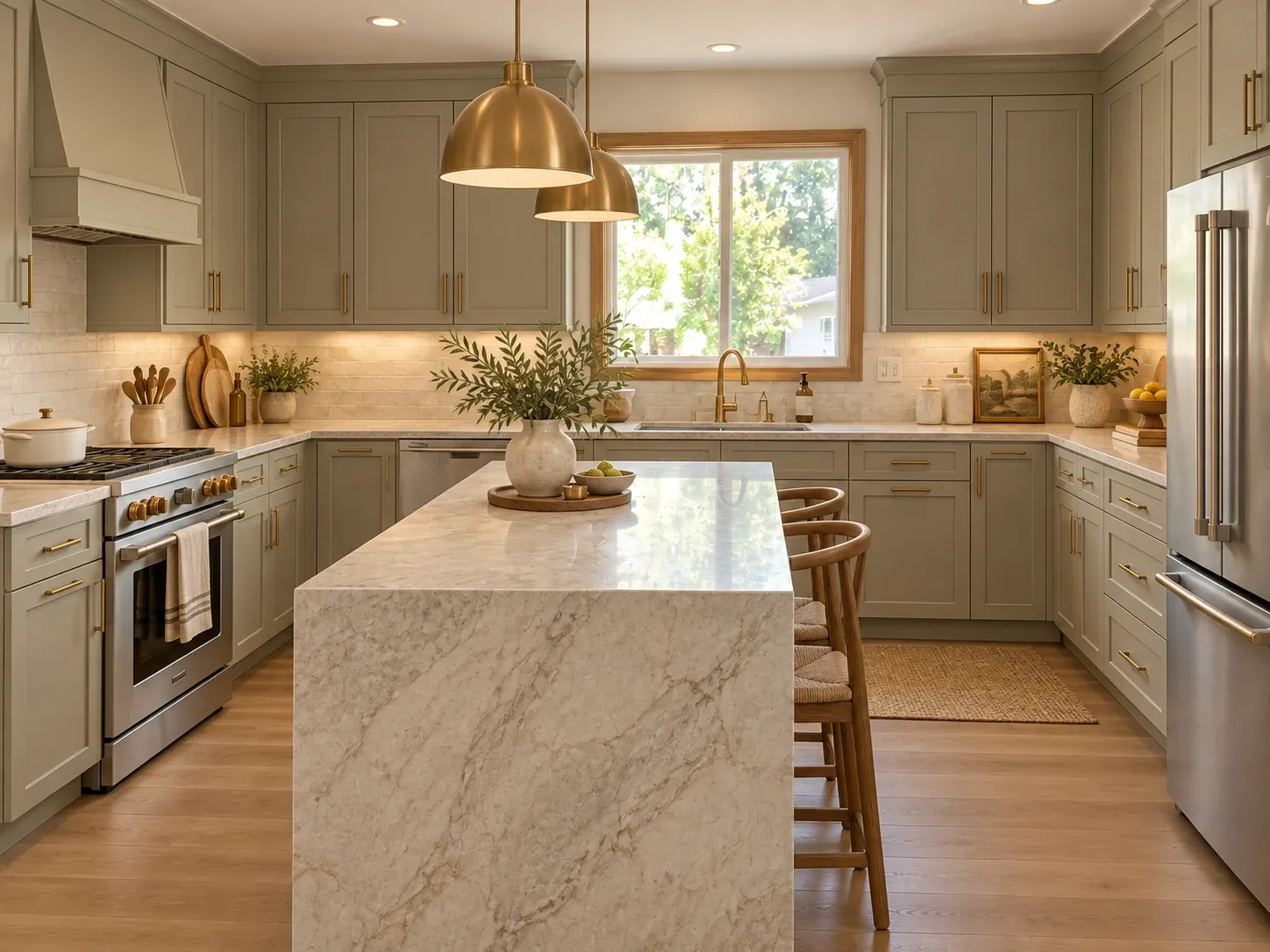
An AI home design generator lets you run every space through the same style, palette, and material notes. The model still reads each photo's walls, windows, and perspective separately, so every redesign fits its own room. What ties them together is your brief. Keep it identical across rooms and the results share a common language of wood tone, metal finish, and color.
Planning a consistent look from front door to backyard

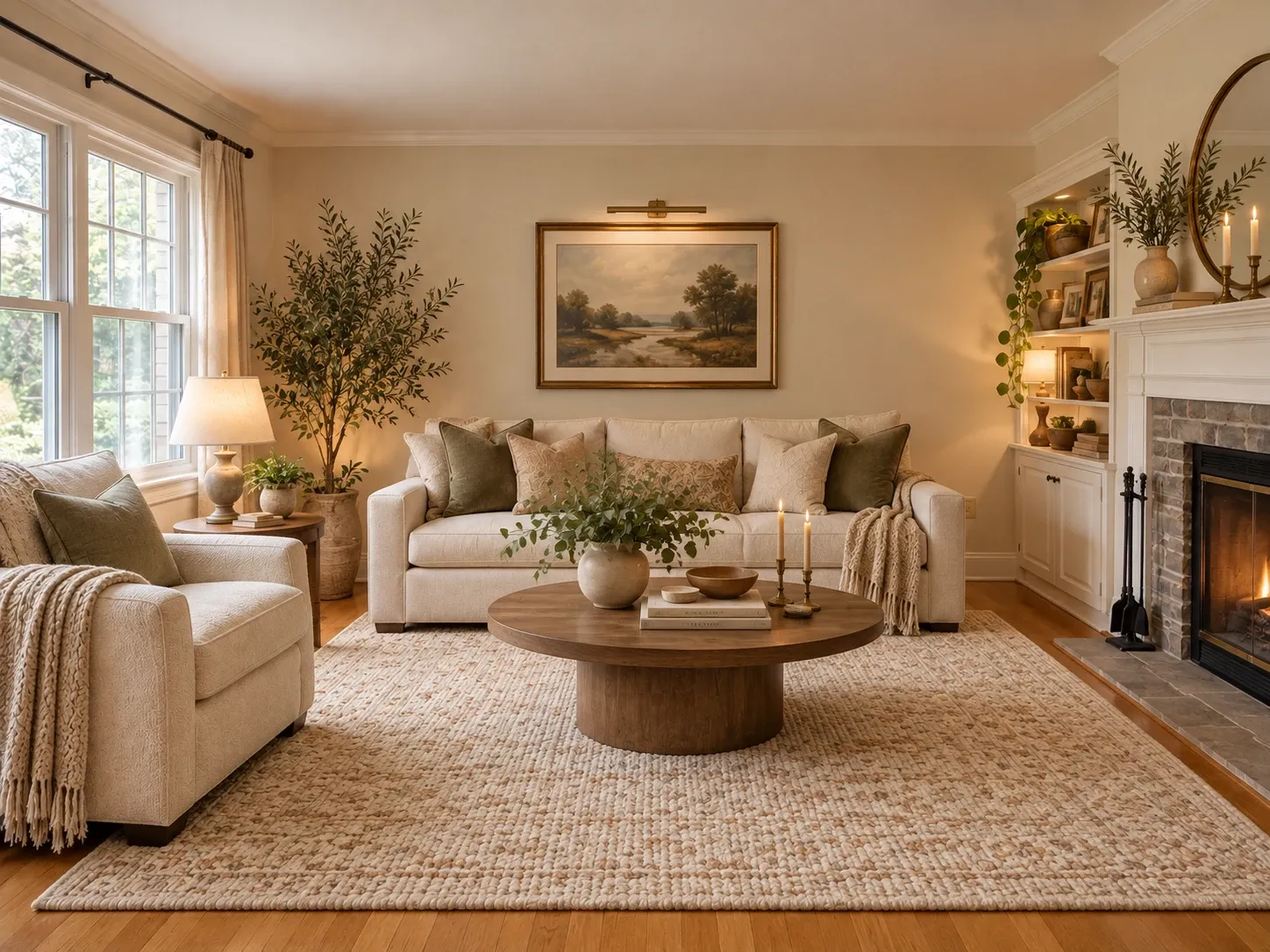
Start with the decisions that repeat everywhere. Designers often pick one main flooring, one wall color family, and one metal finish for a whole floor, then let each room vary in furniture and accents. Write those choices into a short instruction you can paste into every generation.

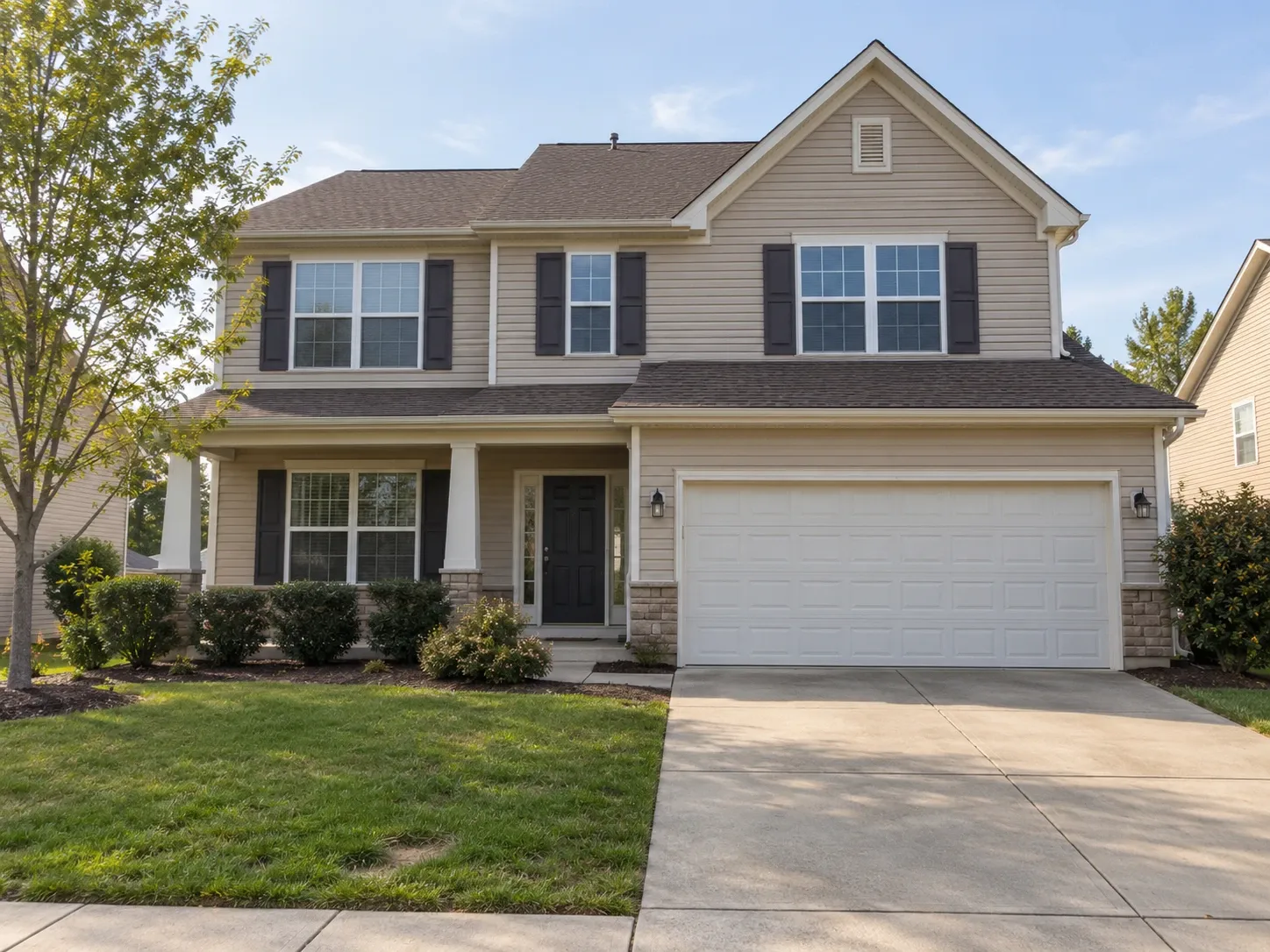
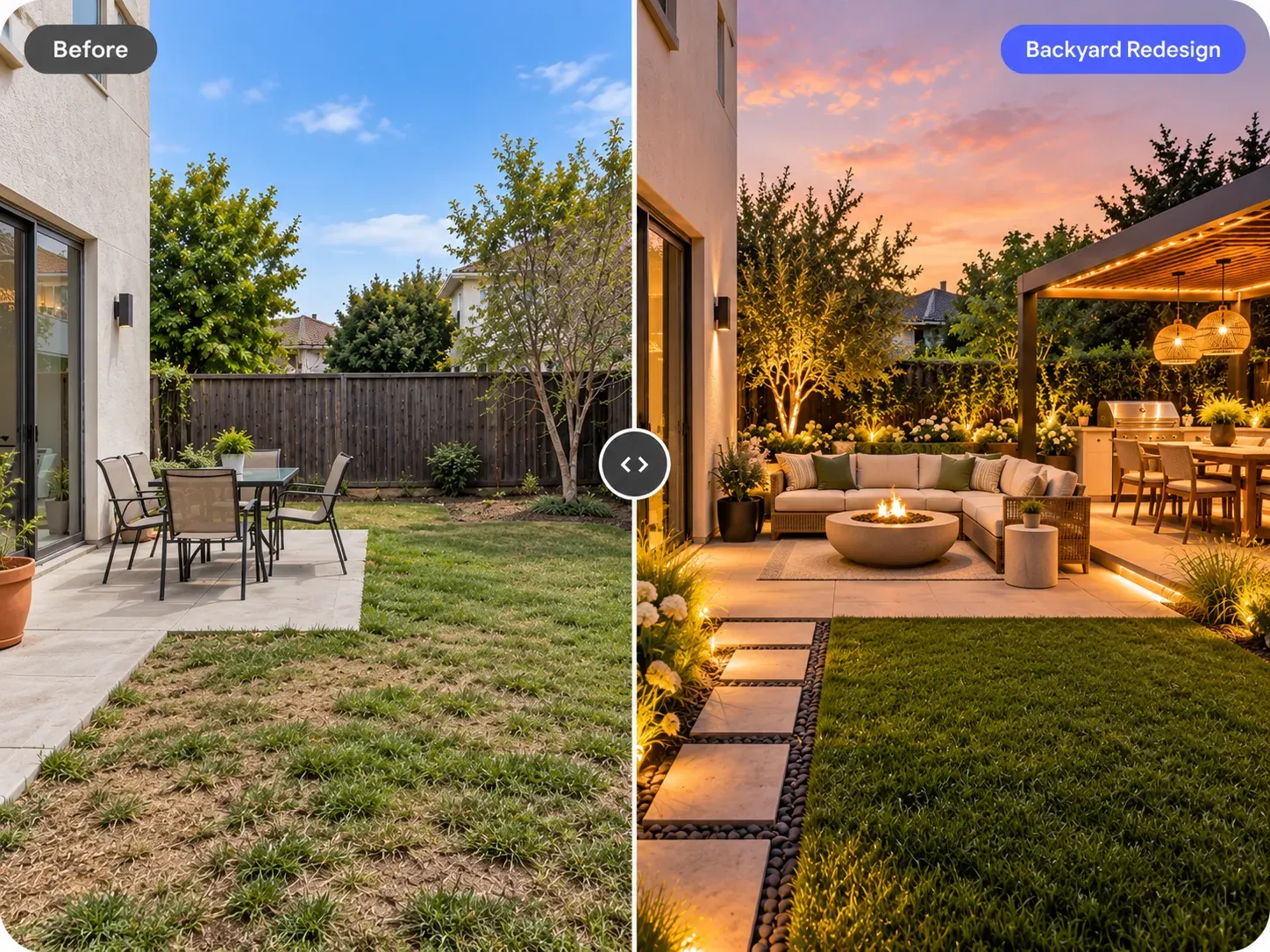
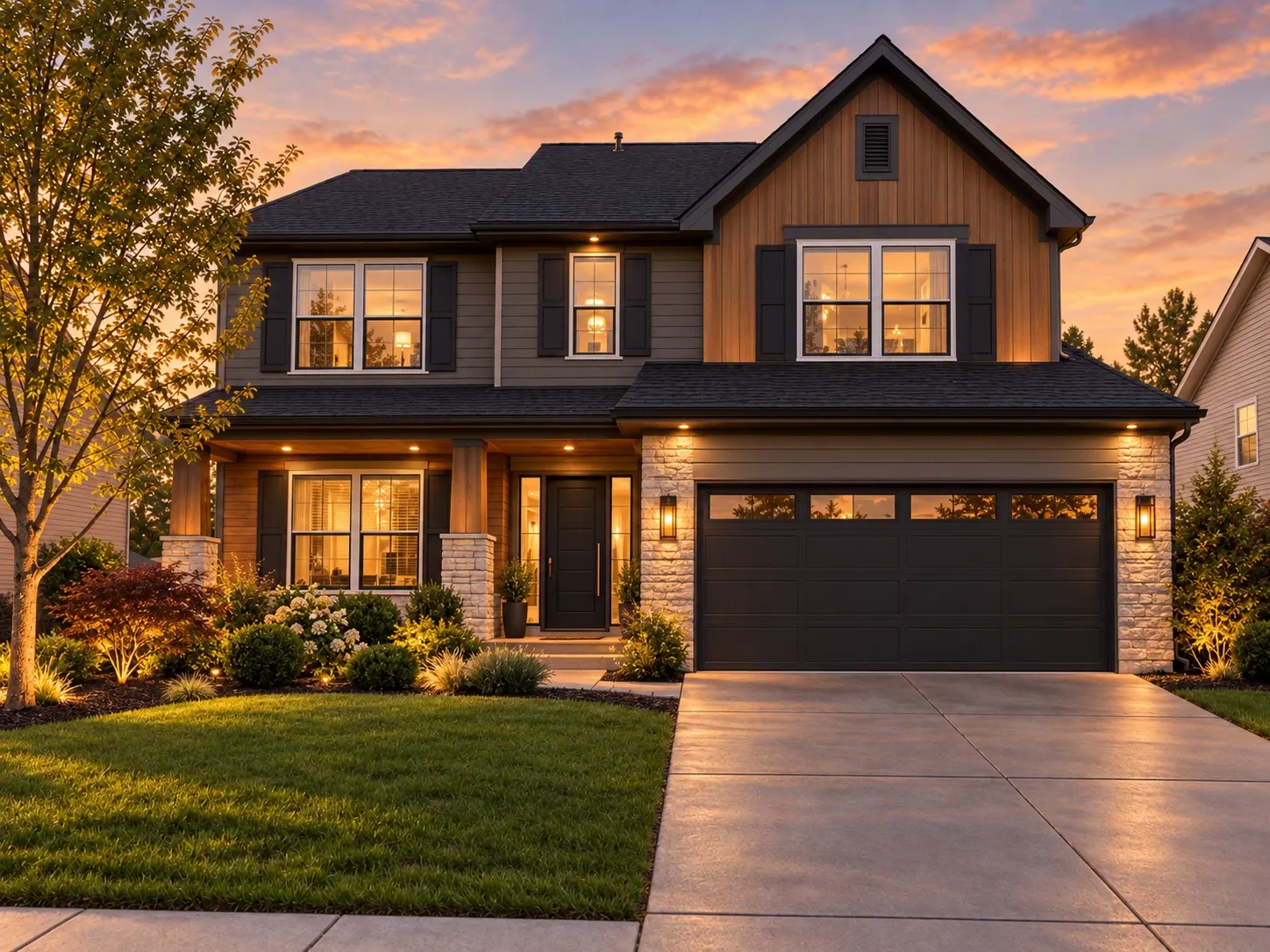
Do the rooms visible from the front door first: entry, living room, kitchen, and dining area. Once they agree, move to bedrooms and bathrooms, which can be a little more personal. Finish with the exterior and garden so curb appeal matches what visitors see inside. For deeper work outside, the AI exterior design and AI garden design tools focus on facades and landscaping.

  • One flooring for connected spaces, like wide-plank oak
  • One wall color family, with a deeper tone for accents
  • One metal finish for hardware and light fixtures
  • Exterior colors that echo the interior palette
  • Outdoor furniture in materials you use inside
  • One personal accent per bedroom or bathroom

Who a home design generator is for

It's useful when you're making decisions for a whole property at once: after buying a house, before a multi-room renovation, or when preparing to sell. New owners can map out which rooms to tackle first. Sellers and agents can show a cohesive vision for an outdated house in listing conversations, using redesigns clearly labeled as concepts.

Builders, flippers, and designers working on full projects also use it to present one direction across a set of photos, rather than a collection of unrelated inspiration images. It's equally handy for small homes, where a consistent palette makes connected rooms feel larger and calmer, and where every visible surface counts.

What the generator won't do

The generator works from photos, so it designs what the camera sees. It doesn't produce floor plans, 3D walkthroughs, measured drawings, or quotes. If your plans involve moving walls, adding rooms, or changing a roofline, you'll still need an architect or designer and a contractor, and likely permits from your local building department.

Think of each image as a visual brief you can share with those professionals. A set of consistent redesigns across the house is a fast way to communicate taste and priorities, and it often saves time in the first meeting because everyone is reacting to the same pictures instead of guessing from descriptions.

Frequently asked questions

Is there a free AI home design generator?

You can start free once you've created an account, which is enough to try the generator on a few photos of your home. For designing a whole house, paid plans include monthly credits, and each redesign of a room, facade, or garden uses credits from that balance.

Can I design the outside of my house too?

Yes. Choose the house exterior room type and upload a photo of the front or back of the house to explore siding, paint colors, roofing, doors, and lighting. Choose the garden option for yards, patios, and planting. Using the same style for both keeps the outside consistent with the interior.

How do I keep the same style in every room?

Use the same style for every photo and paste the same short instruction into each generation, naming your flooring, wall color, and metal finish. Review the rooms together and regenerate any that drift. Taking photos in similar daylight also helps the redesigns look like one house.

Is there an AI home design app I need to download?

No download is needed. The generator runs in the web browser on your phone, tablet, or computer. Many people photograph rooms on their phone during a walkthrough and then review the full set of redesigns on a laptop, where it's easier to compare them.

Can it create a floor plan or 3D model of my house?

No. The tool redesigns photos of existing spaces and returns photorealistic images. It doesn't produce floor plans, 3D models, or measured drawings. If you need those for a renovation or addition, an architect, designer, or drafting service can create them, and your redesigns can serve as a visual reference.

Can I use the images to sell my house?

Yes. On paid plans, you can use your generated images for personal and commercial projects such as listings and client presentations. When an image shows changes that haven't been made, label it as a design concept or virtually staged image, since many listing services expect that disclosure.

Try AI Home Design Generator on your own photo

Upload a photo, pick a style and compare redesigns side by side.

Related AI tools

View all tools

Ideas to try

More ideas