Skip to content
homesdesignai
Living Room AI

AI Living Room Design: Redesign Your Living Room From a Photo

Upload a photo of your living room and see it with a new sofa, rug, coffee table, wall color, and lighting in the style you pick. Plan a layout that fits the way you actually use the room before you buy anything.

Your photos stay private to your account.

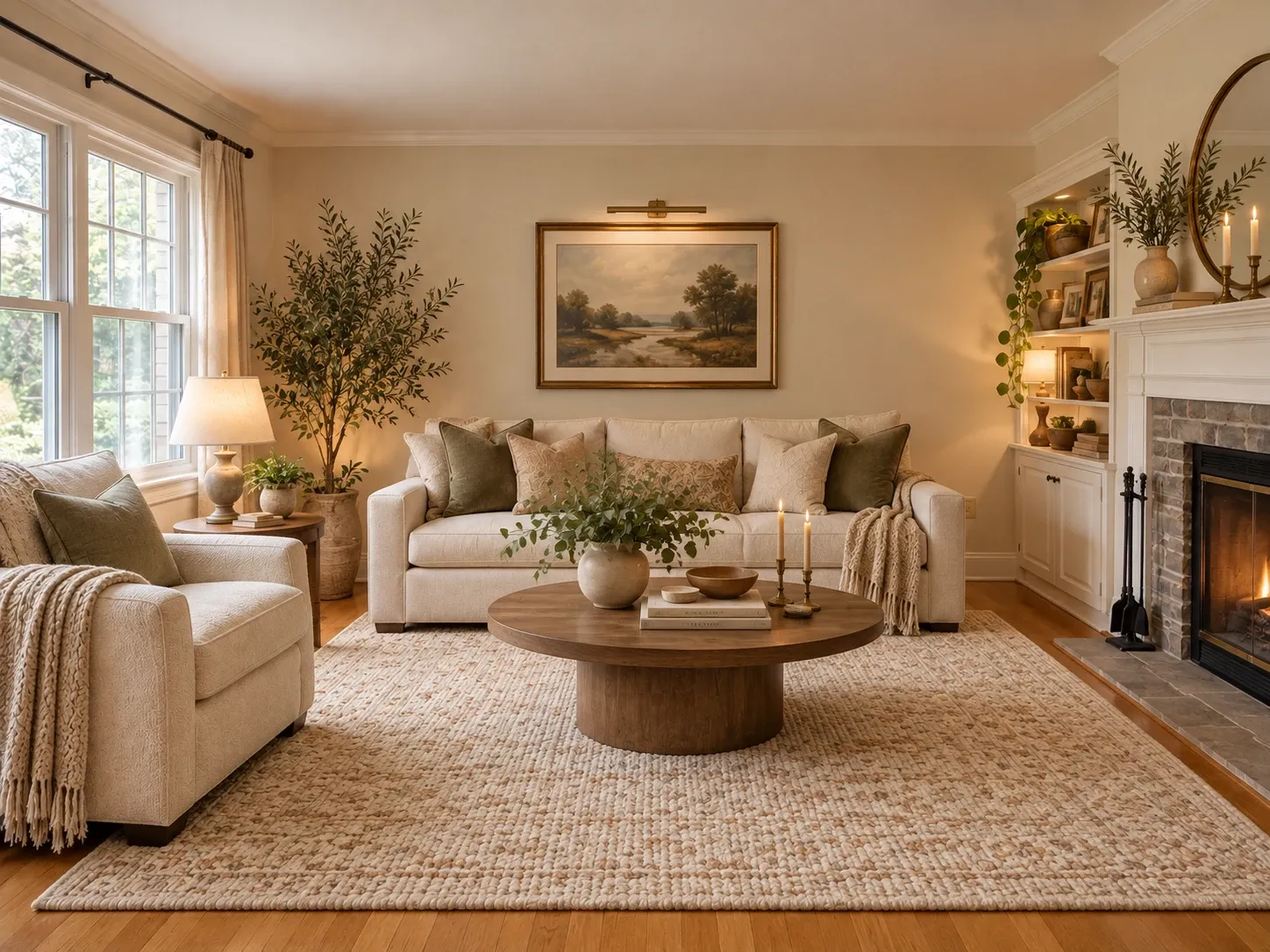
Living room redesigned with a cream sofa, round wood coffee table, layered textiles and warm lamp light
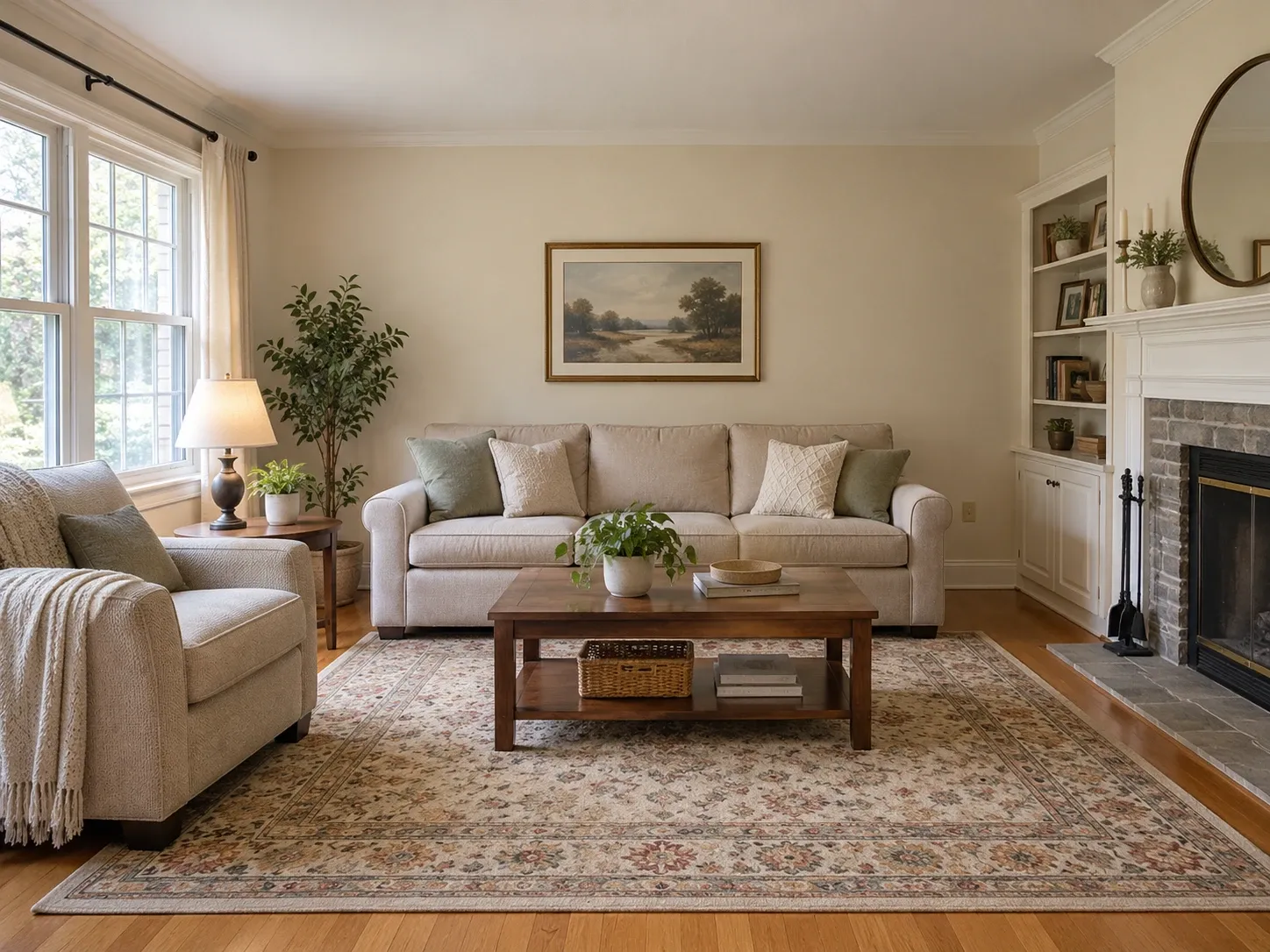
Original living room with a beige sofa, wood coffee table, patterned rug and brick fireplace
BeforeAfter

AI Living Room Design examples

Inspiration in different styles to guide your own design.

Popular styles for this space

View all styles

What you can do with AI Living Room Design

How it works

Three steps from photo to finished concept.

  1. 1

    Snap your living room

    Photograph the room from the entry or a corner in daylight, with the main seating wall and any fireplace, TV, or large window in view.

  2. 2

    Pick living room and a style

    Choose living room as the room type, select a style, and add notes like 'keep the fireplace, L-shaped sofa, jute rug, black floor lamp.'

  3. 3

    Generate and compare layouts

    Review the redesign against your current room, then try another style or seating arrangement until you find a version you'd be happy to live in.

AI Living Room Design guide

How AI living room design works

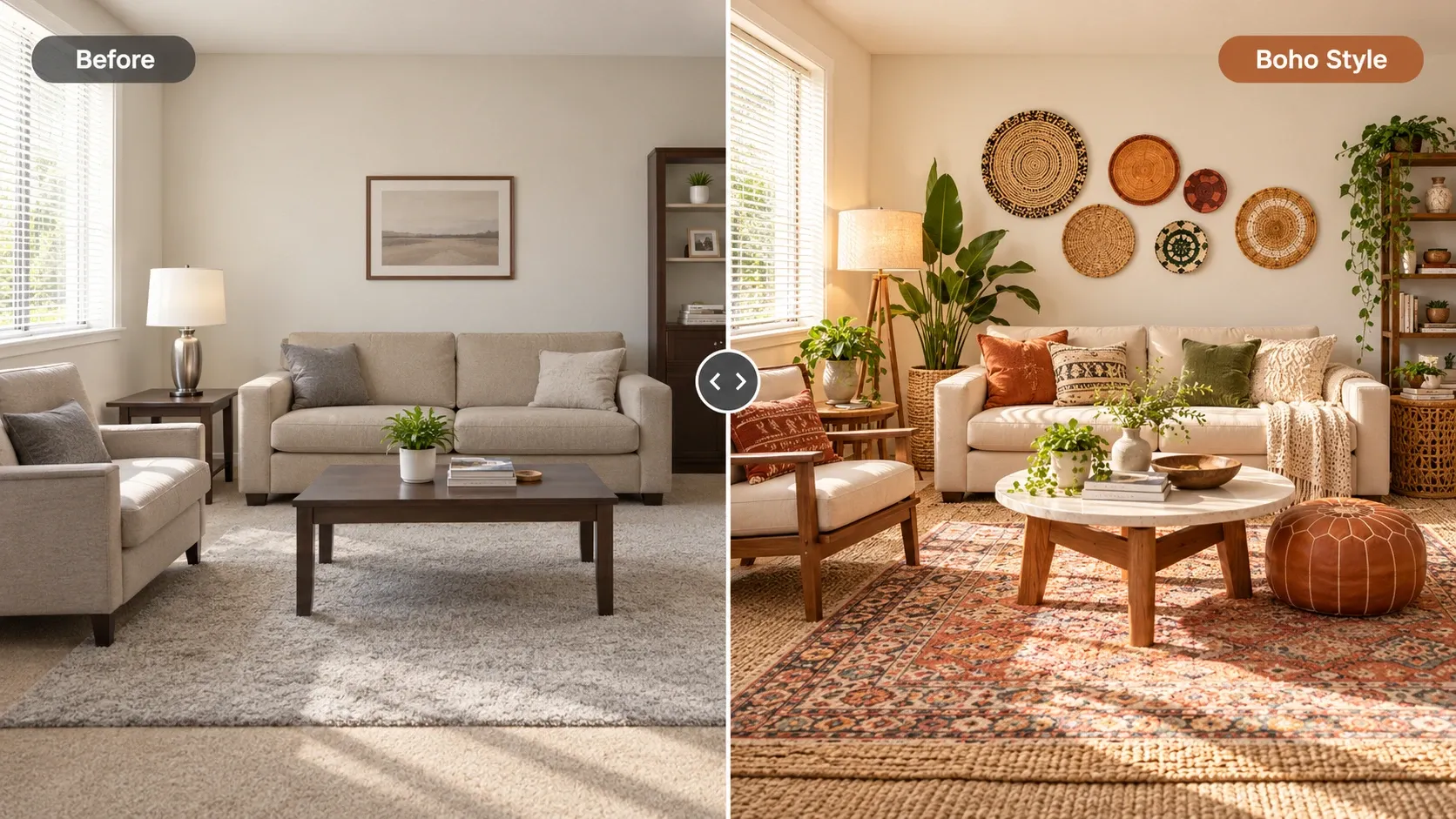
The AI reads your living room's architecture first: walls, windows, doorways, fireplace, built-ins, and the angle of the photo. It then fills the room with furniture, rugs, lighting, and decor in your chosen style, keeping the features you can't easily change. Most living rooms are built around a focal point, so the model arranges seating toward the fireplace, TV, or view it finds.

You can steer that with a short instruction. Ask for a sectional instead of a sofa and chairs, a reading corner by the window, or more storage for a family room. The result is a realistic concept of your room with a new look and arrangement, which you then check against your measurements before buying.
Living room layout basics to check

A living room can look beautiful in an image and still be awkward to use. When you review a redesign, check the arrangement against a few practical rules that designers rely on, especially in rooms people walk through to get somewhere else.

If a redesign looks right but the furniture would block a doorway, ask for a different arrangement or a smaller sofa. In open-plan spaces, a rug and the back of a sofa can define the living area without walls. For rearranging furniture you already own without restyling it, the AI furniture placement tool is a better match.

  • Keep 30 to 36 inches for main walkways
  • Leave 16 to 18 inches between sofa and coffee table
  • Make the coffee table about two-thirds the sofa's length
  • Size the rug so all front furniture legs rest on it
  • Keep seats within 8 to 10 feet for easy conversation
  • Center art about 57 to 60 inches above the floor

Ideas for decorating your living room with AI

Use the tool to test the changes that cost the most to get wrong. A sofa is the biggest purchase in most living rooms, so try a few shapes and fabrics first: a tight-back linen sofa in a modern room, a curved boucle piece in a contemporary one, or cognac leather in a mid-century scheme. Then build color and accessories around it.

Small living rooms benefit from leggy furniture, a large rug, a mirror opposite the window, and fewer, larger pieces. Cozy rooms come from warm bulbs, wool and velvet textures, and lamps at several heights. Try the same photo in two or three styles and you'll quickly see which direction feels like home.

Who decorates their living room with AI

Homeowners and renters use it before buying a new sofa or rug, or when a room feels finished but flat. Families use it to plan a layout that handles a TV, toys, and guests at once. People moving into a new place use it to see how a different style could work with the furniture they're bringing along.

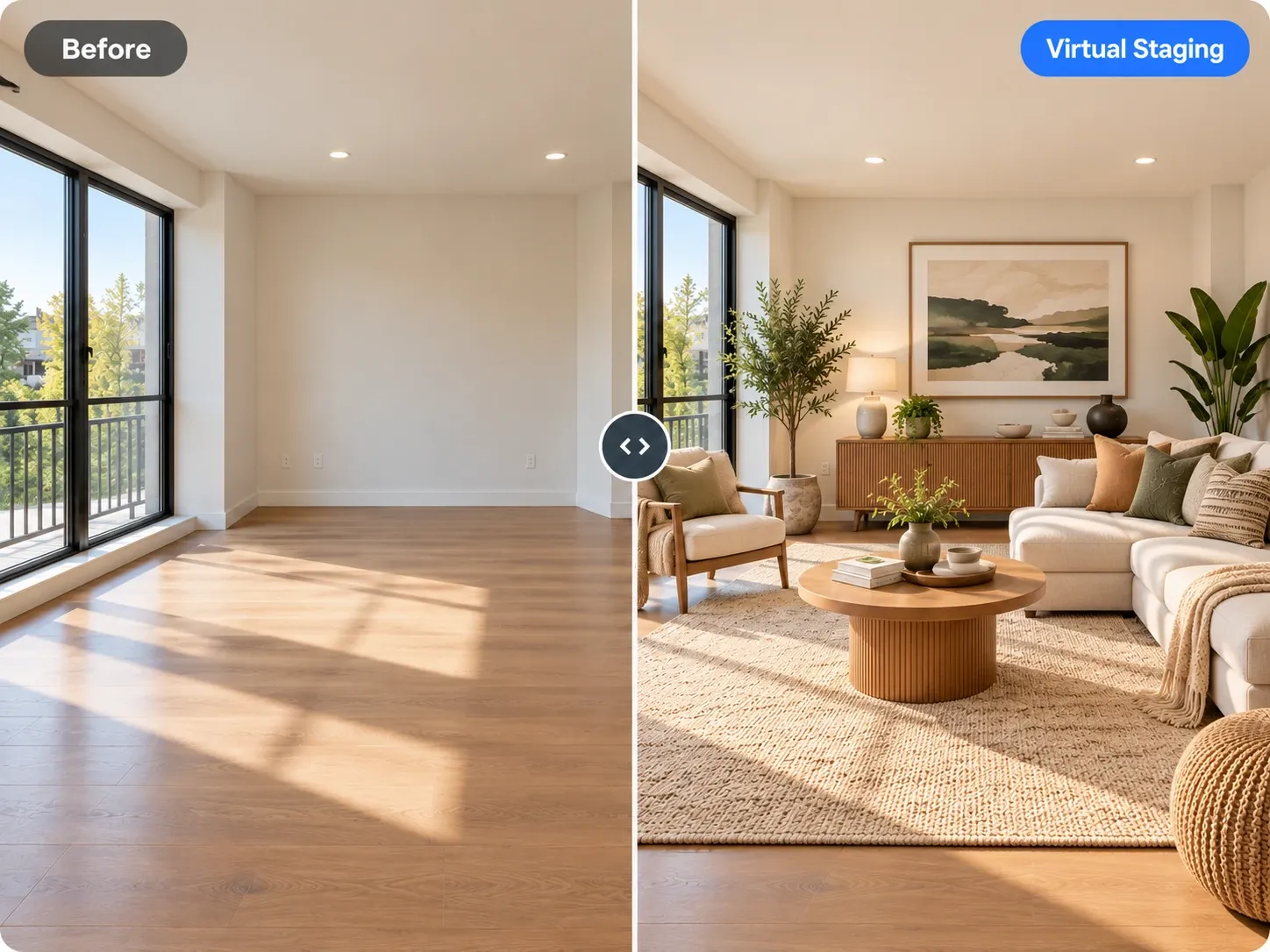
Agents and stagers use living room redesigns because it's usually the first room buyers see in listing photos. For empty listings, the virtual staging tool adds furniture to vacant rooms, while this tool restyles rooms that are already furnished. Interior designers use quick concepts at a first meeting to see how a client reacts to different sofa shapes and palettes.

Frequently asked questions

Can I decorate my living room with AI for free?

Yes, you can start free once you've created an account and try a redesign of your own living room. For more styles and layouts, paid plans add a monthly allowance of credits, and each living room generation uses credits from it.

Can I keep my sofa and redesign the rest?

Yes. Mention it in the instruction, for example 'keep the grey sectional,' and the AI will try to keep it while changing the rug, walls, lighting, and decor. If it changes anyway, regenerate or retake the photo so the sofa is more clearly visible.

Does it work for open-plan living rooms?

Yes, and it works best when the seating area fills most of the frame. Choose living room as the room type, and if the kitchen or dining area is also visible, add a note saying whether to restyle it to match or leave it as it is.

How do I take a good living room photo?

Shoot in daylight from the entry or a corner, holding the phone level in landscape orientation. Include the main seating wall, the floor, and any focal point like a fireplace or TV. Tidy cables, toys, and throws first so the AI reads the furniture shapes clearly.

Will the furniture in the redesign fit my room?

The redesign respects your room's walls and perspective, but furniture sizes are estimated by eye, not measured. Before buying, measure the wall, keep 30 to 36 inches for walkways, and compare product dimensions. Painter's tape on the floor is a quick way to test a sofa's footprint.

Is my living room photo private?

Your uploads are private to your account; we don't publish them. Photos of your living room stay in your account unless you download a redesign and share it yourself. If you'd rather not include family photos or paperwork, move them out of frame before you shoot.

Try AI Living Room Design on your own photo

Upload a photo, pick a style and compare redesigns side by side.

Related AI tools

View all tools

Ideas to try

More ideas