Skip to content
homesdesignai
AI Room Redesign

AI Room Design: Redesign Any Room From One Photo

Snap a photo of your bedroom, living room, kitchen, or any other space, pick a style, and see it redesigned with new furniture, colors, and lighting while your walls, windows, and layout stay where they are.

Your photos stay private to your account.

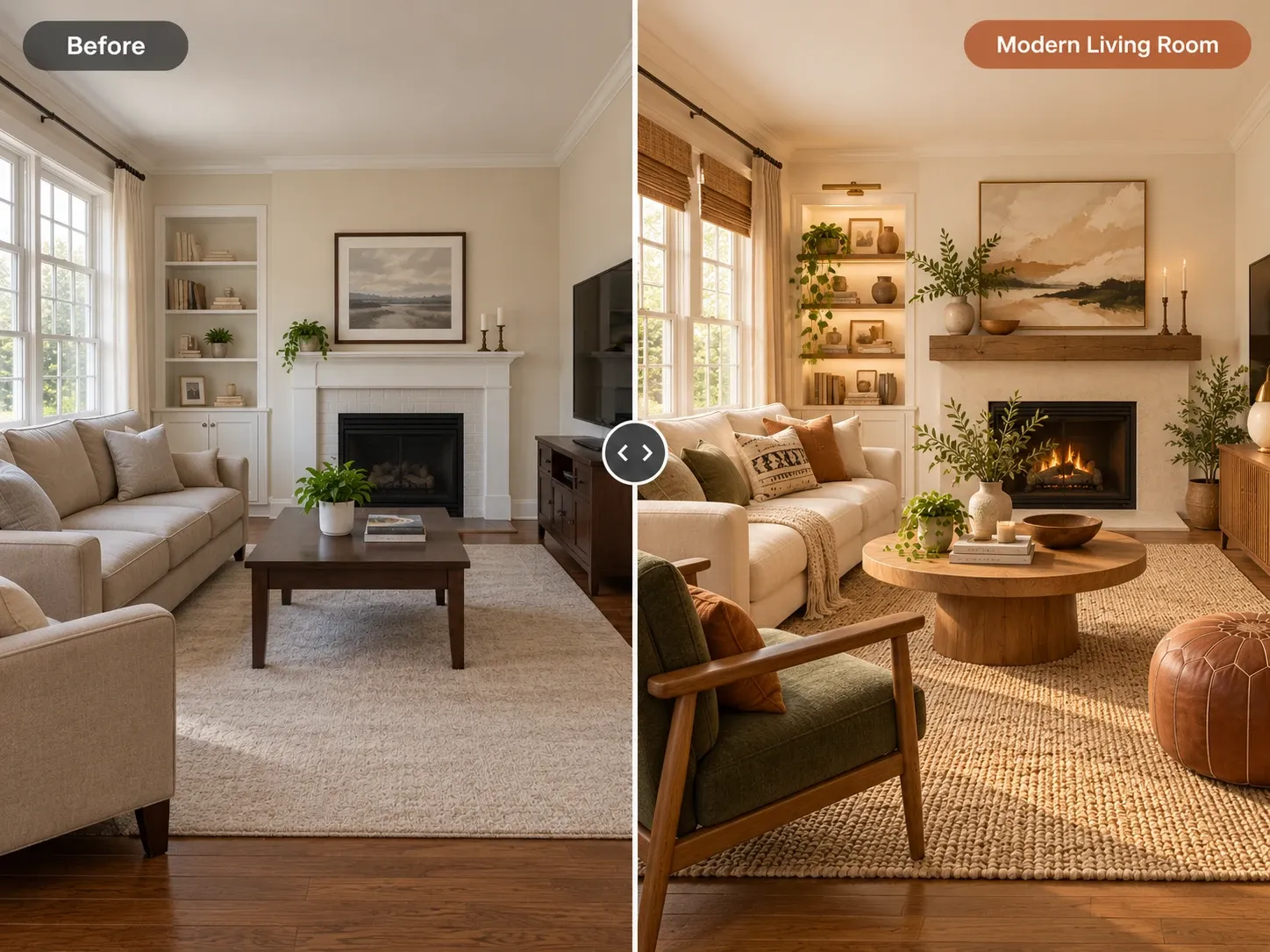
Before and after: living room with a white fireplace redesigned with warm wood, a round coffee table and lit built-ins

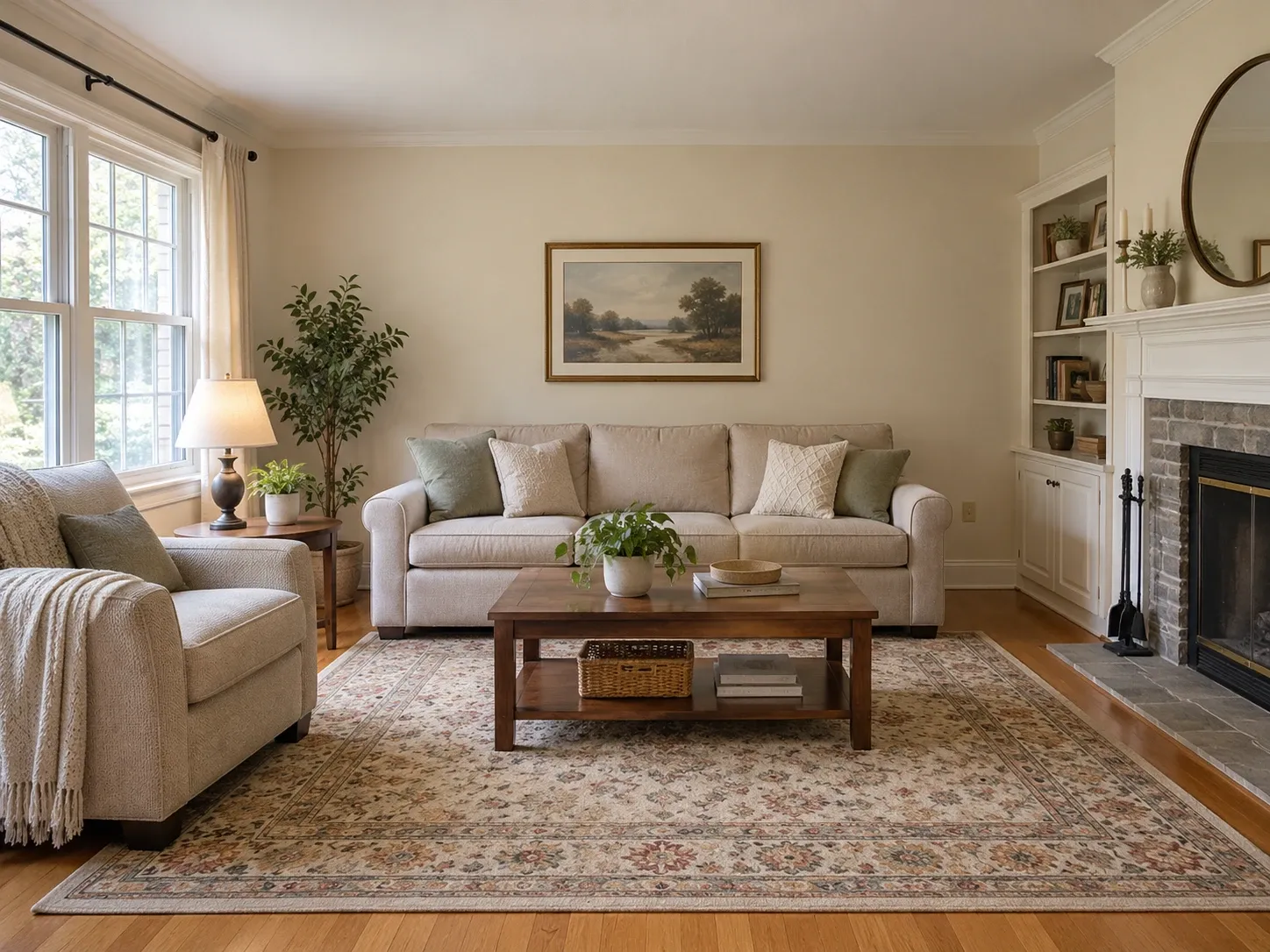
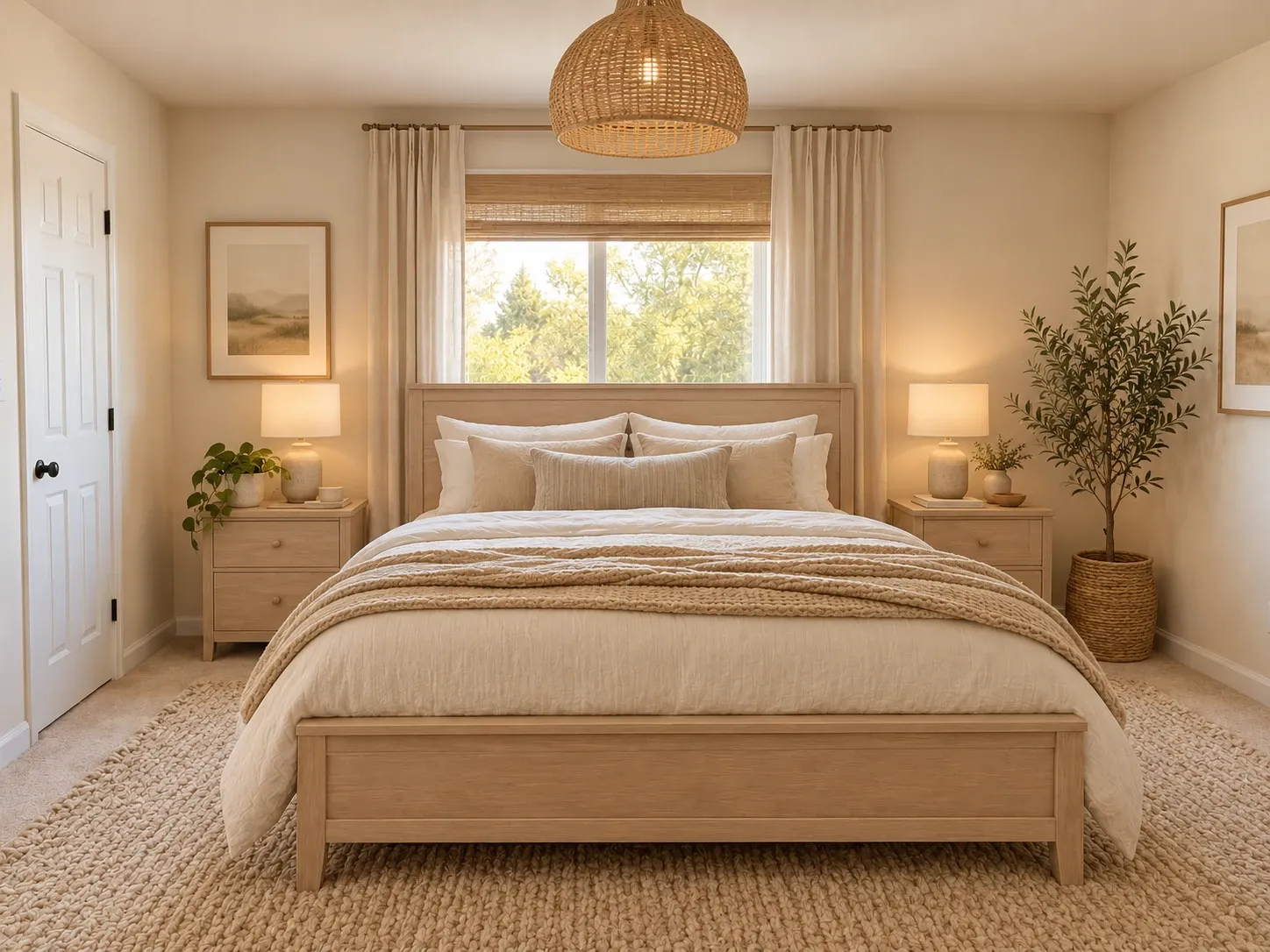
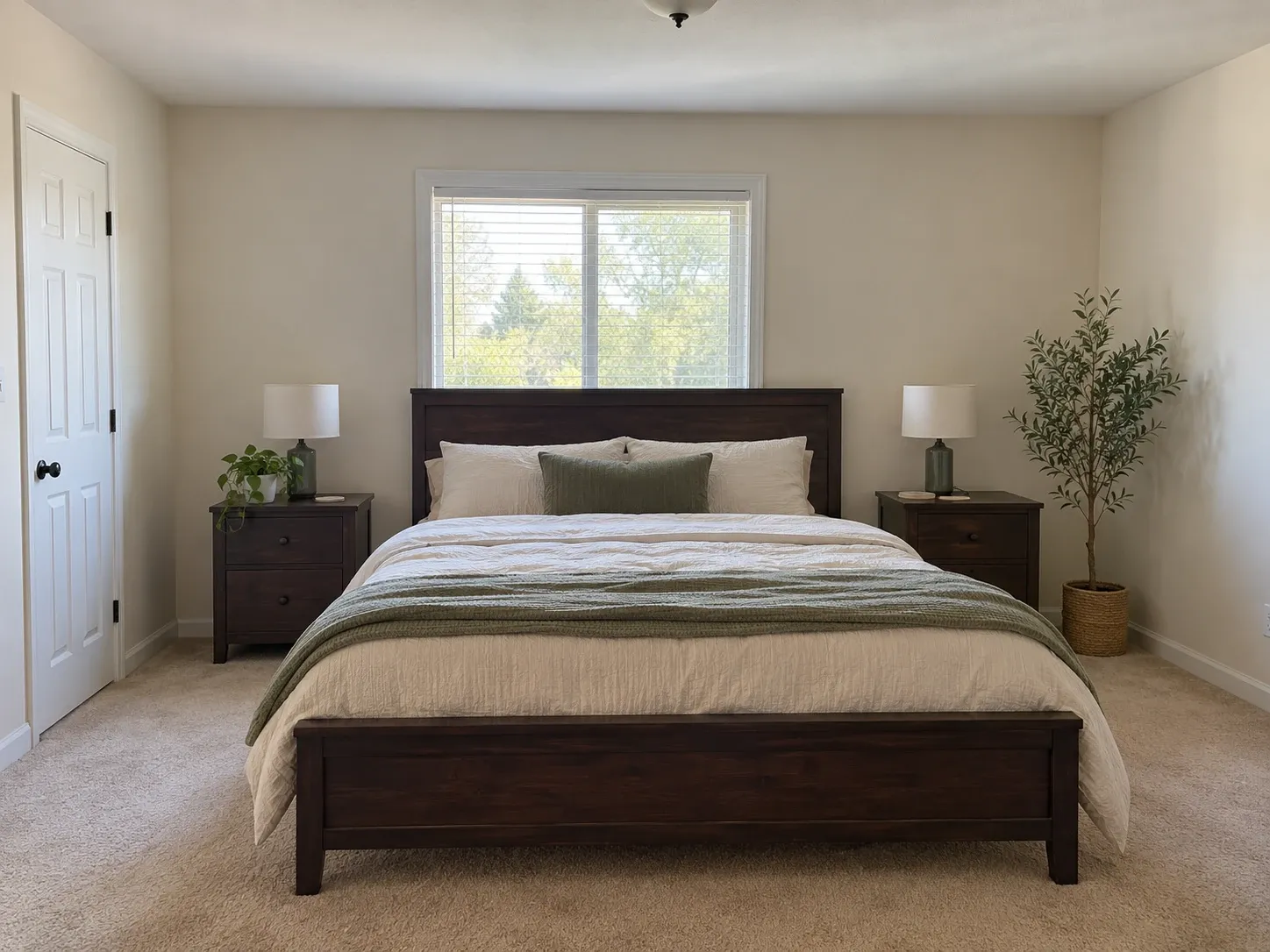
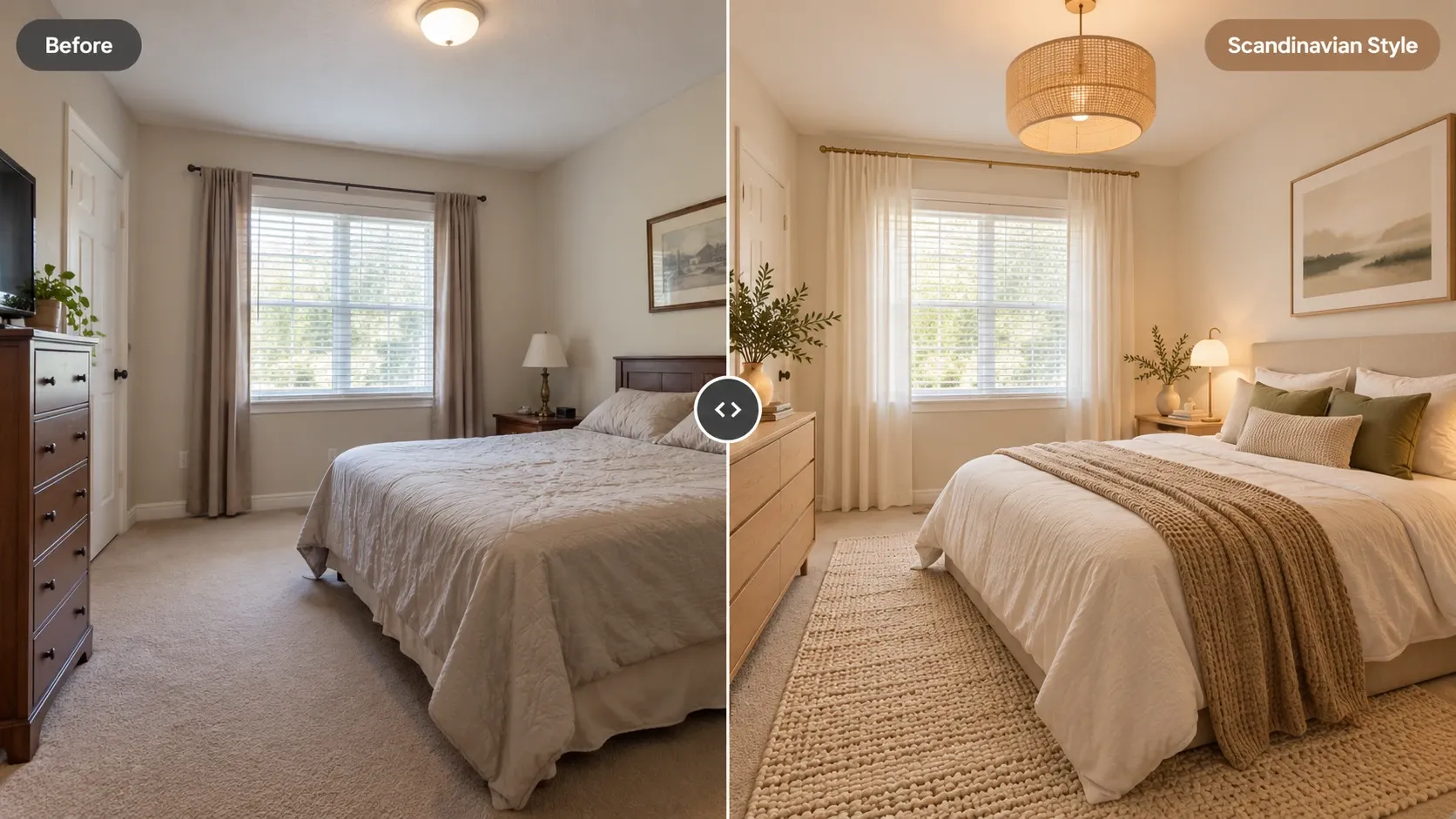
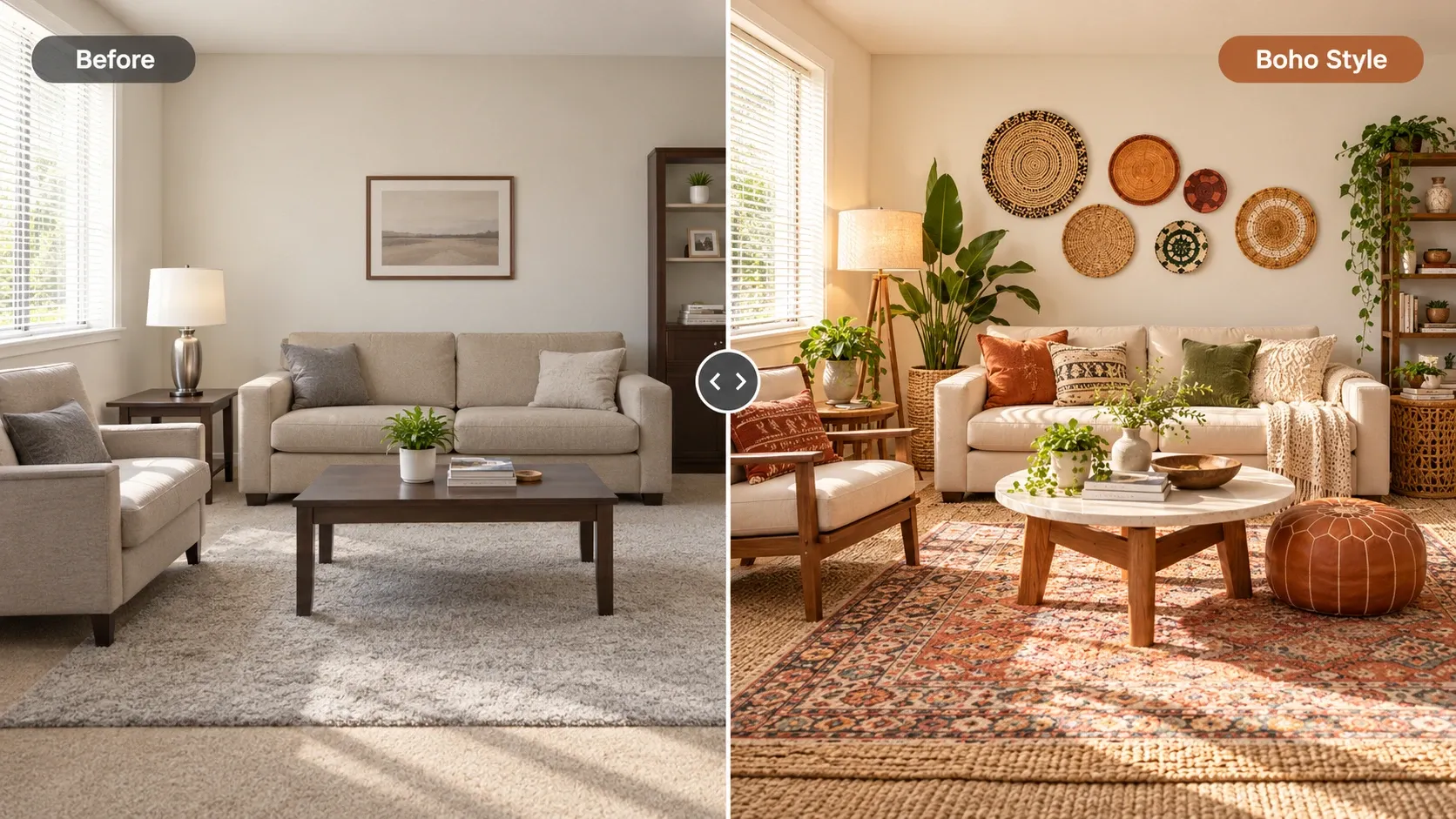
AI Room Design examples

Inspiration in different styles to guide your own design.

Popular styles for this space

View all styles

What you can do with AI Room Design

How it works

Three steps from photo to finished concept.

  1. 1

    Upload a photo of your room

    Shoot in daylight from a corner or doorway so most of the room is visible, then upload the image from your phone or computer.

  2. 2

    Pick the room type and a style

    Tell the AI whether it's a bedroom, living room, dining room, or something else, choose a style, and add an optional note about colors or pieces to keep.

  3. 3

    Generate and compare redesigns

    Get a photorealistic redesign in seconds to about a minute, compare it with your original using the slider, and rerun with a new style or note until one clicks.

AI Room Design guide

How AI room design works

When you upload a photo, the model first reads the scene: where the walls meet the floor, where windows and doors sit, how high the ceiling is, and the angle the photo was taken from. It then re-renders the surfaces and contents of the room, swapping in new furniture, wall colors, flooring, textiles, and light fixtures that fit the style you picked, while keeping that underlying geometry in place.

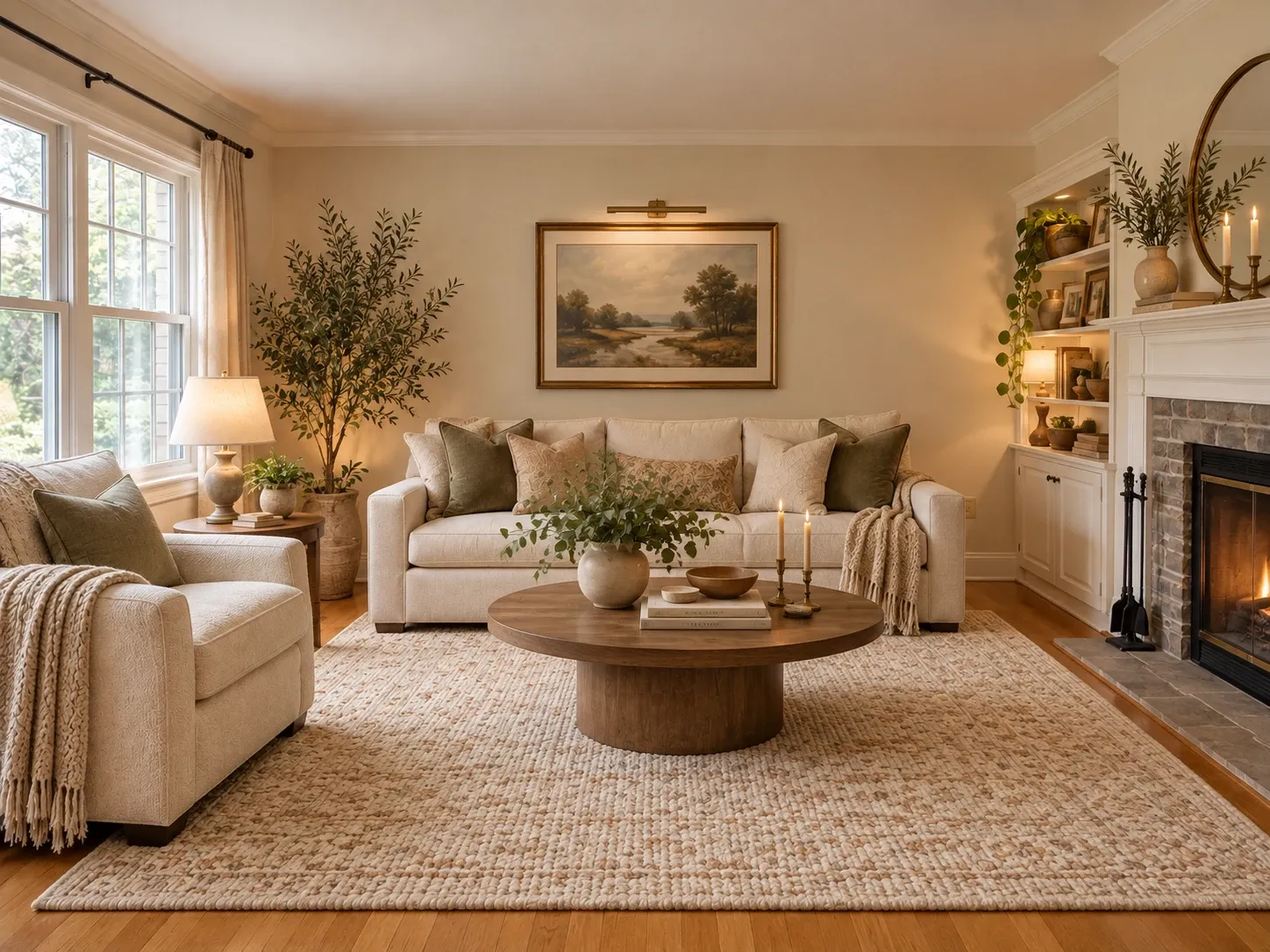
The result is a photorealistic concept image, not a construction document. It shows you how a direction could look in your room, which is the hardest thing to picture from a mood board or a store display. Treat it as a visual brief: use it to choose a palette, settle on a furniture style, or decide whether that dark green accent wall is a good idea before you open a paint can.
Tips for a better room redesign

The quality of the redesign follows the quality of the photo. The AI can only keep what it can see, so a dark, tilted, or tightly cropped picture gives it less to work with. A few minutes of prep before you shoot makes a visible difference in how believable the result looks.

When you add a text instruction, be concrete. 'Warm white walls, walnut nightstands, linen bedding' gets you further than 'make it nicer.' Name the pieces you want to keep, like a sofa or a rug you love, and the AI will try to hold onto them while it restyles everything around them.

  • Shoot in daylight with lights on and curtains open
  • Stand in a corner or doorway and hold the phone level
  • Use landscape orientation to fit more of the room
  • Clear clutter off floors, beds, and counters first
  • Include the floor and at least one window in the shot
  • Write instructions as short, concrete phrases

Who uses an AI room designer

Homeowners use it to test ideas before a weekend of painting or a big furniture order. Renters use it to plan changes that don't touch the walls: a new rug, a bigger bed, a different arrangement, removable wallpaper, or better lamps. Seeing the room first helps you avoid buying a sofa that clashes with a floor you can't replace.

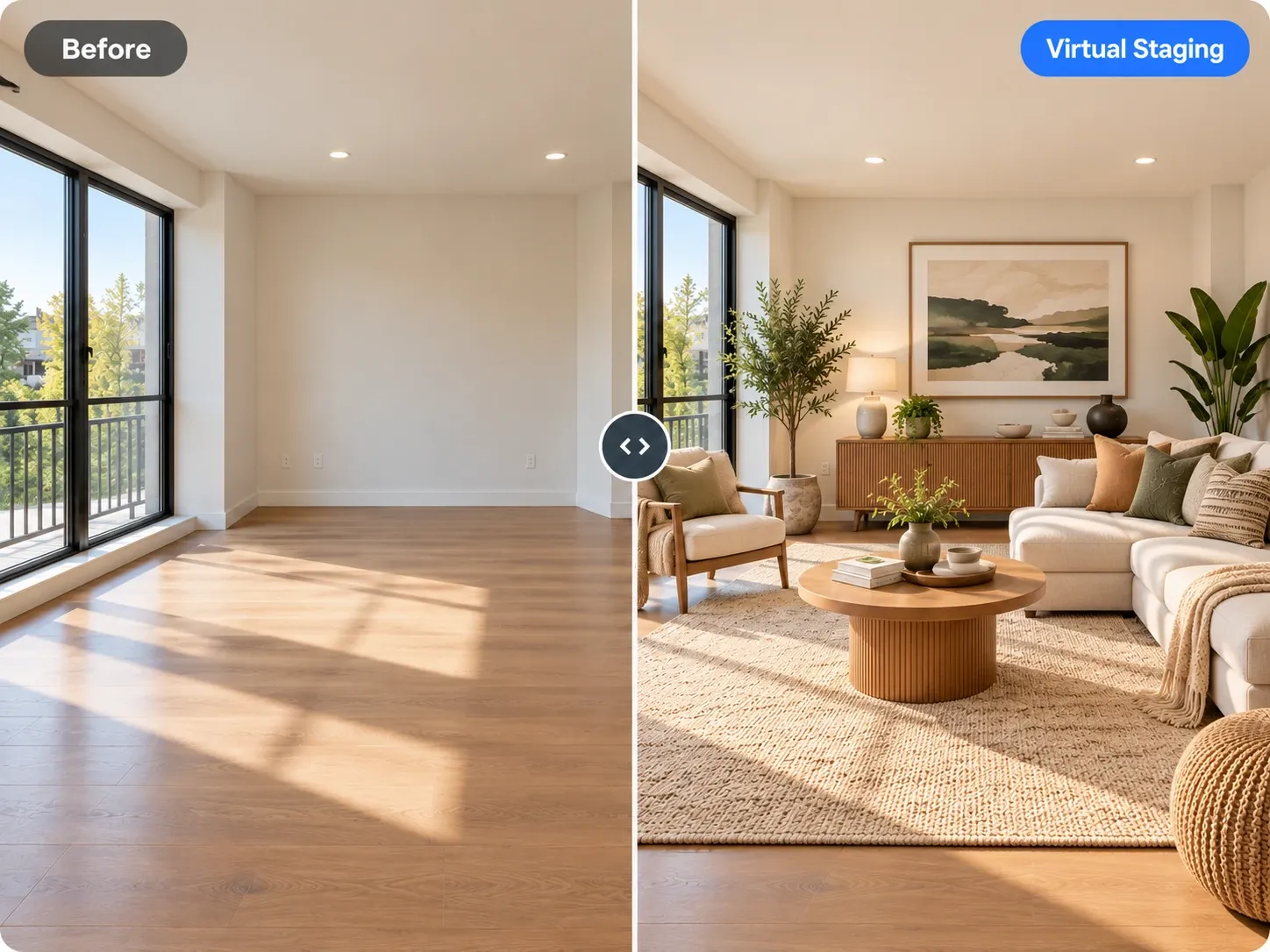
Real estate agents use redesigns to help buyers picture a dated room with fresh finishes, and interior designers use them to show clients two or three directions at the start of a project. If you need a whole property in one look, the AI home design generator keeps a single style consistent across rooms, and the virtual staging tool is built for empty listings.

What to check before you buy anything

An AI redesign shows style and proportion as a picture, not to the inch. Before you order furniture you saw in a render, measure the room and the piece. Leave 30 to 36 inches for main walkways, about 18 inches between a sofa and coffee table, and enough space for doors and drawers to open fully.

Colors also shift between a screen and a wall. Pick paint from physical swatches and look at them in your own light in the morning and evening. If a redesign suggests moving a wall, outlet, or light fixture, talk to a licensed contractor or electrician first, since structural and electrical changes usually need permits.

Frequently asked questions

Is AI room design free?

You can start free when you create an account, which lets you try the generator on your own photos before choosing a plan. Paid plans add a monthly allowance of credits for more redesigns, and each generation uses credits from that balance. Check the pricing page for the current plans.

What kind of photo works best?

A well-lit, level photo taken from a corner or doorway works best. Landscape orientation fits more of the room, and a decluttered floor helps the AI read the layout. Avoid heavy filters, strong wide-angle distortion, and photos where most of the room is cropped out or in shadow.

Can I keep some of my furniture?

Often, yes. Add a note such as 'keep the brown leather sofa and the floor lamp' and the AI will try to preserve those pieces while restyling the rest. Results depend on how clearly the item shows in the photo, so you may need to generate a couple of times.

Will the redesign match my room's real dimensions?

The redesign keeps your room's layout and perspective, but it isn't measured. Furniture in the image is sized by eye, the way a sketch would be. Use it to choose a look, then measure your space and each piece before buying, especially sofas, beds, and rugs.

Can I design my room on my phone?

Yes. The tool runs in your phone's web browser, so you can take a photo of the room, upload it, and view the results without installing an app. It also works in a desktop browser if you'd rather compare redesigns on a larger screen.

Who can see the photos I upload?

Your uploads are private to your account; we don't publish them. The original photos and the redesigns you generate stay in your account unless you download and share them yourself. If you'd prefer people or personal papers not appear in the image at all, keep them out of frame.

Try AI Room Design on your own photo

Upload a photo, pick a style and compare redesigns side by side.

Related AI tools

View all tools

Ideas to try

More ideas