Skip to content
homesdesignai
Landscape design ideas

AI Garden Design for Your Backyard and Front Yard

Photograph your yard, patio or front garden and see it with new planting beds, paths, a patio or outdoor lighting. The AI keeps the house, fences and slope in view, so each landscape concept fits the space you actually have.

Your photos stay private to your account.

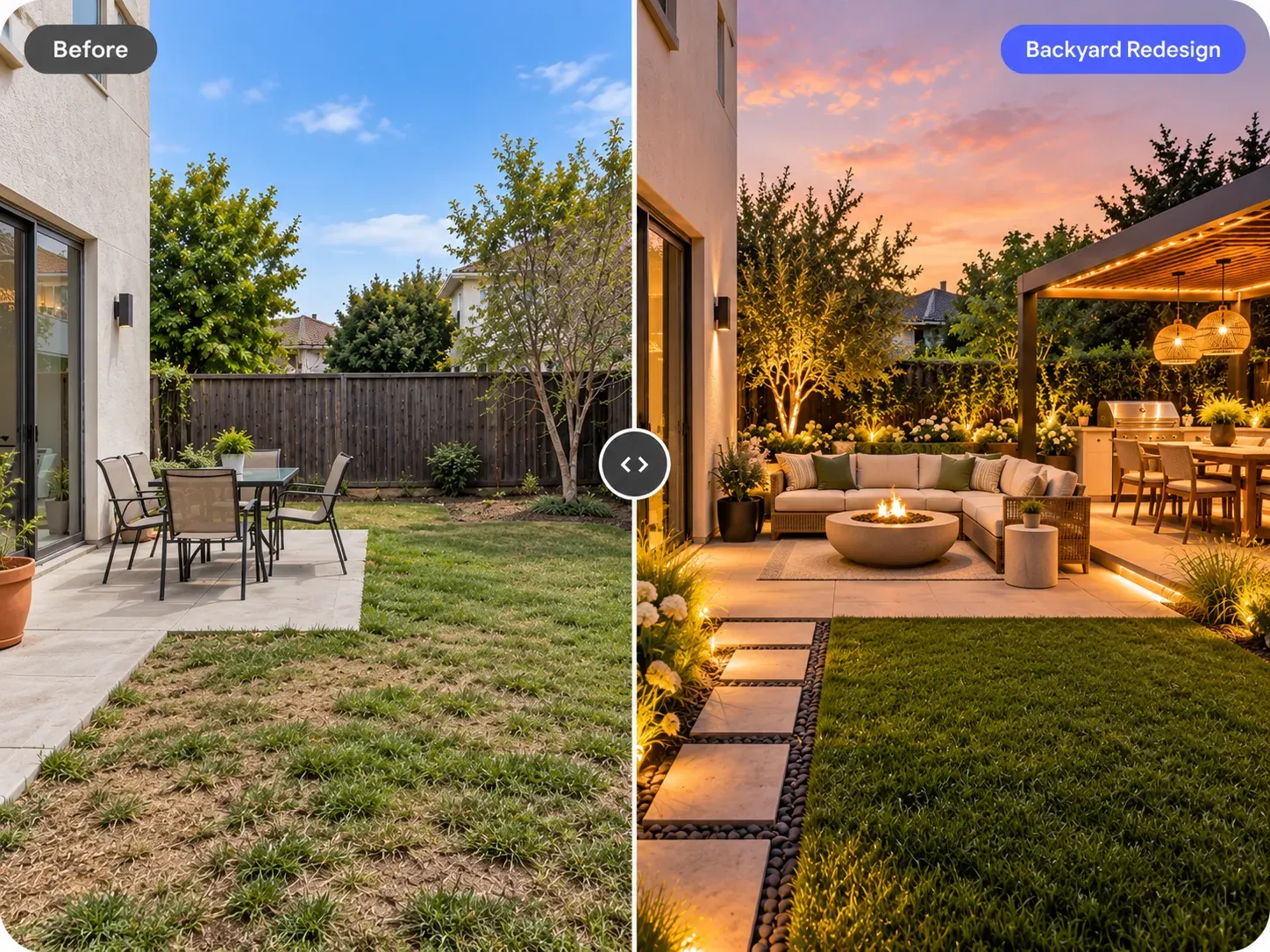
Before and after: plain backyard patio redesigned with a fire pit seating area, pergola dining and landscape lighting

AI Garden Design examples

Inspiration in different styles to guide your own design.

Popular styles for this space

View all styles

What you can do with AI Garden Design

How it works

Three steps from photo to finished concept.

  1. 1

    Photograph the yard

    Stand at the back door, in a corner of the lot or across the street for a front yard. Capture the house edge, fence line and ground in daylight.

  2. 2

    Select Garden and a style

    Choose a direction like modern, Japandi or coastal and add specifics such as 'decomposed granite patio, olive tree, native grasses, keep the fence'.

  3. 3

    Generate landscape concepts

    Compare several layouts, then refine one instruction at a time, for example swapping lawn for a gravel garden or adding a fire pit seating area.

AI Garden Design guide

How AI landscape design reads your yard

The model looks at the structure in your photo: the house wall, fence lines, the ground plane and any slope, steps or existing trees. It then redraws ground cover, beds, paving, furniture and lighting within that frame. Because the camera position stays the same, you can judge a new patio or planting bed from the spot where you would actually stand or sit.

What it does not know is your soil, sun hours, drainage, hardiness zone or property lines. A plant that looks right in the image may not survive your winter, and a patio may need grading or a permit. Use the concepts to decide on character and layout, then check plant choices with a local nursery and hardscape plans with a landscaper.
Front yard vs backyard: different jobs

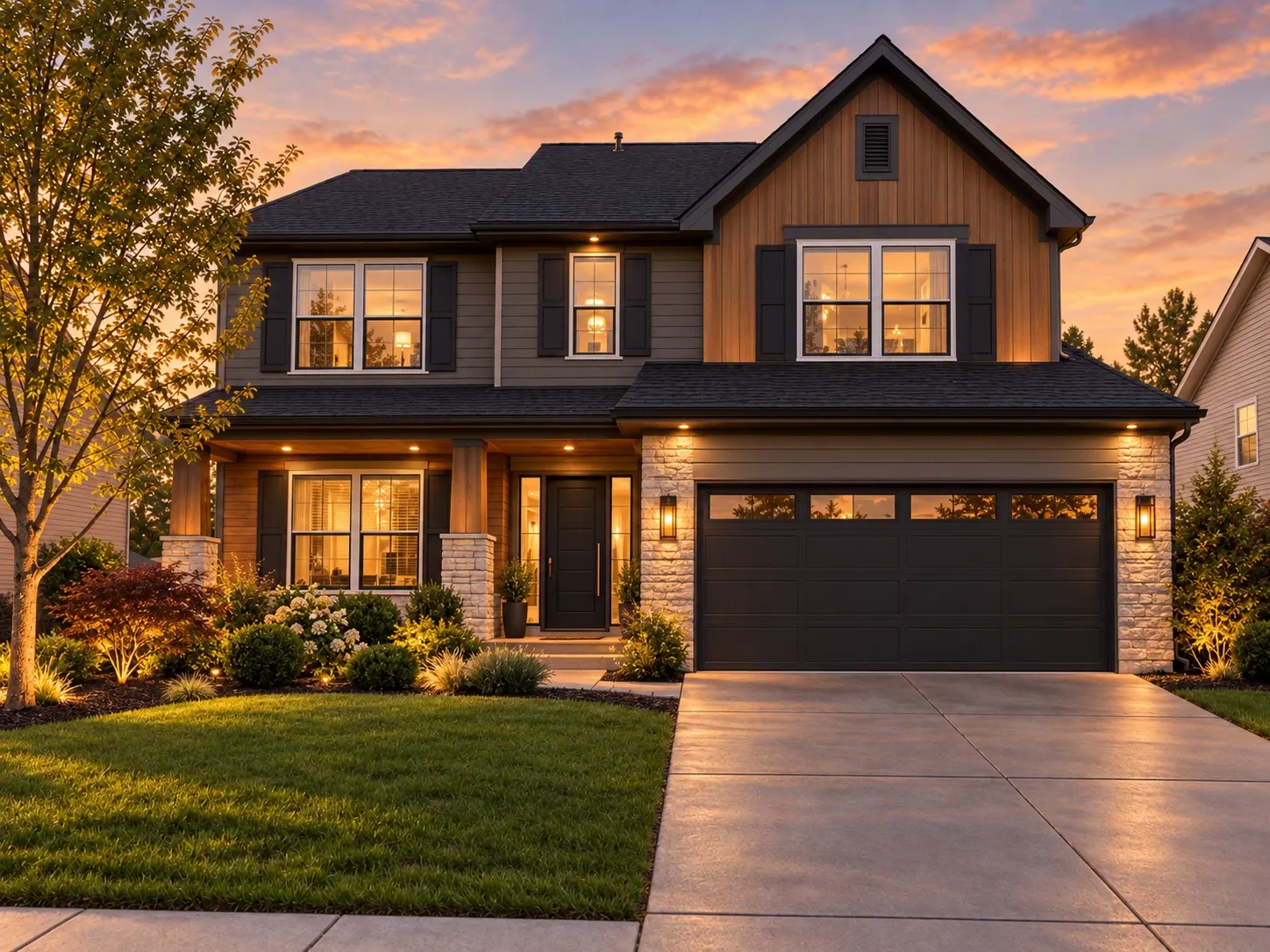
A front yard is mostly seen from the street, so it needs a clear path to the door, planting that frames the house rather than hides it, and good light at the entry. Keep foundation shrubs below the window sills. Repetition, like three of the same shrub or a continuous band of grasses, reads better from the curb than many single plants. Our front yard landscaping ideas go further.

A backyard is used from the inside out. Start with where you want to sit, eat or play, then connect those zones with paths. A dining patio for a table of six needs roughly 12 by 12 feet so chairs can pull out comfortably. Privacy planting, shade and evening lighting usually matter more here than curb appeal.

  • Front yard: defined walkway, entry lighting, low foundation planting
  • Backyard: seating zones, shade, privacy screening, connecting paths
  • Side yard: gravel or stepping stones, narrow shrubs, storage
  • Everywhere: repeat a few plants instead of collecting many singles

Hardscape, materials and low-water gardens

Hardscape sets the bones of a garden and is the hardest part to change later, so it is worth generating several options. Decomposed granite is affordable and permeable but tracks indoors if it sits right outside the back door. Porcelain pavers resist stains and suit modern homes. Bluestone or flagstone softens a traditional house, and corten steel edging gives beds a crisp line that weathers to warm rust.

If you live somewhere dry, ask for a xeriscape version of your yard. Gravel mulch, ornamental grasses, salvia, lavender, yarrow, agave and native groundcovers can replace most of a lawn while still looking full. Keep a small patch of turf only where you actually use it. The generator shows how the change reads, and a nursery can confirm which species suit your region.

Photo tips for outdoor spaces

Overcast days give the most even outdoor photos, because hard shadows from trees and fences can blur where one surface ends and another begins. Shoot in landscape orientation, include a bit of the house or fence for scale, and avoid pointing the camera into the sun. For a sloped yard, stand at the bottom looking up so the different levels are clear.

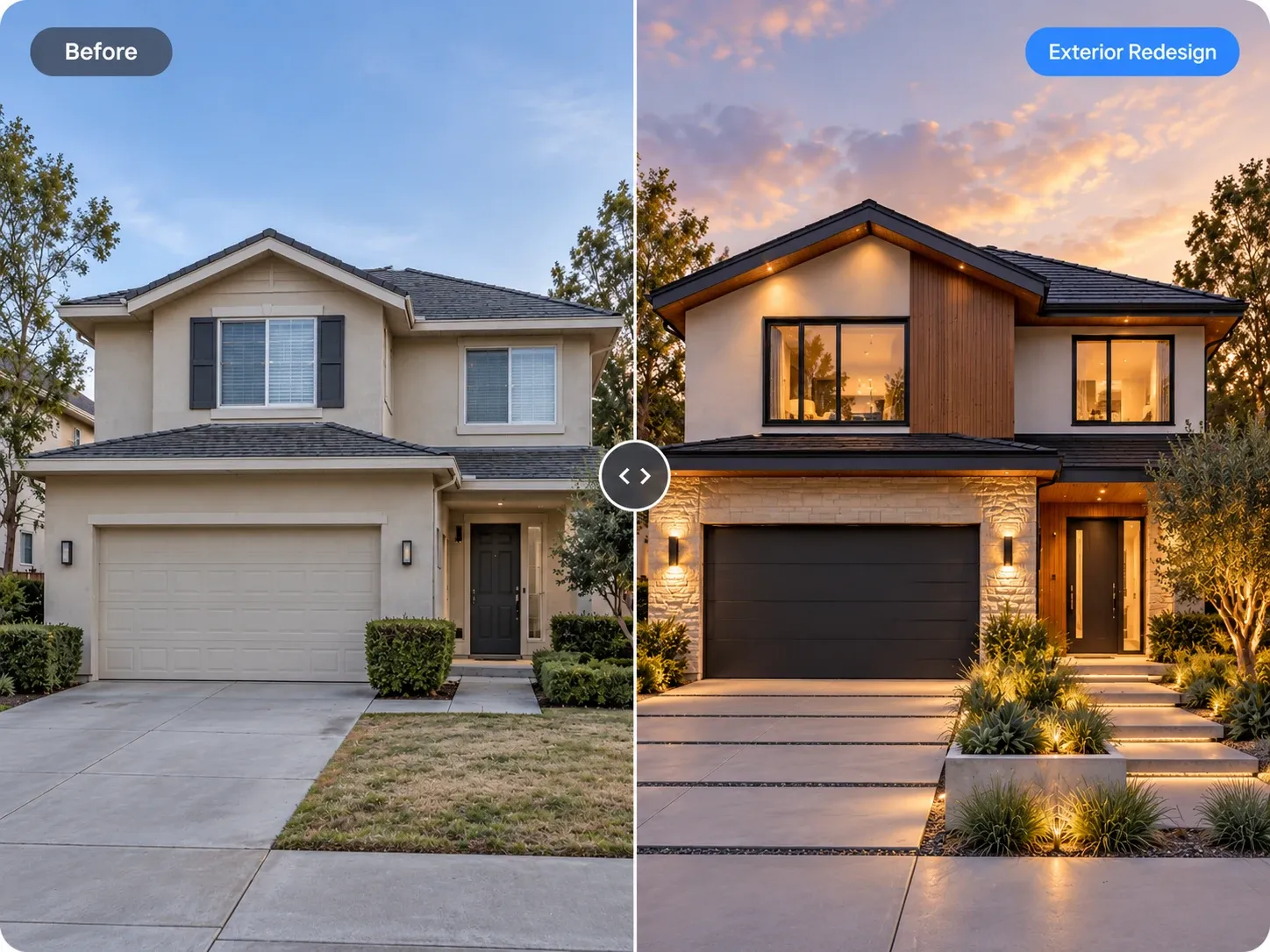
If your yard is large, photograph it in sections and design each one separately, then make sure materials repeat across the images. For facades, paint colors and roofing, the AI exterior design tool is the better fit, and you can combine both sets of results when planning a full curb appeal project.

Frequently asked questions

Is the AI garden design tool free to use?

You can start free once you create an account and try it on a photo of your own yard. Paid plans add monthly credits, which helps if you want to explore many landscape options, design both front and back yards, or prepare concepts for clients.

What photo should I upload for landscape design?

Upload a daylight photo taken from where you usually view the space, such as the back door or the sidewalk. Include some of the house or fence, the ground and any trees you plan to keep. Overcast light works better than harsh midday sun.

Can the AI pick plants that grow in my climate?

It can show planting styles, such as drought-tolerant, cottage or tropical, but it does not know your exact hardiness zone, soil or sun exposure. Add your climate to the instruction, for example 'dry Mediterranean climate, low water', then confirm specific species with a local nursery or extension office.

Can I keep my existing trees, fence or patio?

Yes. The AI keeps the main structure of the photo, and you can name what to preserve, for example 'keep the oak tree and the wood fence, replace the lawn with gravel and grasses'. Generate a few versions, since small details can shift between results.

Can landscapers use the designs with clients?

Yes, you can use your generated images for personal and commercial projects such as listings and client presentations. Landscapers and garden designers can use quick concepts to agree on a direction with a client before drawing a scaled planting plan.

Can I use it outside on my phone, and is my photo private?

Yes. The tool works in your phone's browser, so you can stand in the yard, take the photo and generate concepts on the spot. Your uploads are private to your account; we don't publish them.

Try AI Garden Design on your own photo

Upload a photo, pick a style and compare redesigns side by side.

Related AI tools

View all tools

Ideas to try

More ideas