Can AI Design a Room? What It Does Well and Where It Stops
5 min read
Can AI design a room? Yes, in a specific and useful sense: it can show you how your own space could look in a new style within a minute. It cannot measure your walls, order furniture or check whether a wall can come down. Here is an honest look at what AI does well, where it stops, and how to get real value from it.
What It Means When AI Designs a Room
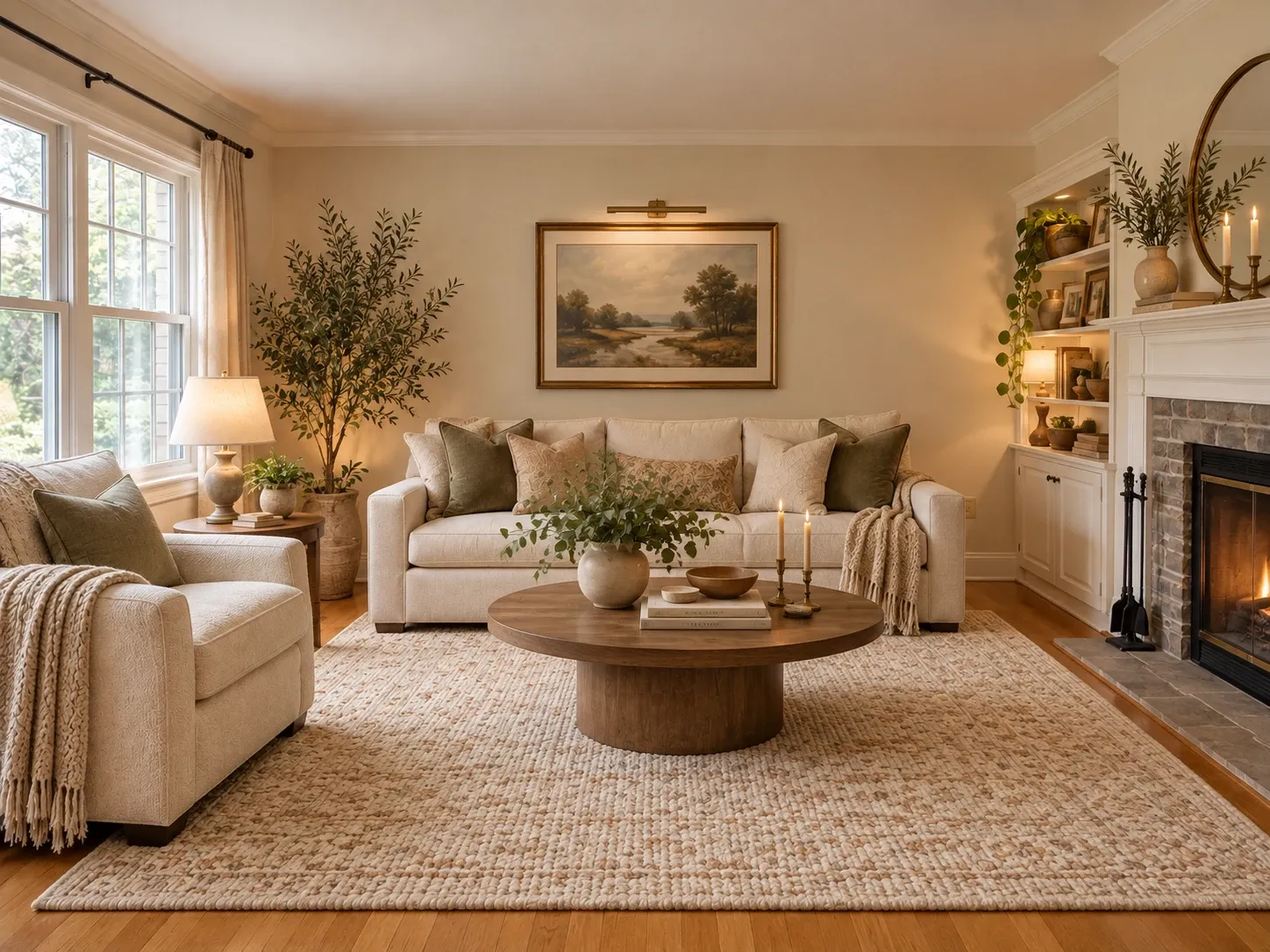
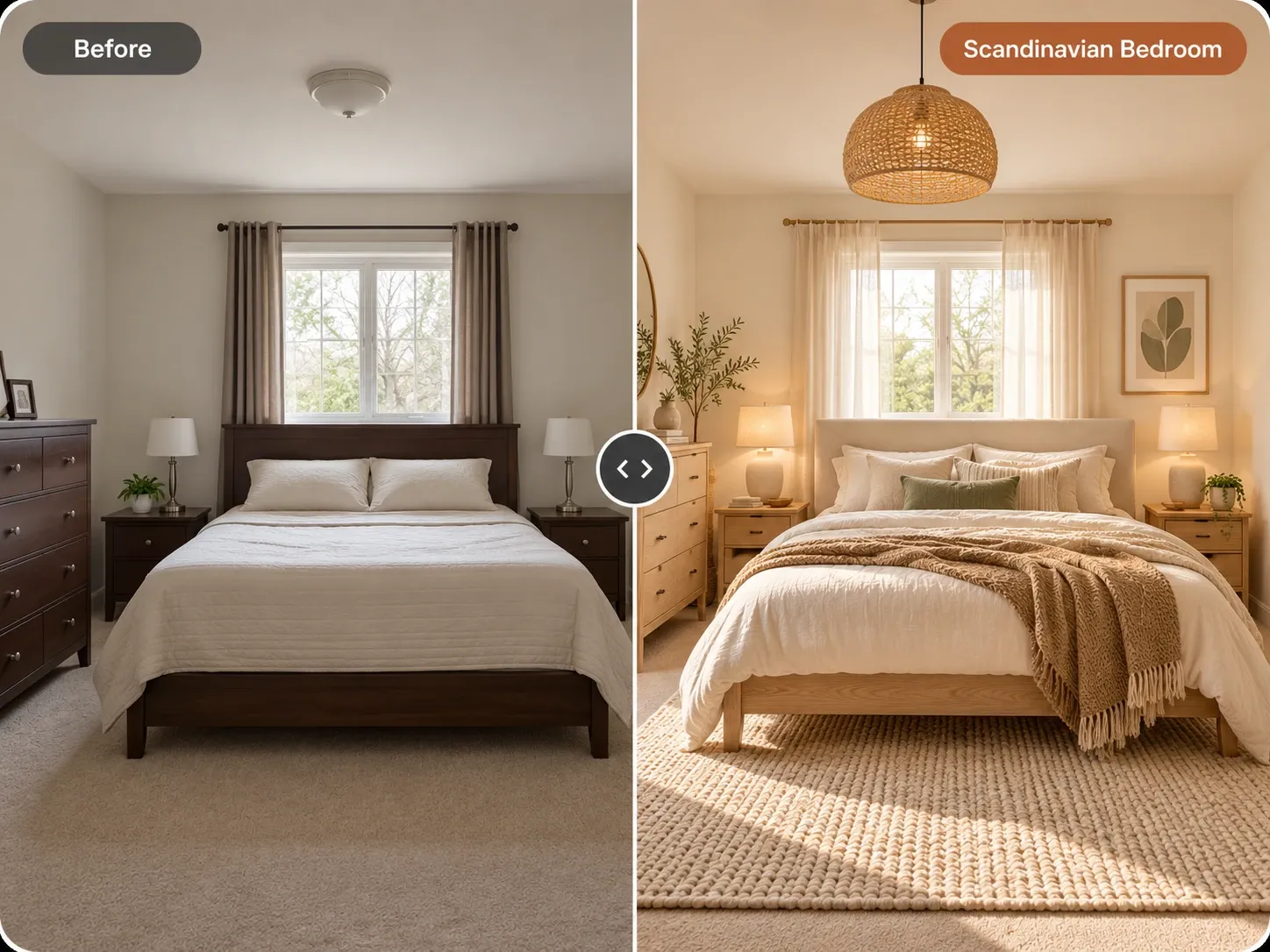
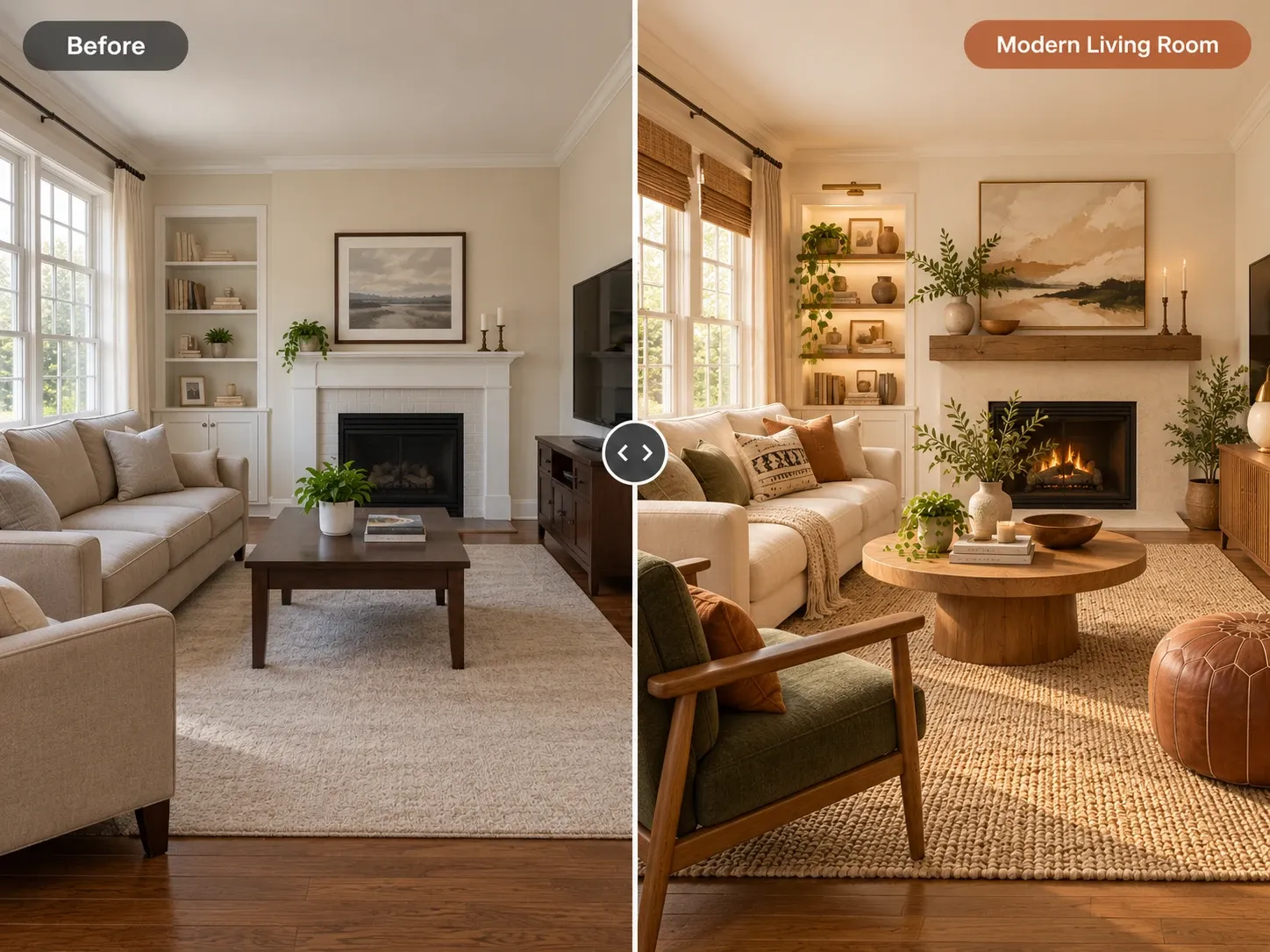
Most consumer tools work from a photo. You upload a picture of your room, choose a room type and a style, and the AI generates a new image of the same space with different furniture, colors, flooring and decor. Good tools keep the walls, windows and camera angle in place, so the result looks like your room rather than a random catalog shot.
That is what AI interior design means in practice today: fast visualization. It is closer to a skilled sketch artist than to a full design service. You get a believable picture of a direction, which you then turn into real decisions about paint, furniture and layout. Some tools also accept written instructions, so you can steer the result toward a specific color, material or mood instead of accepting the first version.
What AI Does Well When Designing a Room
The biggest strength is speed. A designer might sketch two or three concepts. AI can show you a dozen directions in the time it takes to make coffee. That makes it easy to rule out styles you thought you wanted and discover ones you had not considered. It also costs almost nothing to explore a bold idea you would never risk trying with real paint or furniture.
Comparing styles on your own space
Seeing minimalist, warm traditional and bold eclectic versions of the same living room side by side is hard to do any other way. Because the room's structure is preserved, you can judge the style itself instead of being swayed by a nicer room in a magazine photo. You might find that a calm Japandi look suits your light far better than the style you had saved on your phone.
Testing one change at a time
Many tools let you edit only part of an image. With AI room design in Homes Design AI, you can change just the wall color, the flooring or one sofa and keep everything else. That makes it useful for small decisions too, like whether a dark accent wall will make the room feel smaller.
Ending decision paralysis
Couples and families often disagree because each person pictures something different. A shared image settles a lot of debates quickly. It also gives you a clear brief to show a painter, contractor or salesperson. Instead of describing a "warm, natural, not too busy" room in words, you can point to the version everyone agreed on and list what needs to change.
Where AI Stops: The Honest Limits
AI images are approximations. Colors depend on the model, your screen and the lighting in the original photo, so a generated wall shade will not match a paint chip exactly. Materials like marble, oak or linen look convincing but are not real products you can order by name. Always confirm colors with physical samples in your own light.
Scale is the other big gap. The AI does not know your room is 11 feet wide, so a generated sectional may not fit. It does not produce floor plans, 3D models, measurements, cost estimates or construction documents. Measure before you buy anything. Check that walkways stay clear and that doors and drawers can open, because an image can make a crowded layout look comfortable when it would not be in real life.
- No measurements or guaranteed furniture sizes
- Colors and materials are close approximations, not exact matches
- No structural, electrical or plumbing judgment
- No floor plans, 3D models or cost estimates
- Furniture shown is generated, not a specific product
Is AI Interior Design Worth It?
For most people, yes, if you use it for what it is. It is worth it when you are stuck choosing a style, planning a paint change, furnishing a new place, or preparing to brief a professional. Renters can explore ideas without touching the walls. Homeowners can test a direction before spending thousands on a remodel.
Cost is low compared with the decisions it informs. Homes Design AI gives you your first design free as a watermarked preview, and paid plans start at $9 a month. Failed generations do not cost credits. It is less useful if you need technical drawings or a fully managed project, where a designer or architect is the right choice.
How to Get Good Results When AI Designs Your Room
Start with a good photo: shoot in daylight, from a corner, at chest height, with the room tidied. Then be specific. Instead of only picking a style, add instructions such as "keep the fireplace, light oak floors, low linen sofa, more plants." Homes Design AI includes a design assistant that turns plain requests in any language into a precise prompt, and our guide to AI interior design prompts has more examples.
Generate several variations and save the ones you like. Then edit one area at a time rather than starting over. When a direction feels right, list the key elements: wall color family, flooring tone, main furniture shapes and textiles. That list, not the image itself, becomes your shopping and project plan.
When You Still Need a Designer, Contractor or Measuring Tape
Anything that touches structure, wiring, plumbing or gas needs a licensed professional and often a permit. Removing a wall, moving a sink or adding recessed lights are not decisions an image can make safely. A good contractor will also catch issues no photo shows, like moisture, uneven floors or outdated wiring. So, can AI design a room on its own? For the look, largely yes. For anything that has to be built, it needs people.
The best approach is to combine both. Use AI interior design to explore and agree on a direction, then bring the images to the people who measure, specify and build. Many homeowners find that showing a clear picture shortens meetings and reduces misunderstandings. For quick layout and style ideas in a single space, AI room design is a practical first step before any money changes hands.
Written by the Homes Design AI team. Next step: try AI Interior Design on a photo of your own space.