How to Choose the Best AI Interior Design App
6 min read
Finding the best AI interior design app depends less on rankings and more on what you need it to do. A homeowner testing paint colors, a renter planning furniture and a realtor staging listings need different features. This checklist covers what to compare and how to test any app in a few minutes before you pay.
What Should the Best AI Interior Design App Do for You?
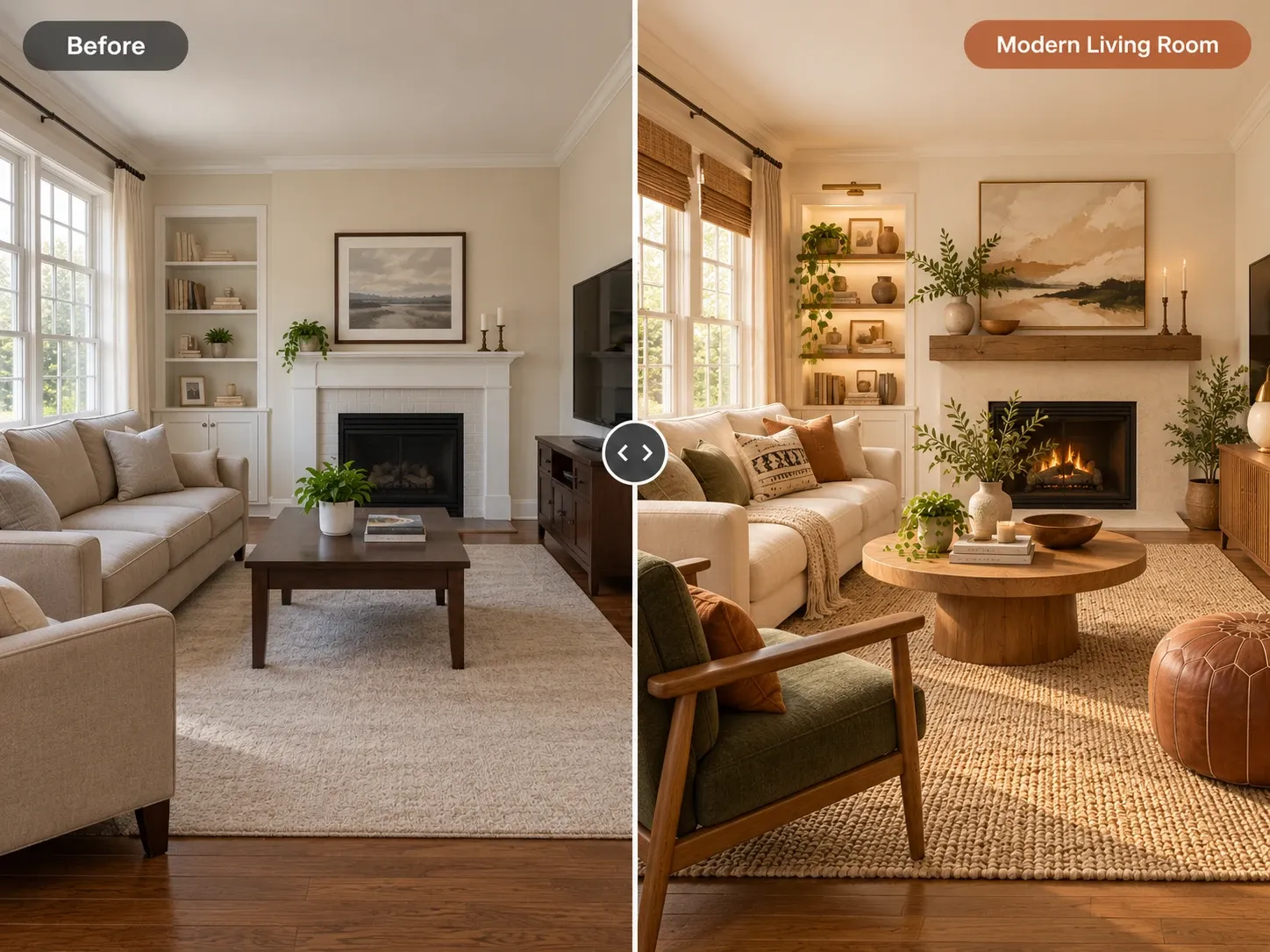
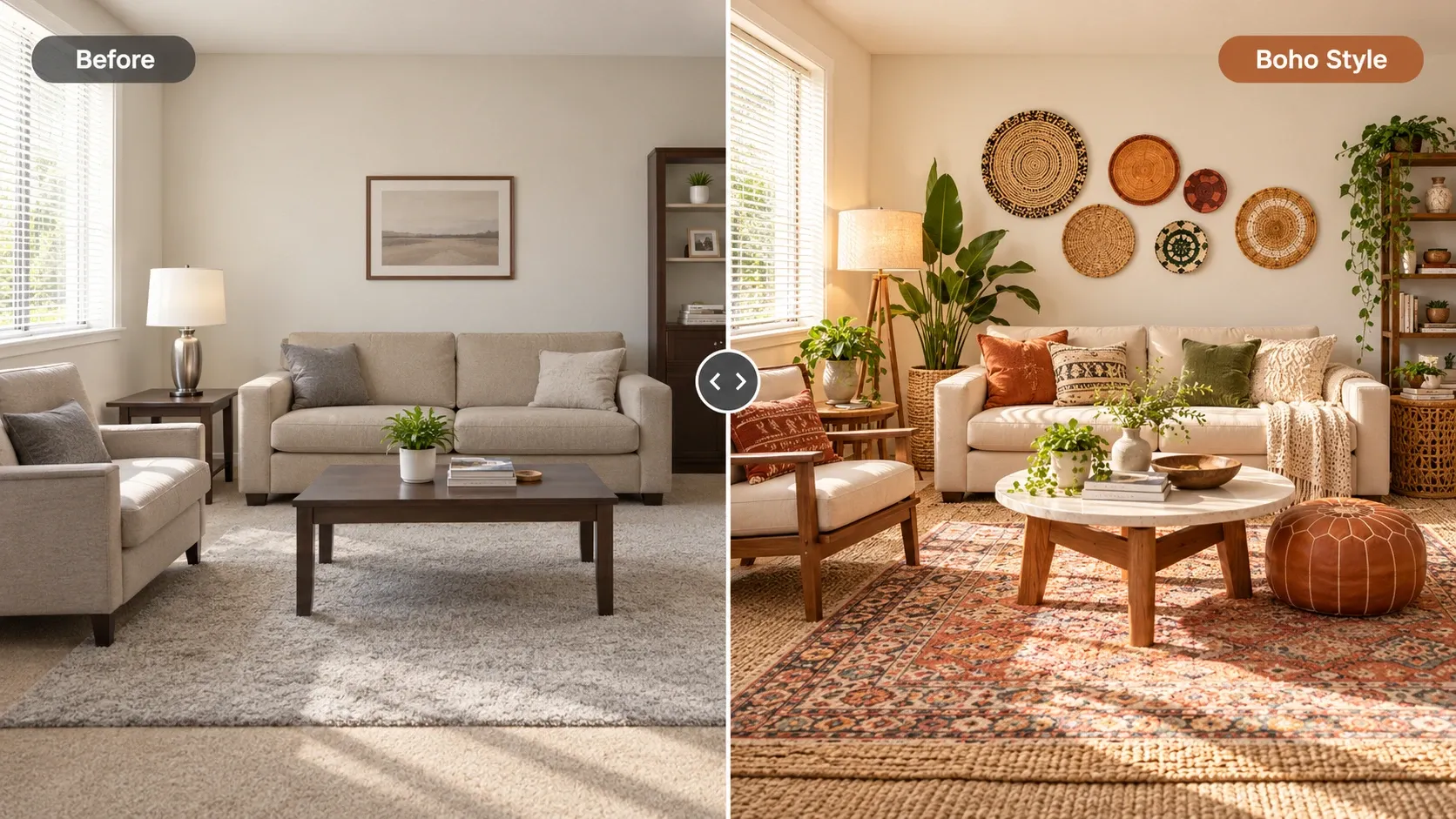
Start with the job. Write one sentence about what you want: see my living room in a new style, test three paint colors, stage an empty listing or plan a new layout. That sentence tells you which type of tool to look for. Homes Design AI, for example, is a web app for AI interior design that works from a photo, so there is nothing to download.
AI design apps fall into two broad groups that solve different problems. Knowing which group fits your goal saves you from paying for features you will not use, or from expecting a tool to do something it was never built for. Many people end up using one of each: a photo tool for style and a planner for dimensions.
Photo-based redesign tools
These take a photo of your real room and return a redesigned image. They are fast and well suited to choosing a style, colors and furniture. They do not produce floor plans, 3D models or measurements, so they work best for decisions about look and feel rather than exact dimensions.
3D planners and floor plan tools
These ask you to draw or scan the room and place furniture models. They take longer to set up, but they give you dimensions and let you move around a model. If you need precise layouts or construction drawings, this category, or a professional, is the right place to look.
Does It Keep Your Room's Structure?
For photo-based tools, structure preservation is the most important test. A good result keeps your walls, windows, doors, ceiling height and camera angle. A weak one moves the window, adds a fireplace or makes the room look larger than it is. That may look attractive, but it does not help you plan, because you cannot buy your way into a room you do not have.
Test it with a room that has a clear feature, such as an off-center window or a sloped ceiling. If the feature survives across several styles, the app respects structure. Also check perspective: furniture should sit on the floor at a believable scale, not float or shrink oddly near the back wall.
Control: Instructions and Editing Specific Areas
Full makeovers are fun, but real projects usually change a few things at a time. Look for an app that accepts plain-language instructions, like keep the sofa and make the walls sage green, and that can edit a specific area such as the flooring, the wall color or one piece of furniture. Without that control, you end up regenerating whole rooms to fix one detail.
Language support matters too. Some tools, including Homes Design AI, use an assistant that turns requests in any language into a precise prompt. To test control, pick a tricky request from your own plans, like one of these small bedroom ideas, and see whether the app follows it closely or ignores half of it.
Pricing Model, Free Tier and Watermarks
AI design apps usually charge by subscription, by credits or both. Compare what one usable design actually costs you, not just the monthly price. Check whether failed generations still use credits, whether unused credits roll over and whether cancelling is simple. A cheap plan that limits resolution or adds watermarks can cost more in the end.
Free tiers are for testing, so read what they include. Many show watermarked or lower-resolution previews. For a clear example, see Homes Design AI pricing: the first design is free as a watermarked standard-quality preview. Basic is $9 per month for standard 2K images, Pro is $19 per month and adds 4K HD and commercial use, and Studio is $39 per month with Ultra quality. Failed generations do not cost credits.
- Price per design on the plan you would actually use
- Whether failed generations cost credits
- Watermarks on free or entry plans
- Resolution included in each tier
- How to cancel and what happens to unused credits
Resolution, Commercial Rights and Privacy
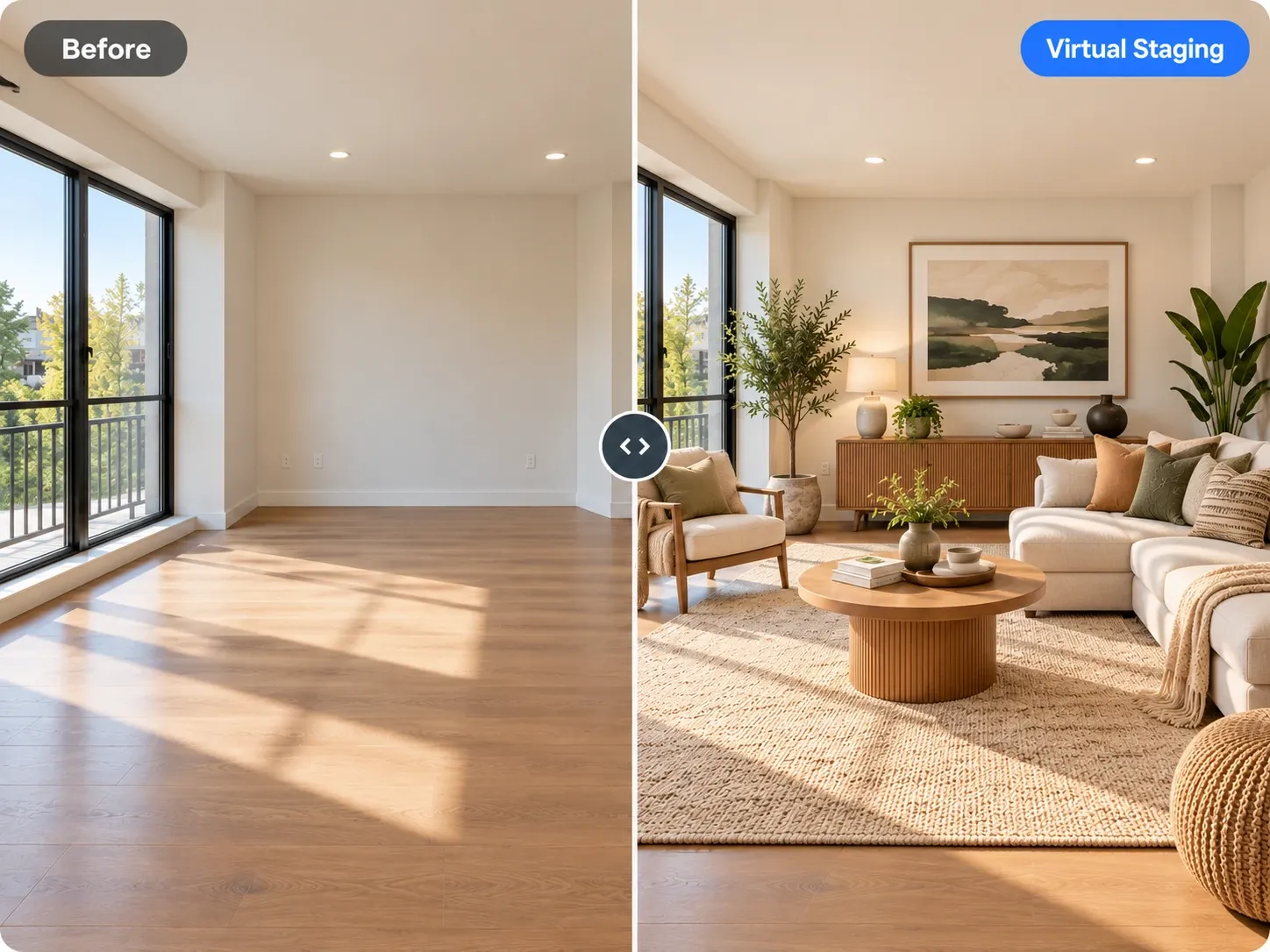
Three details in the fine print separate a fun toy from a tool you can rely on. Check them before you commit to a paid plan, especially if you plan to share or sell the images. If you stage listings, our comparison of virtual staging vs traditional staging explains where AI images fit in a sale.
Output resolution
For personal planning, a standard image viewed on a phone or laptop is enough. For printing, client presentations or listing photos, look for higher resolution such as 4K. Zoom in on results at full size: soft edges, warped lines and smeared textures show up quickly. Check fine details like window frames, cabinet handles and the edges of rugs, since they reveal quality first.
Commercial use
If you are a realtor, designer or property manager, check the terms for commercial rights. Some plans allow personal use only. Using images in listings or marketing without the right plan can cause problems later, so confirm the license before you publish anything. Some listing platforms also expect virtually staged photos to be labeled as such.
Privacy
Your photos show the inside of your home. Read how the app stores uploads, whether they are used to train models and whether you can delete them. Avoid photos that show personal documents, family pictures or a visible house number unless you are comfortable with how they are handled. When in doubt, crop or tidy those details before you upload.
How to Test the Best AI for Interior Design Before You Pay
You can evaluate any app in a short session with the same three photos: a bright living room, a darker bedroom and one room with an awkward feature. Run each through two styles and one specific edit. Using the same inputs across apps makes the comparison fair and shows quickly which tool handles real-world photos.
Then judge the results with one question: could you recreate this room with real products? If yes, you have found a tool worth paying for. You can run this test with Homes Design AI today, since AI interior design results take under a minute and your first one is free.
- Upload the same three photos to every app you test
- Check that walls, windows and doors stay in place
- Ask for one specific change and see if it is followed
- Note how long each result takes and any failures
- Zoom in at full size to check textures and edges
- Read the pricing, watermark and commercial use terms
Written by the Homes Design AI team. Next step: try AI Interior Design on a photo of your own space.