ChatGPT Interior Design: How to Use It Well
5 min read
ChatGPT interior design help is a good starting point when you feel stuck: it can brainstorm styles, suggest color palettes and talk through a layout in plain language. It is less reliable when you need to see your own room redesigned accurately. This guide shows how to use it well and when to hand off to other tools.
What ChatGPT Interior Design Help Is Good At
A chatbot is a patient sounding board. You can describe your room, your budget and the way you use the space, then ask for ideas. It is good at explaining styles, comparing options and suggesting palettes of three or four colors. It can also turn a vague feeling, like calm but not boring, into concrete choices such as warm white walls, oak and one deep accent color.
It helps with the organizing work around a project too. Ask it to build a checklist, a shopping list by category or a list of questions for a contractor. For visual results based on your actual photo, a dedicated AI interior design tool is the better fit, but text planning is where a chatbot shines.
- Explaining the difference between two styles
- Suggesting color palettes and where to use each color
- Brainstorming layouts for a room you describe
- Writing shopping lists, checklists and contractor questions
- Turning a messy idea into a clear design brief
How to Use ChatGPT for Interior Design, Step by Step
Good answers start with good context. Before you ask for ideas, describe the room: size in feet, ceiling height, where the windows and doors are, which direction the light comes from and what furniture stays. Add who uses the room and how. The more concrete your description, the less generic the suggestions will be.
Give it constraints
Constraints make advice useful. Mention your budget, rental rules such as no painting, pets, kids and anything you refuse to change. Ask it to explain its reasoning, so you can see whether a suggestion fits your space or is just a generic tip that would suit any room. Constraints also cut the list of options down to ones you can actually carry out.
Iterate like a conversation
Treat the first answer as a draft. Push back: too cold, make it warmer. I can't move the TV wall. What if the sofa goes under the window? Asking for two or three alternatives, then picking one to develop, usually works better than one huge request with every wish at once.
Prompts for Better ChatGPT Room Design Answers
The best prompts combine a role, the facts and a clear output. Ask it to act as an interior designer, give it your room details, and request a palette, a furniture list with sizes and three layout options. Asking for a specific format, like a table or a numbered list, makes the answers easier to act on.
The same habits help when you move to image tools. Our collection of interior design prompt examples is grouped by goal, from style changes to lighting. For a text chat, these starting points work well. Swap in your own dimensions, light direction and budget, and keep the request focused on one room at a time:
- Act as an interior designer. My living room is 12 by 15 feet with one window on the north wall. Suggest a warm palette and explain where each color goes.
- Give me three layouts for a 10 by 11 foot bedroom with a queen bed, a desk and the closet door on the short wall.
- I rent and cannot paint. List ten changes that make this room feel more modern for under $500.
- Compare Japandi and Scandinavian styles for a small apartment with a dog.
Can ChatGPT Design a Room From Your Photo?
Depending on the version and features you have, a general chatbot may be able to describe an uploaded photo or generate images. That is useful for inspiration. The catch is accuracy. A general image model is not built specifically to preserve your room, so results can move windows, change the ceiling or invent space you do not have.
Measurements are the other weak point. A chatbot can tell you a typical sofa is around 84 inches long, but it cannot measure your wall. Check every number yourself. Treat any layout as a sketch to test with a tape measure and painter's tape on the floor, not as a plan you can order furniture from.
Scale is a related blind spot. A chatbot does not see how a large sectional crowds a small room or how a low ceiling changes the feel of a tall bookcase. It can only work with the numbers you give it, so add ceiling height, window sizes and door swings to your description and ask it to flag anything that might not fit.
Pair a Chatbot With a Photo-Based Design Tool
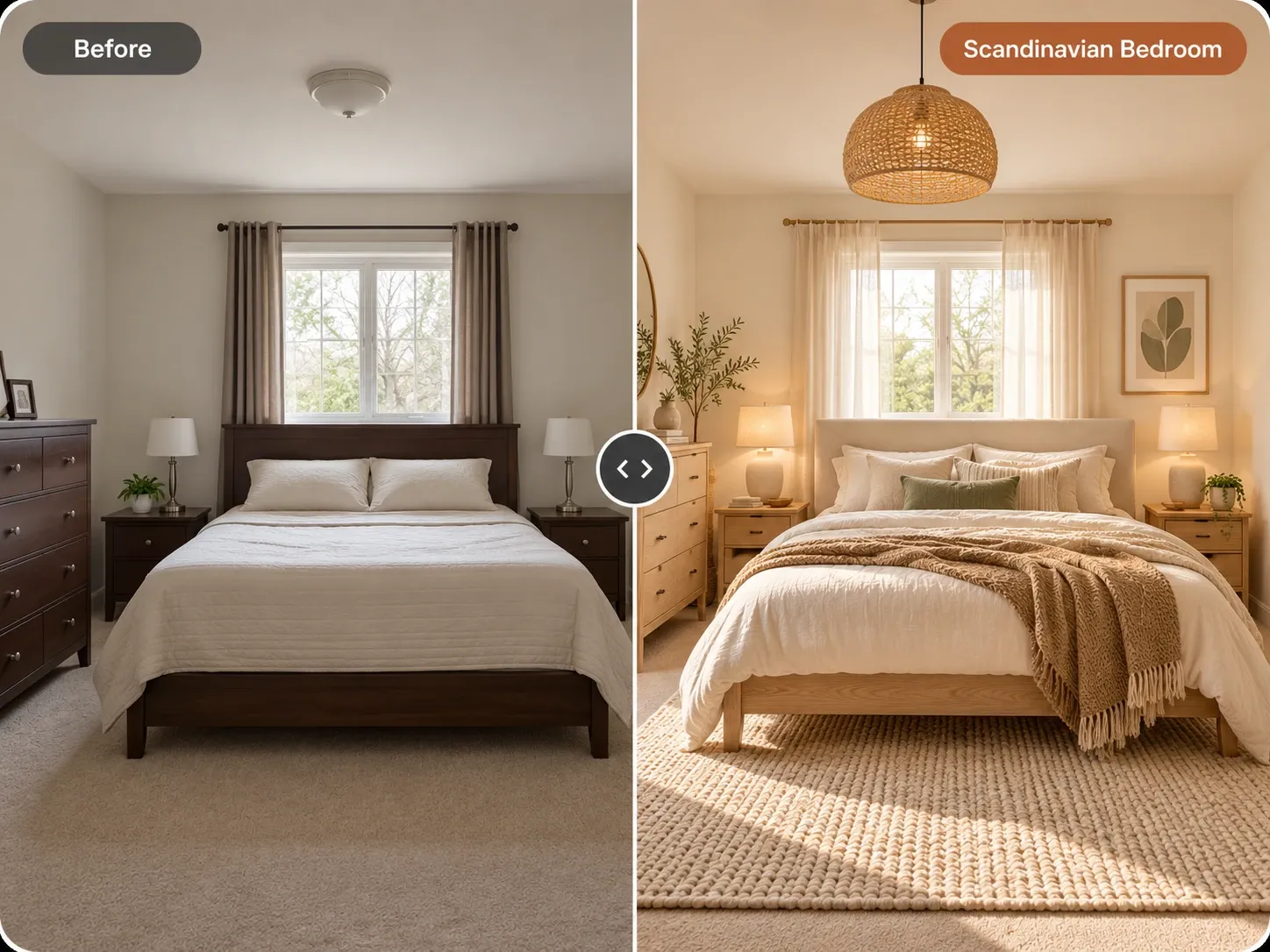
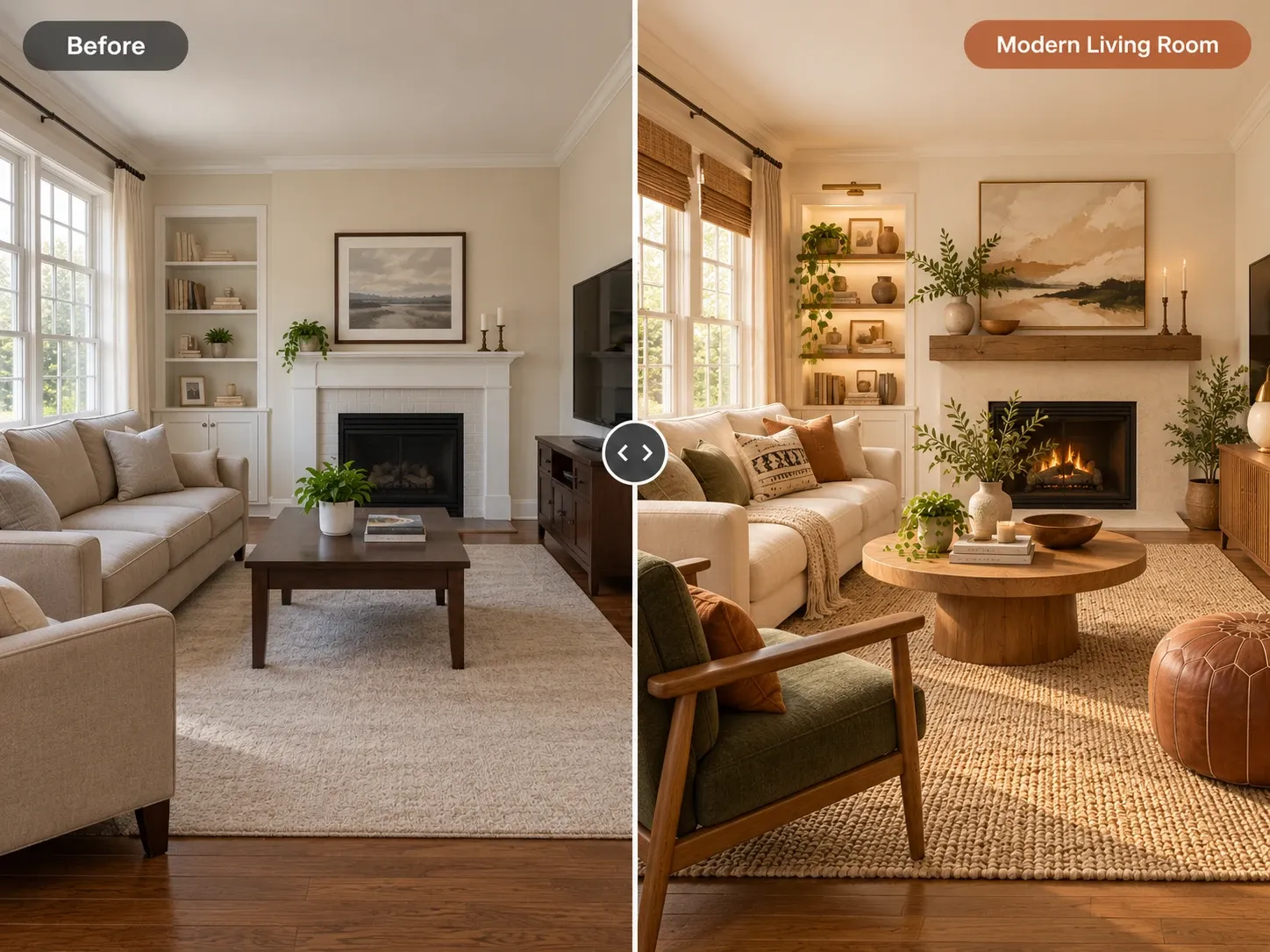
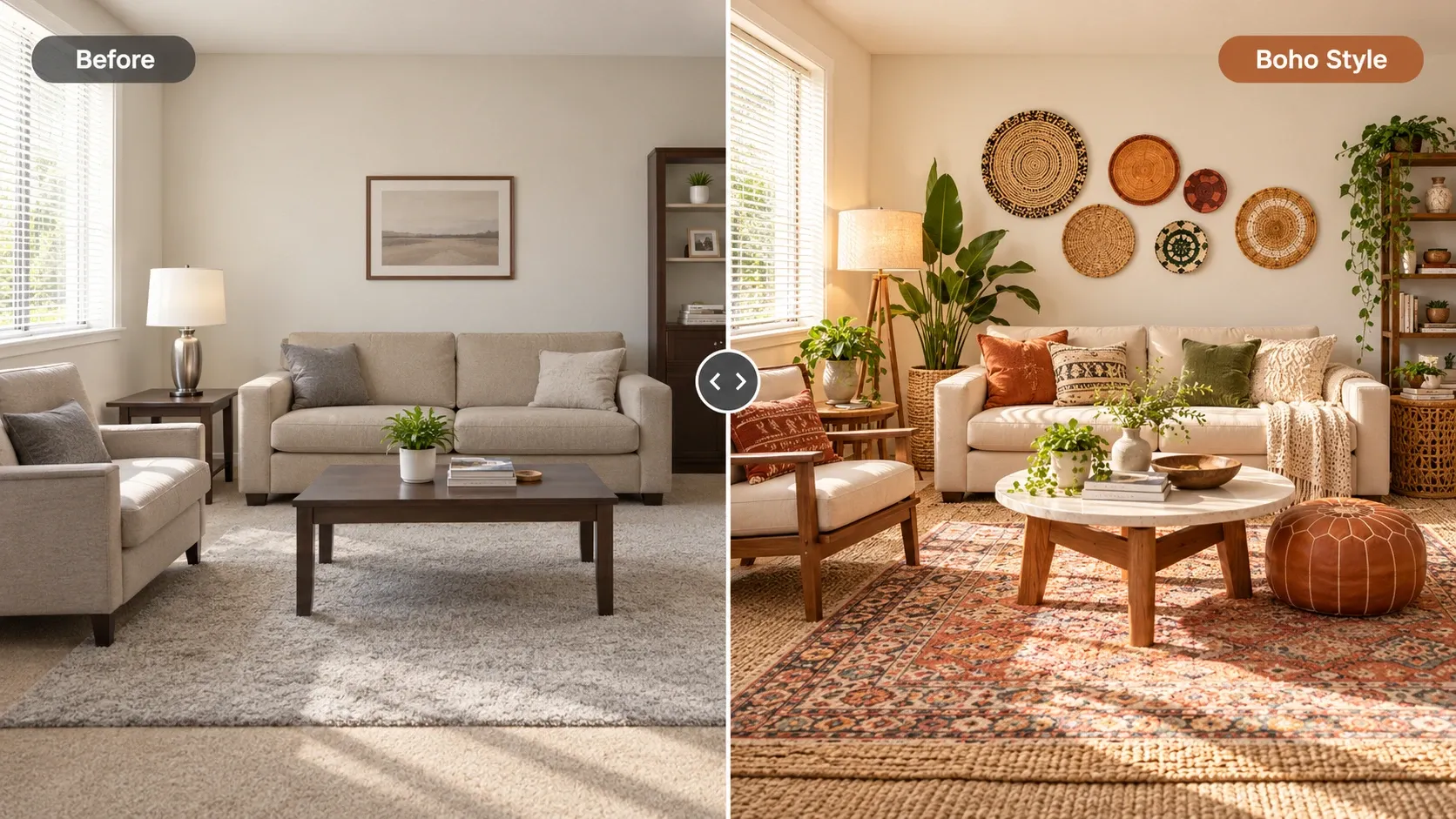
A practical workflow uses both. Use the chatbot to define a direction, for example warm minimalist interior design with oak and soft white. Then use a photo-based tool to see it in your room. Homes Design AI keeps your walls, windows and perspective, and returns a redesign in under a minute.
You can paste your chatbot brief into the instructions box. An AI design assistant turns requests in any language into a precise prompt, and you can edit specific areas, such as only the wall color or one chair. If you want a warmer feel, browse cozy living room ideas first, then try the look on your photo with AI interior design.
Fact-Check Before You Buy or Build
Chatbots can sound confident when they are wrong. Double-check product names, prices and availability with the retailer. For anything structural, like removing a wall, moving plumbing or adding outlets, talk to a licensed professional. Codes vary by city, and a general answer is not a substitute for local rules or a permit.
Keep a simple record of what you decide: palette, key pieces, measurements and the image you are aiming for. That one-page brief keeps the project consistent as you shop. It also makes conversations with contractors and salespeople faster, because you can show exactly what you want instead of describing it from memory.
Written by the Homes Design AI team. Next step: try AI Interior Design on a photo of your own space.