Home Office Setup for Video Calls: Desk, Light, Background and Sound
6 min read
A good home office setup for video calls comes down to four things: where the desk sits, where the light comes from, what is behind you and how you sound. None of it needs expensive gear. This guide walks through each one in order, with simple fixes you can make this week and ideas for a background that looks calm and professional.
Desk Placement: Start With the Window
Desk placement decides most of how you look on camera. The ideal spot has a window in front of you or to one side, so daylight falls on your face. Sitting with a window behind you turns you into a silhouette, because the camera exposes for the bright glass. If you cannot avoid it, close a sheer curtain or blind during calls.
Think about what the camera sees, not just what you see. A desk facing a wall puts the room behind you on screen, so that view needs to be tidy. A desk placed so a bookshelf or plain wall sits a few feet behind you gives depth without distraction. Try to avoid an open door behind you, where people walking past will appear mid-call.
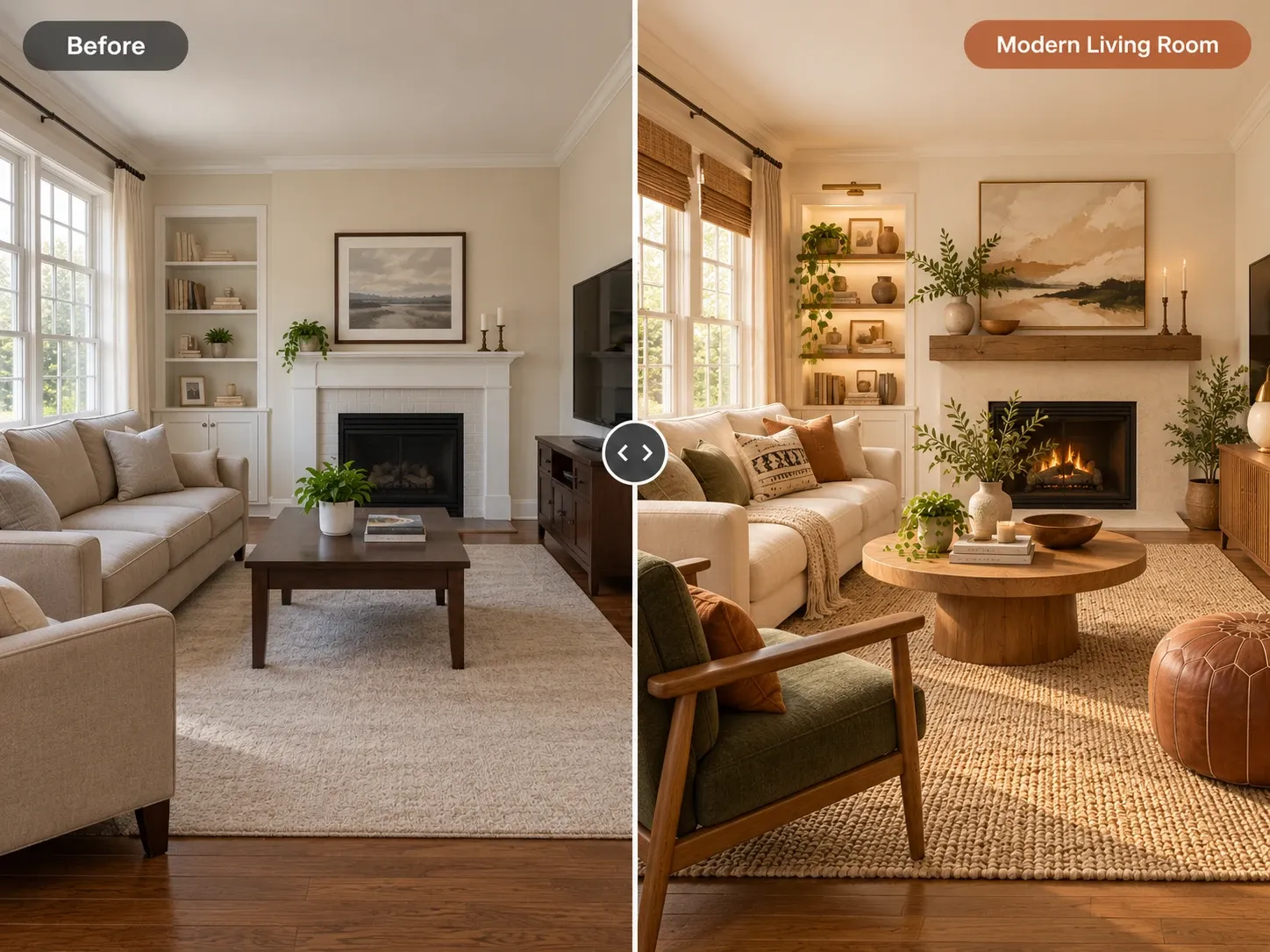
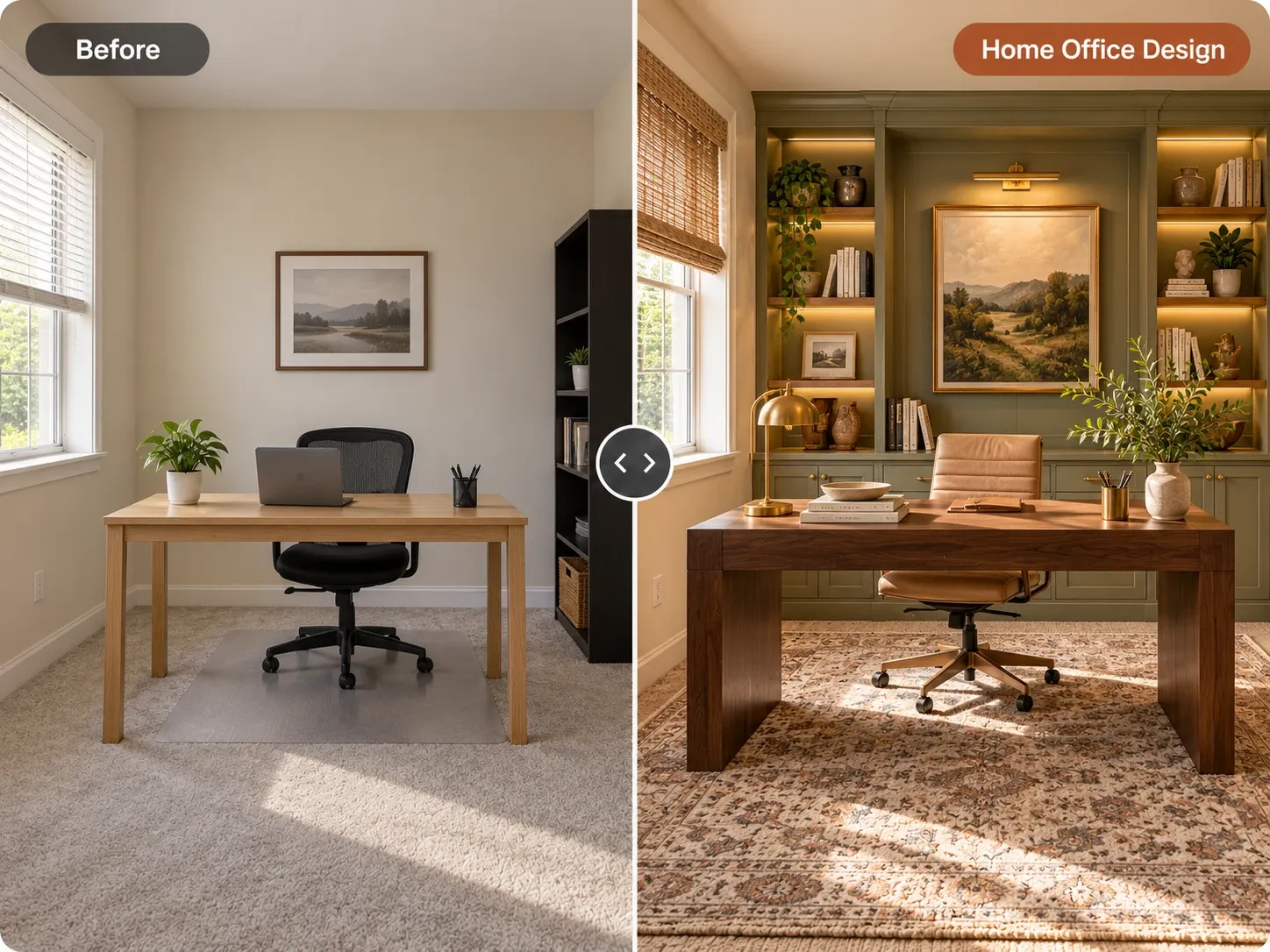
If you are rearranging a spare room or a corner of the bedroom, it helps to test layouts visually first. An AI office design tool can restyle a photo of your space so you can compare desk positions and backgrounds before moving heavy furniture. It is a quick way to check whether a shelf, plant or new paint color behind your chair will actually look good on screen.
Lighting for Video Calls
Good lighting for video calls is soft, in front of you and roughly at face height. Overhead lights alone tend to cast shadows under the eyes, and laptop screens add a bluish glow. Layering two or three sources fixes both problems without studio equipment. The aim is even light on your face, a little light behind you, and no bright window or bulb shining straight into the lens.
Key light in front of you
Your main light should sit slightly to one side of the camera, at or a little above eye level. Daylight from a window works well. In the evening, a lamp with a fabric shade or an inexpensive LED panel bounced off a wall gives soft, even light. Avoid bare bulbs pointed straight at your face, since they create harsh glare.
Background light and color temperature
A small lamp behind you, on a shelf or side table, separates you from the wall and adds depth. Keep all bulbs in the same color temperature where possible. Mixing warm lamps with cool daylight can make skin look uneven on camera. Many people find a neutral to warm white flattering, but test what looks natural with your webcam.
Choosing a Video Call Background for Your Home Office Setup
A good video call background is calm, a little personal and free of clutter. Think of it as a frame around your face. A few books, a plant, one piece of art and a lamp say more than a crowded shelf. Leave some empty space so the eye is not pulled away from you. Unmade beds, laundry and piles of paper are the usual offenders.
Wall color matters more than people expect. Mid-tone, muted colors like soft green, warm gray or dusty blue tend to look good on camera because they do not blow out like bright white or swallow light like very dark paint. For layout and decor inspiration, browse home office ideas and note which backgrounds still look clean at webcam resolution.
- One plant, real or a convincing faux, adds life
- A shelf styled with a few books and objects, not packed full
- One piece of art, hung so it sits beside your head, not behind it
- A lamp in the back corner for depth
- Nothing that moves, blinks or reflects light
Camera Height and Framing
Put the camera at eye level. A laptop on a desk points up your nose and shows the ceiling. Raise it on a stand or a stack of books, or use an external webcam mounted on top of a monitor. Your eyes should sit about a third of the way down the frame, with a little space above your head.
Sit at roughly arm's length from the camera so your head and shoulders fill the frame comfortably. Too close looks cramped, and too far makes you hard to read. Check your framing once with the video preview, then mark your chair position or monitor height so you do not have to fix it before every meeting.
Sound: The Overlooked Part of a Home Office Setup for Video Calls
People will forgive average video but not echo or background noise. Hard rooms with bare floors and empty walls bounce sound around. Soft surfaces help: a rug under the desk, curtains, an upholstered chair and a full bookshelf all absorb echo. These are design choices that also make the room feel warmer.
A headset or a microphone placed close to your mouth makes a bigger difference than a fancy camera. Laptop microphones pick up keyboard taps and room echo. Turn off fans or noisy appliances during calls when you can, and close the door. If you share the space, a small sign or a shared calendar saves awkward interruptions.
Plan the Look Before You Move Furniture
Take a photo from the exact spot where your webcam sits. That is the view your colleagues see. Upload it to Homes Design AI, choose home office as the room type and a style such as Scandinavian, and add instructions like "sage green wall, floating shelf with a plant, keep the window." You can change only the wall color or a single shelf and create variations until the background feels right.
Your first design is free as a watermarked preview, and results take under a minute. Use the AI office design result as a shopping and painting guide, not a floor plan, since the tool does not produce measurements. For more on using generated images as a decorating plan, see how to use AI to decorate a room.
Written by the Homes Design AI team. Next step: try AI Home Office Design on a photo of your own space.